Seedance2.0: منخفضة مثل $0.483/فيديو
Grok: منخفضة مثل $0.069/فيديو

Waiting for your creations!
هل مازلت منزعجًا من ارتفاع عتبة إنشاء الفيديو؟ هل ترغب في إنتاج أفلام قصيرة إبداعية ولكنك تفتقر إلى مهارات التحرير الاحترافية؟ تطمح إلى تكرار التصوير السينمائي على مستوى الفيلم ولكنك لا تعرف من أين تبدأ؟ هل تعاني من لقطات متناثرة عند تمديد مقاطع الفيديو؟ باعتباره نموذجًا لإنشاء فيديو متعدد الوسائط يعمل بالذكاء الاصطناعي تم إطلاقه حديثًا، يكسر Seedance 2.0 تمامًا حدود إنشاء الفيديو التقليدي. بفضل وضع الإدخال رباعي الأبعاد للصور ومقاطع الفيديو والصوت والنص، يمكنك بسهولة إنشاء أعمال فيديو على مستوى الفيلم دون أي مهارات احترافية. تم تصميم منتجنا بالكامل من وجهة نظر المستخدم، وهو يبسط إنشاء الفيديو المعقد في عملية مباشرة لتحميل المواد وكتابة المطالبات، مما يوفر حقًا ما تتخيله هو ما تحصل عليه من تجربة إبداعية.
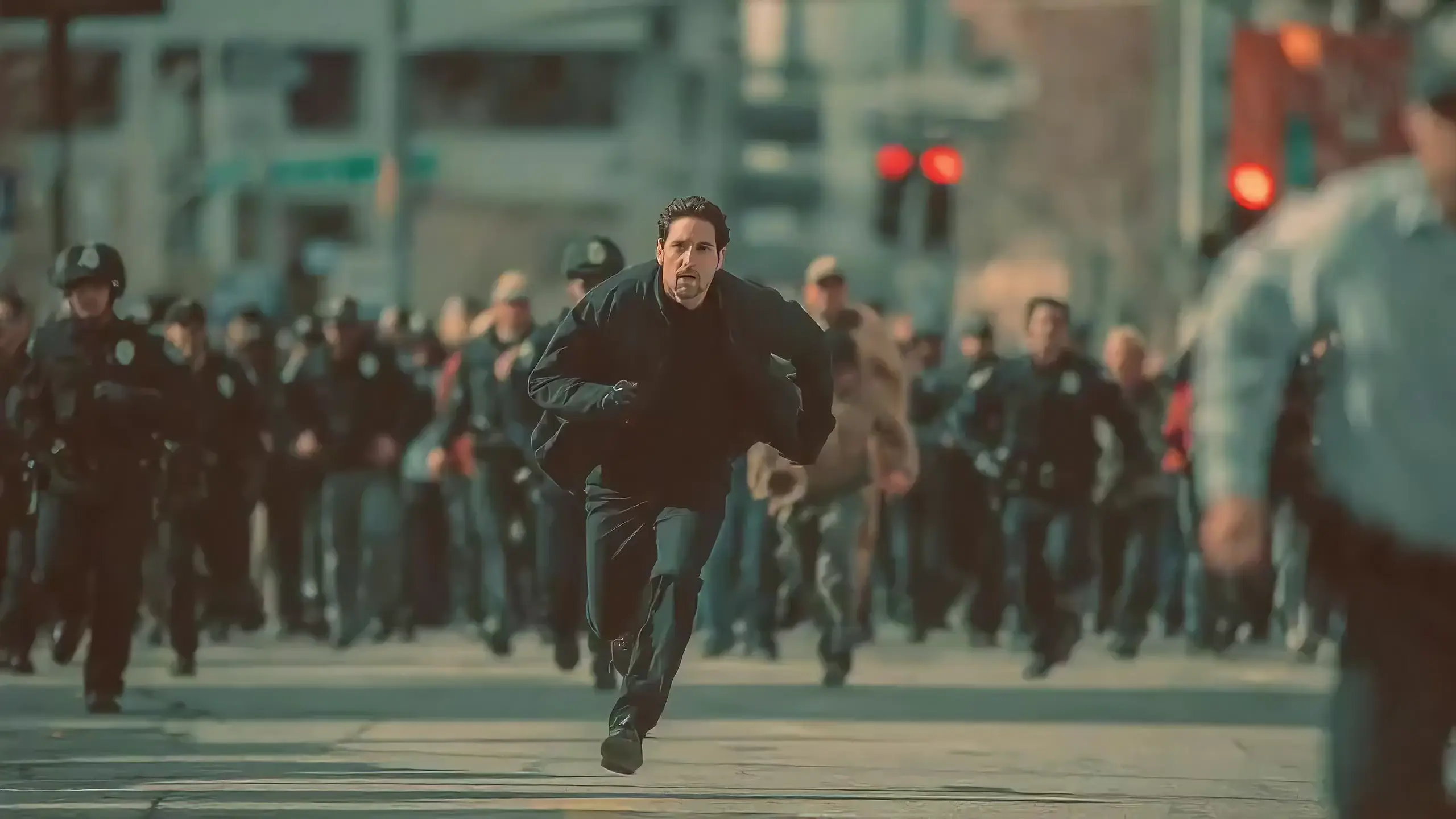
Seedance 2.0 features exclusive optimizations for image-to-video and text-to-video scenarios with its intelligent lens switching function. No professional editing knowledge or complex lens commands are needed—simply with an image sequence or text description, the model automatically matches the suitable lens switching methods. It supports a variety of transition effects such as fade in/out, pan, tilt, push, pull, and seamless scene transitions, and can adjust the switching speed based on frame content and plot rhythm, effectively boosting transition naturalness by 92%. This turns static images or text-described scenes into dynamic videos with naturally flowing camera movements, directly generating a complete video with smooth lens switching without requiring any additional description of transition details.
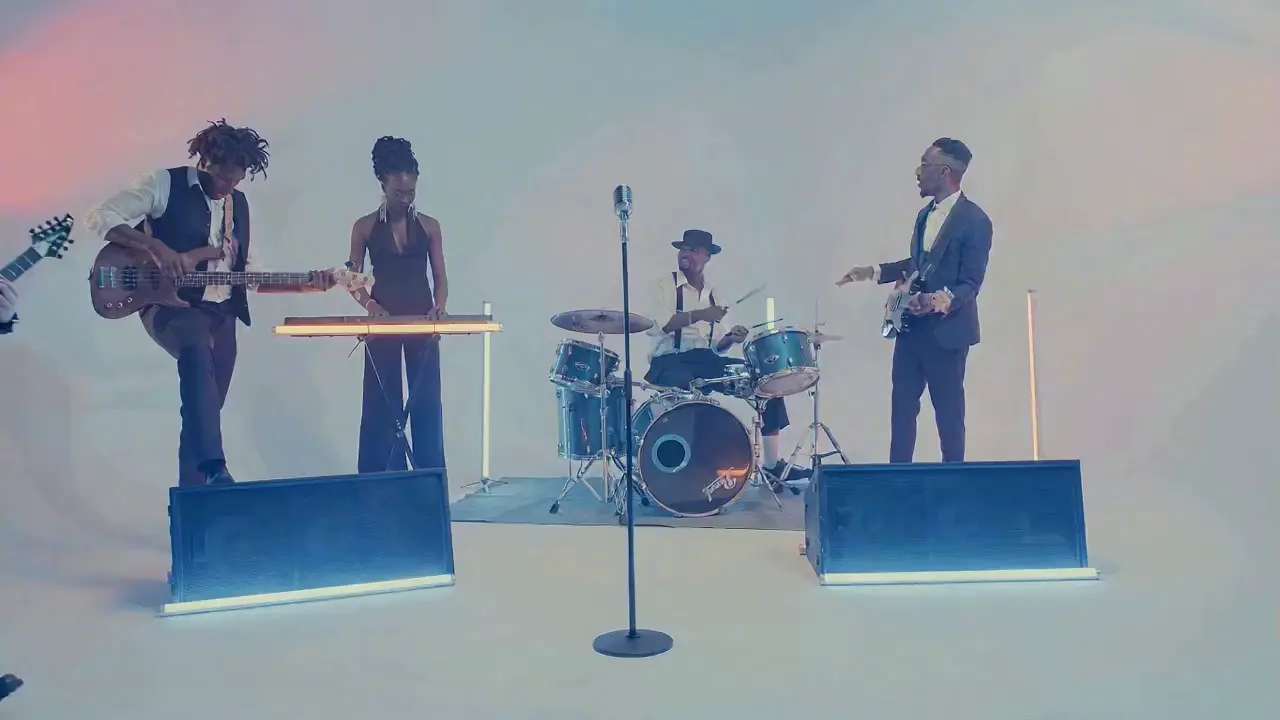
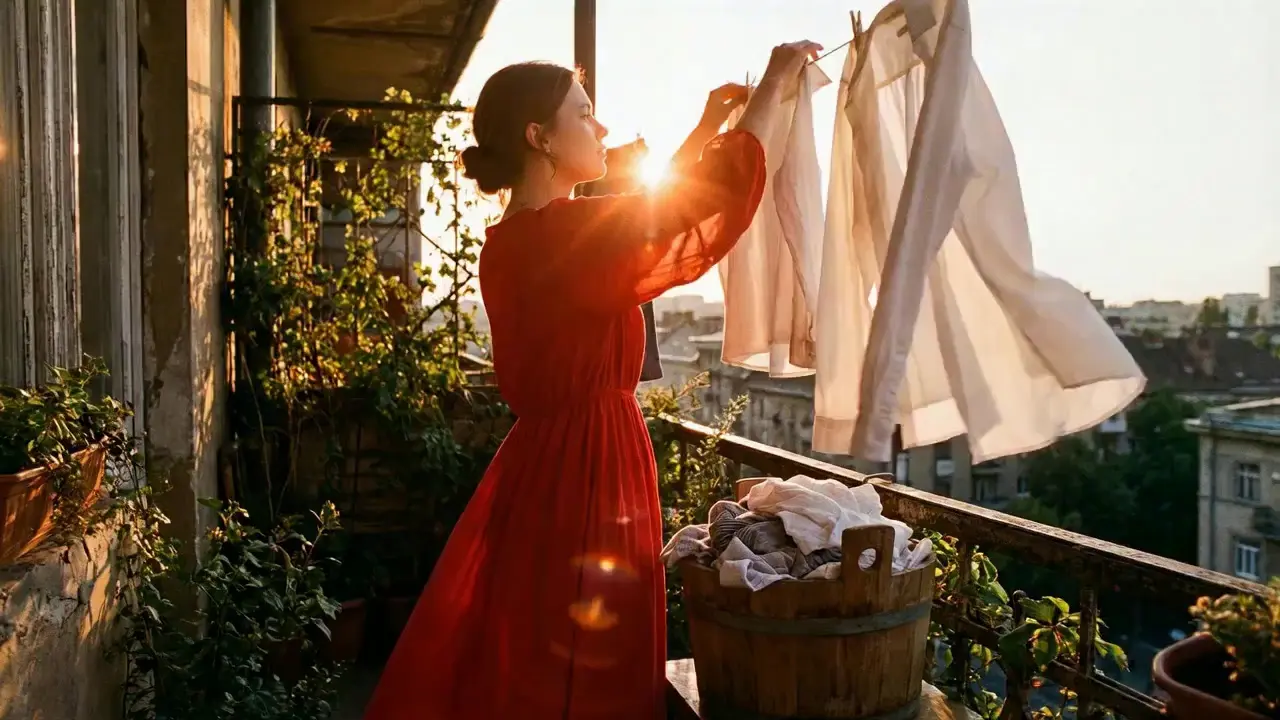
This is a practical and efficient core feature of Seedance 2.0. When you’re unsatisfied with a small detail in a generated video, there’s no need to start over from scratch—it supports targeted revisions including character replacement, clip deletion, and movement adjustment. You can modify specific parts accurately without altering the overall frame, rhythm, or style of the original video, eliminating the trouble of remaking the entire video.
If the lead singer in a band performance video doesn’t meet your expectations, upload a new image of the lead singer and write the prompt: "Replace the female lead singer in @Video 1 with the male lead singer in @Image 1, replicating all original movements exactly". A new video is generated quickly, reducing revision time by 70%.
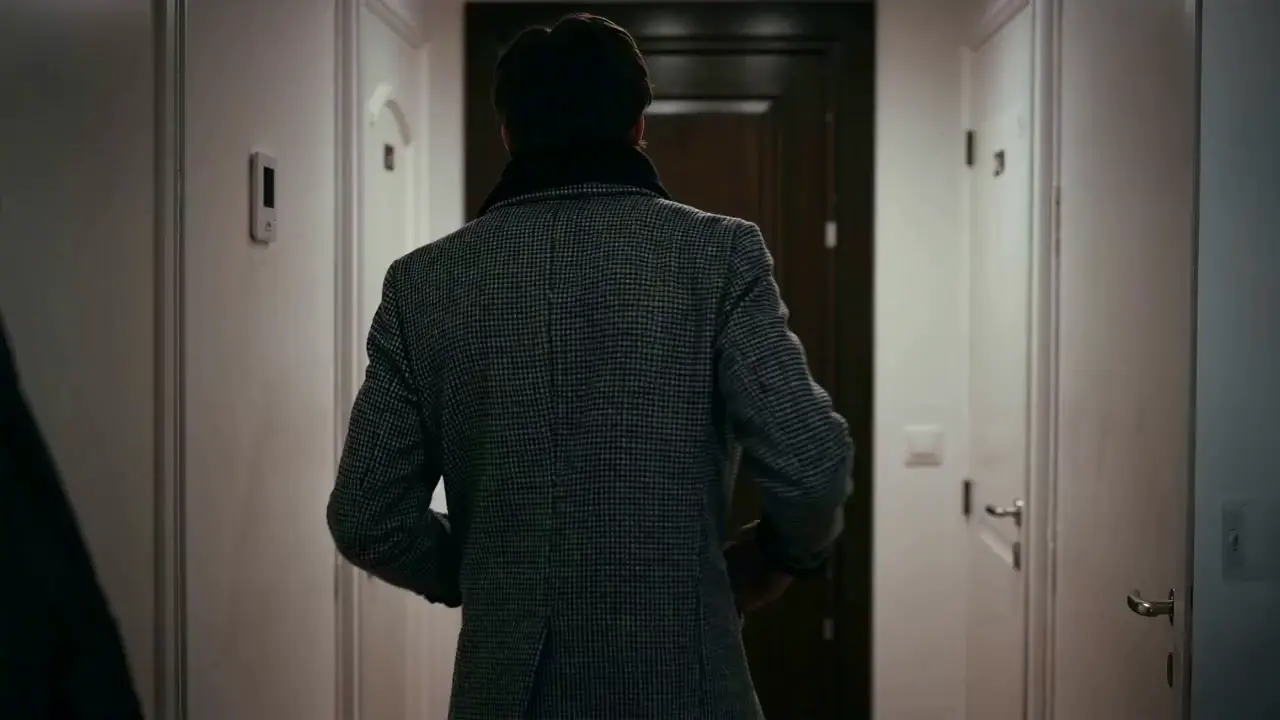
The most frustrating creative pain points—character face distortion, lost product details, abrupt scene changes, inconsistent lens styles—are completely solved in Seedance 2.0. The model maintains high consistency throughout the video, from facial features and costumes of characters to small text and prop details in the frame, greatly enhancing the video’s integrity and professionalism.
When creating a plot short video, from the opening corridor scene to the warm indoor ending, the character’s facial features and costume style remain unchanged throughout, improving frame consistency by 95% and delivering a smoother viewing experience for the audience.
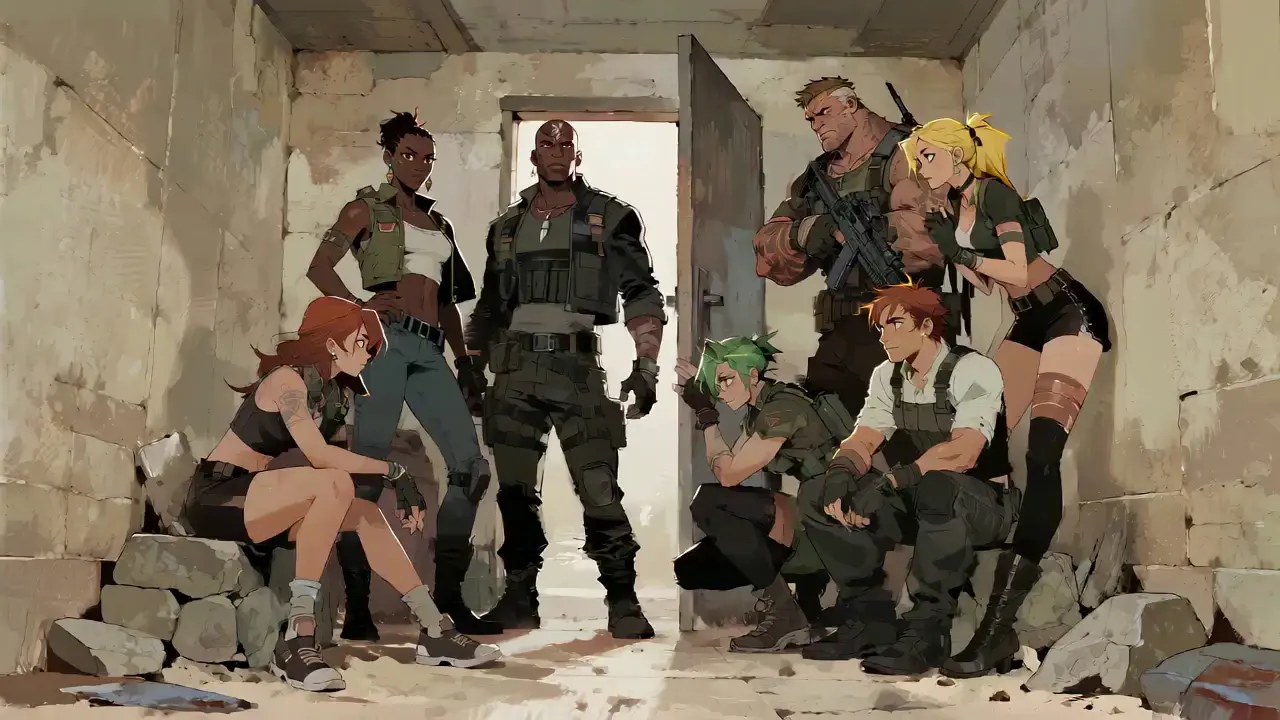
Seedance 2.0 not only generates high-quality frames but also achieves accurate sound timbre reproduction and natural sound effect matching. It supports multi-language line generation (e.g., Spanish, English), and details such as equipment collision and environmental sound effects are presented synchronously. No additional audio editing is needed—the generated video comes with an immersive audio-visual experience out of the box.
For a tactical short film, make characters deliver precise Spanish lines paired with sound effects like equipment collisions and breathing, boosting audio-visual matching by 85% to create a cinema-level auditory experience.
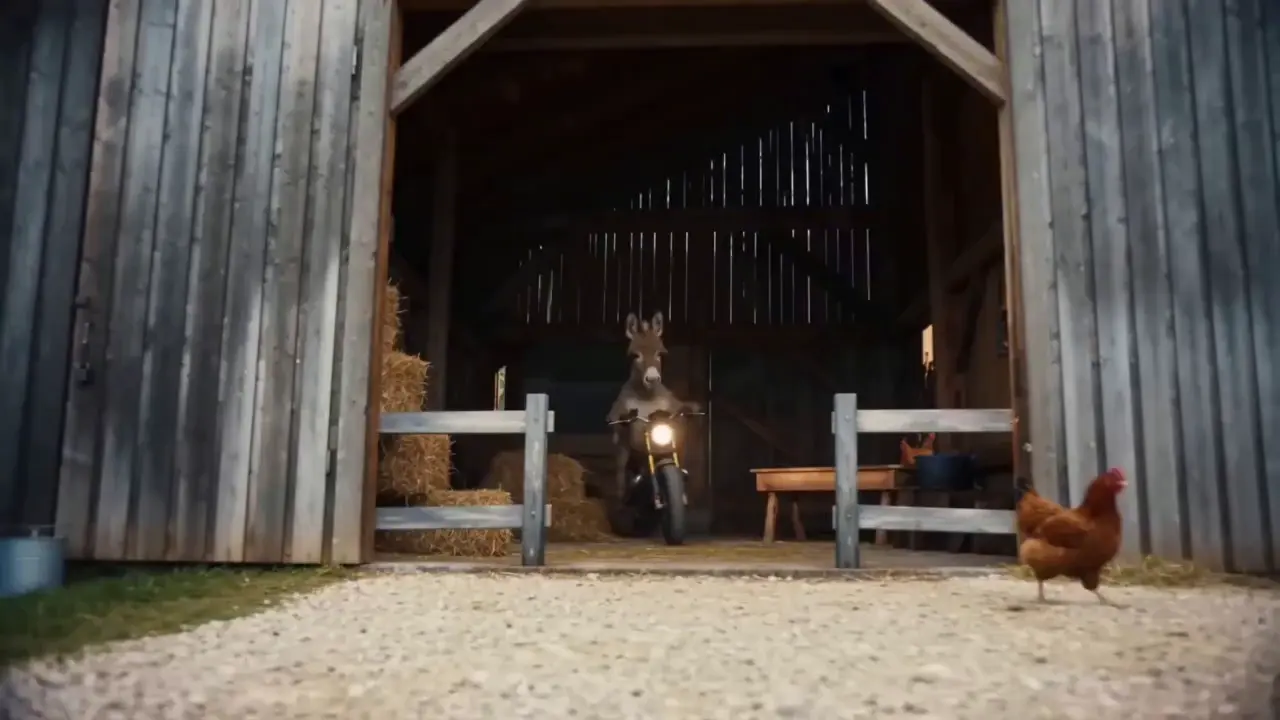
This is the standout core feature of Seedance 2.0. It not only accurately replicates movements, cinematography, special effects, and sound timbres from reference materials, but also enables smooth extension and connection of existing videos to achieve a "continue shooting" effect. Whether it’s a Hitchcock zoom from a movie or the beat-matching rhythm of a viral video, just upload the reference video and the model replicates it 1:1—no more lengthy prompts required.
If your plot short film is missing only the ending, upload the original video and write the prompt: "Extend @Video 1 by 15 seconds. Refer to the character riding a motorcycle from @Image 1 and @Image 2, and add a creative ad segment". A naturally connected ending is generated instantly, enhancing video extension naturalness by 90%.
Seedance 2.0 supports mixed input of up to 9 images, 3 videos (total duration ≤15s), 3 audio files (MP3 format / total duration ≤15s) plus natural language text, with a maximum total of 12 files for mixed input. You can set the visual style with a single image, specify character movements and cinematography with a video, set the rhythmic mood with a few seconds of audio, and add details with text. It’s just like a director arranging on-set materials, ensuring every creative idea is accurately realized.
For a product promotion short film, upload real product photos + a reference advertising cinematography video + brand background music, then write the prompt: "Close-up of product details + slow lens push-in". No from-scratch editing is needed—a tailored short film is generated in 1 minute, improving creative efficiency by 80%.
لا توجد عمليات معقدة مطلوبة لاستخدام Seedance 2.0. حتى المبتدئين الذين ليس لديهم أي خبرة يمكنهم إكمال عملية الإنشاء في 4 خطوات بسيطة — جميع العمليات تعتمد على الويب، ولا حاجة إلى تنزيل أي برنامج. الخطوات التفصيلية هي كما يلي:
بعد تسجيل الدخول إلى حسابك، ابحث عن إدخال Seedance 2.0 في شريط التنقل وانقر للدخول إلى صفحة العملية، والتي تنقسم إلى ثلاث وحدات أساسية: منطقة تحميل المواد، ومنطقة الإدخال الفوري، ومنطقة إعداد المعلمات. قم أولاً باختيار النموذج المناسب، ثم قم بإعداد المواد اللازمة لإنشاء الفيديو.
قم بتحميل الصور ومقاطع الفيديو والمواد الصوتية وفقًا لاحتياجاتك، وانتبه إلى حدود كمية المواد: ما يصل إلى 9 صور و3 مقاطع فيديو (المدة الإجمالية ≥15 ثانية)، و3 ملفات صوتية (تنسيق MP3 / المدة الإجمالية ≥15 ثانية) بالإضافة إلى نص باللغة الطبيعية، بحد أقصى إجمالي 12 ملفًا للإدخال المختلط. قم بإعطاء الأولوية لتحميل المواد التي لها أكبر تأثير على الإطار والإيقاع، مثل مقاطع الفيديو المرجعية الأساسية أو الصور التي تحدد النمط.
قم بوصف احتياجاتك الإبداعية باللغة الطبيعية في مربع إدخال النص.
النصيحة الأساسية هي وضع علامة @ على الكائنات المادية وتحديد التعليمات بوضوح مثل المرجع/التحرير/الاستخدام كإطار أول/الاستخدام كإطار أخير لتجنب ارتباك المواد.
✅ مثال سريع ممتاز: @Image 1 كإطار أول؛
قم بالإشارة إلى حركات القتال في @Video 1، حيث تتبع الكاميرا حركة الشخصية، مع وجود فناء على الطراز القديم كخلفية.
❌ خطأ شائع: الفشل في وضع علامة على المواد، الكتابة فقط: حركات القتال المرجعية، فناء على الطراز القديم.
حدد مدة الفيديو المطلوبة (4-15 ثانية اختيارية) وفقًا لاحتياجاتك، ثم انقر فوق إنشاء فيديو. سيكتمل إنشاء Seedance 2.0 خلال 3-4 دقائق. يمكنك معاينة الفيديو عبر الإنترنت مباشرة بعد إنشائه؛ إذا لم تكن راضيًا، قم بمراجعة المطالبة استنادًا إلى المواد الأصلية وأعد إنشائها بنقرة واحدة.
تعد كتابة المطالبات عالية الجودة هي المفتاح لجعل مخرجات Seedance 2.0 تتوافق مع توقعاتك.
استخدم تنسيق وظيفة @Material، على سبيل المثال، @Image 2 كإطار أخير، وإشارة إلى مطابقة الإيقاع في @Audio 1، واستبدل الحرف في @Video 1 بـ @Image 1.
حدد أنواع العدسات (على سبيل المثال، عرض عين الطائر/لقطة تتبع دائرية/لقطة واحدة)، والحركات (على سبيل المثال، تقفز الشخصية ثم تتدحرج بحركات سلسة) والعواطف (على سبيل المثال، انهار واصرخ، راجع التعبير في @Video 1).
ليست هناك حاجة إلى أوصاف مطولة - عبر عن الاحتياجات الأساسية بلغة طبيعية موجزة. يوصى بالاحتفاظ بمطالبة واحدة في حدود 50 كلمة لفهم النموذج بشكل أكثر دقة.
عند دمج مواد متعددة، قم بتوضيح منطق التركيب، على سبيل المثال، قم بإضافة مشهد بين @Video 1 و@Video 2 مع المشهد الطبيعي في @Image 1 كمحتوى، ودفع العدسة البطيء، والإشارة إلى مطابقة الإيقاع في @Audio 1.
ليست هناك حاجة لإتقان برامج التحرير مثل PR وAE، ولا يلزم معرفة التصوير السينمائي الاحترافي أو مصطلحات المؤثرات الخاصة. طالما لديك أفكار إبداعية، يمكنك إنشاء مقاطع فيديو احترافية، مما يحول الأشخاص العاديين إلى مخرجي فيديو.
يتضمن إنشاء الفيديو التقليدي خطوات متعددة من التصوير والتحرير والدبلجة، ويستغرق إكمالها ساعات. مع Seedance 2.0، تستغرق العملية بأكملها بضع دقائق فقط، مما يقلل تكلفة إنشاء مقطع فيديو واحد بنسبة 80%.
إن المزيج المجاني من المواد متعددة الوسائط يجعل الأفكار التي لم يكن من الممكن تصورها في السابق حقيقة واقعة، مثل إنشاء مقاطع فيديو قصيرة بمراجع سينمائية على مستوى الأفلام وإنشاء حبكات ديناميكية من الصور الثابتة.
تلغي وظيفة المراجعة المستهدفة لمقاطع الفيديو الحالية الحاجة إلى إعادة إنشاء المحتوى للإنشاء الثانوي، مما يجعلها مثالية لمنشئي الوسائط الاجتماعية ومشغلي التجارة الإلكترونية لإنتاج إصدارات متعددة من محتوى الفيديو بسرعة.
Rachel Vance
Head of E-Commerce Growth
Making product promotion short films used to require model shooting + post-production editing. Now I just upload product photos + a reference advertising cinematography video, and a high-quality product short film is generated instantly. The cost of making a single video dropped from $200 to $40, and the effect is just as good as professional shooting—this is a total game-changer!
David Chen
Independent Short Film Director
I love making plot short films. The frame consistency of Seedance 2.0 absolutely amazed me—characters’ facial features remain unchanged from start to finish, and it can accurately replicate Hitchcock zooms! The view count of my plot short films has tripled directly!
Maya Al-Fayed
Viral Content Strategist
I make landscape short videos. Previously, making beat-matching videos required frame-by-frame editing, taking over 2 hours. With Seedance 2.0, I just upload landscape photos + a reference beat-matching video, and a perfect video is generated in 10 minutes—its frame rhythm is even better than my own editing! My followers all ask if I hired a professional editor!
Crevid AI is an advanced all-in-one AI video and image generation platform that helps you create stunning visual content quickly from images, text, or prompts.