Seedance2.0: Serendah $0.483/video
Grok: Serendah $0.069/video

Waiting for your creations!
Apakah Anda masih merasa terganggu dengan tingginya ambang batas pembuatan video? Ingin membuat film pendek yang kreatif tetapi kurang memiliki kemampuan editing profesional? Bercita-cita untuk meniru sinematografi tingkat film tetapi tidak tahu harus mulai dari mana? Kesulitan dengan rekaman yang terputus-putus saat memperluas klip video? Sebagai model pembuatan video AI multimodal yang baru diluncurkan, Seedance 2.0 benar-benar mendobrak batasan pembuatan video tradisional. Dengan mode masukan empat dimensi berupa gambar, video, audio, dan teks, Anda dapat dengan mudah membuat karya video tingkat film tanpa keahlian profesional apa pun. Dirancang sepenuhnya dari sudut pandang pengguna, produk kami menyederhanakan pembuatan video yang rumit menjadi proses sederhana mengunggah materi petunjuk penulisan, benar-benar memberikan apa yang Anda bayangkan adalah pengalaman kreatif yang Anda dapatkan.
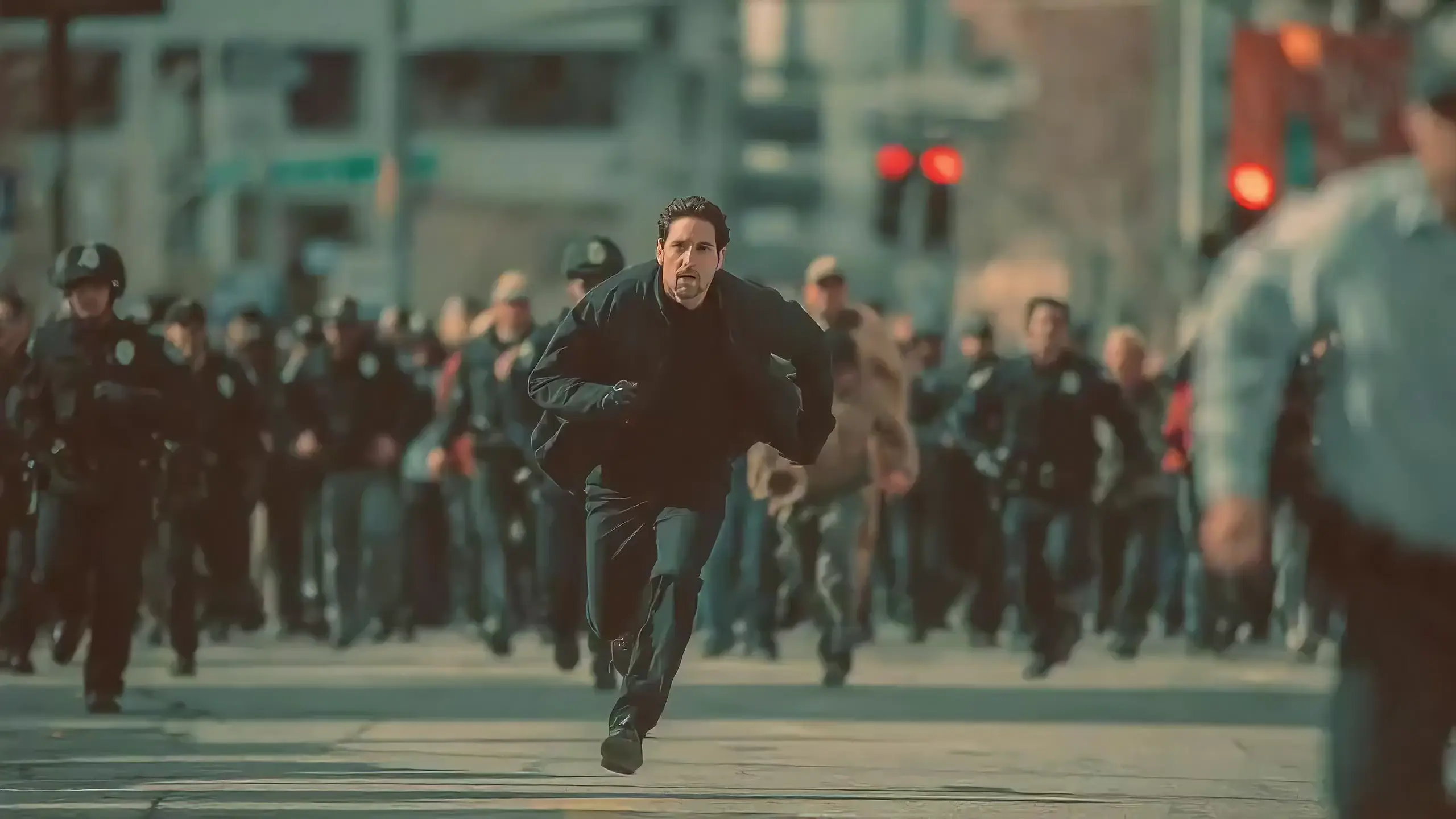
Seedance 2.0 features exclusive optimizations for image-to-video and text-to-video scenarios with its intelligent lens switching function. No professional editing knowledge or complex lens commands are needed—simply with an image sequence or text description, the model automatically matches the suitable lens switching methods. It supports a variety of transition effects such as fade in/out, pan, tilt, push, pull, and seamless scene transitions, and can adjust the switching speed based on frame content and plot rhythm, effectively boosting transition naturalness by 92%. This turns static images or text-described scenes into dynamic videos with naturally flowing camera movements, directly generating a complete video with smooth lens switching without requiring any additional description of transition details.
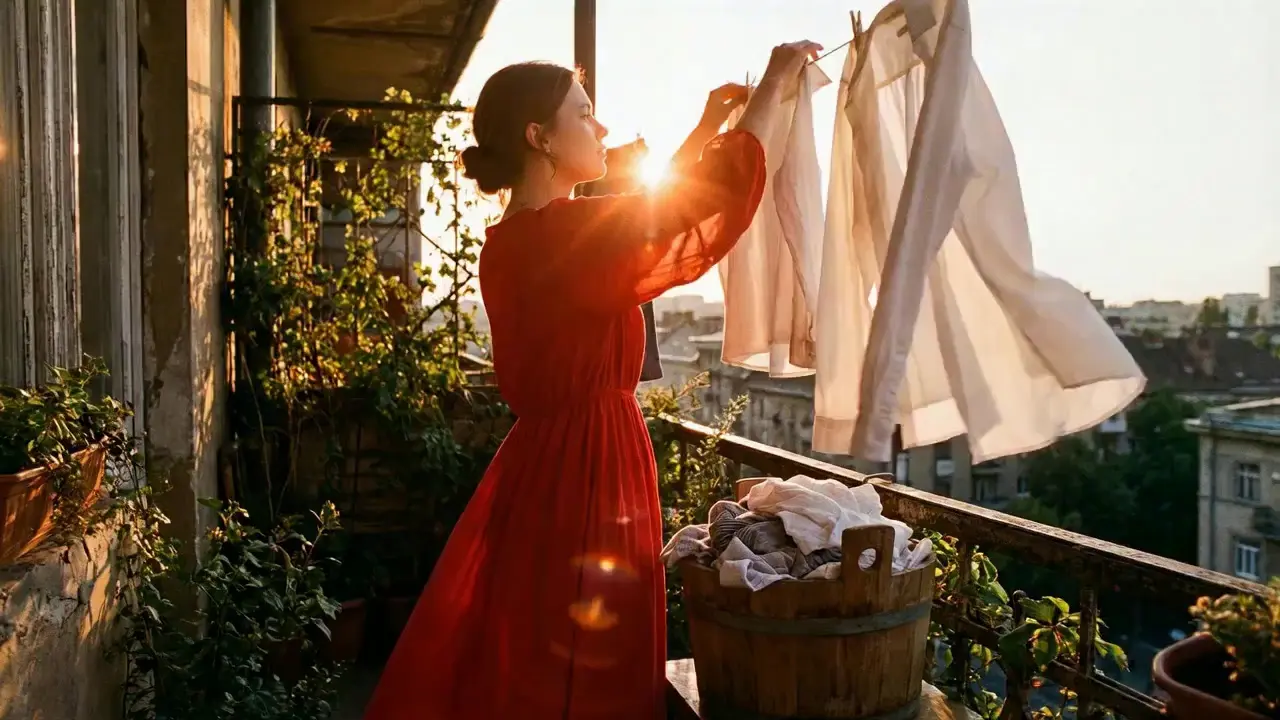
This is a practical and efficient core feature of Seedance 2.0. When you’re unsatisfied with a small detail in a generated video, there’s no need to start over from scratch—it supports targeted revisions including character replacement, clip deletion, and movement adjustment. You can modify specific parts accurately without altering the overall frame, rhythm, or style of the original video, eliminating the trouble of remaking the entire video.
If the lead singer in a band performance video doesn’t meet your expectations, upload a new image of the lead singer and write the prompt: "Replace the female lead singer in @Video 1 with the male lead singer in @Image 1, replicating all original movements exactly". A new video is generated quickly, reducing revision time by 70%.
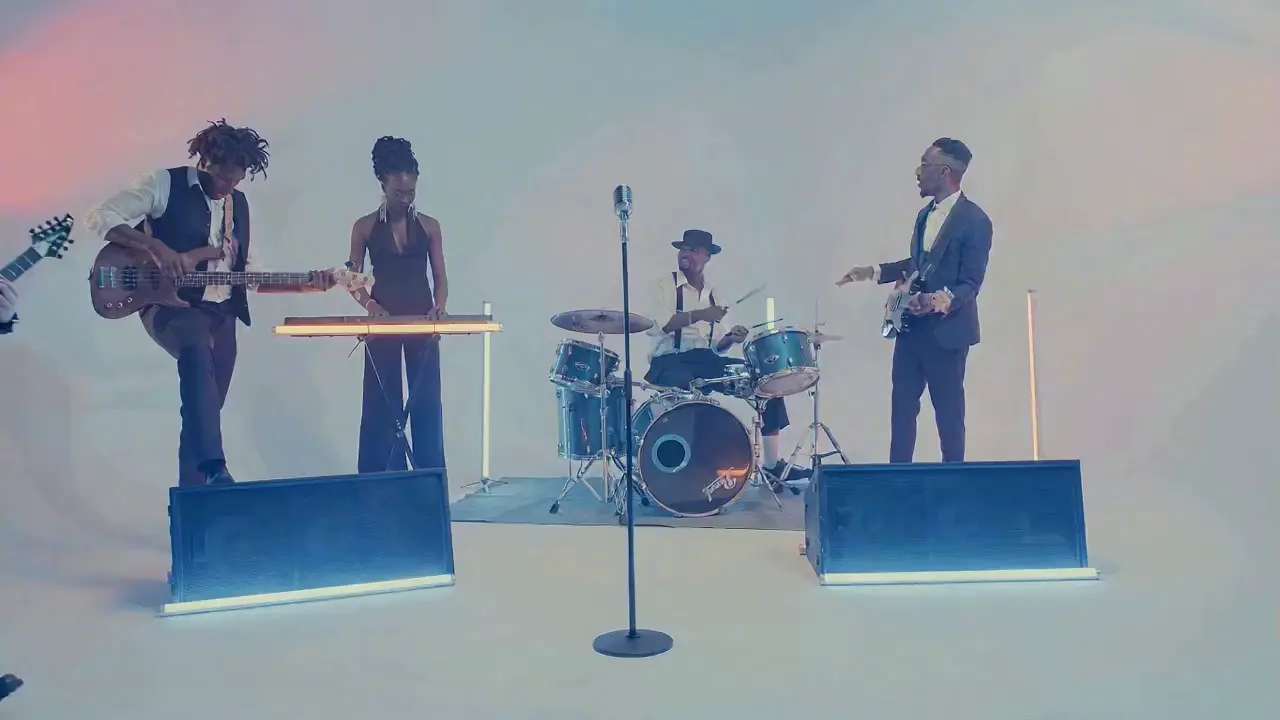
The most frustrating creative pain points—character face distortion, lost product details, abrupt scene changes, inconsistent lens styles—are completely solved in Seedance 2.0. The model maintains high consistency throughout the video, from facial features and costumes of characters to small text and prop details in the frame, greatly enhancing the video’s integrity and professionalism.
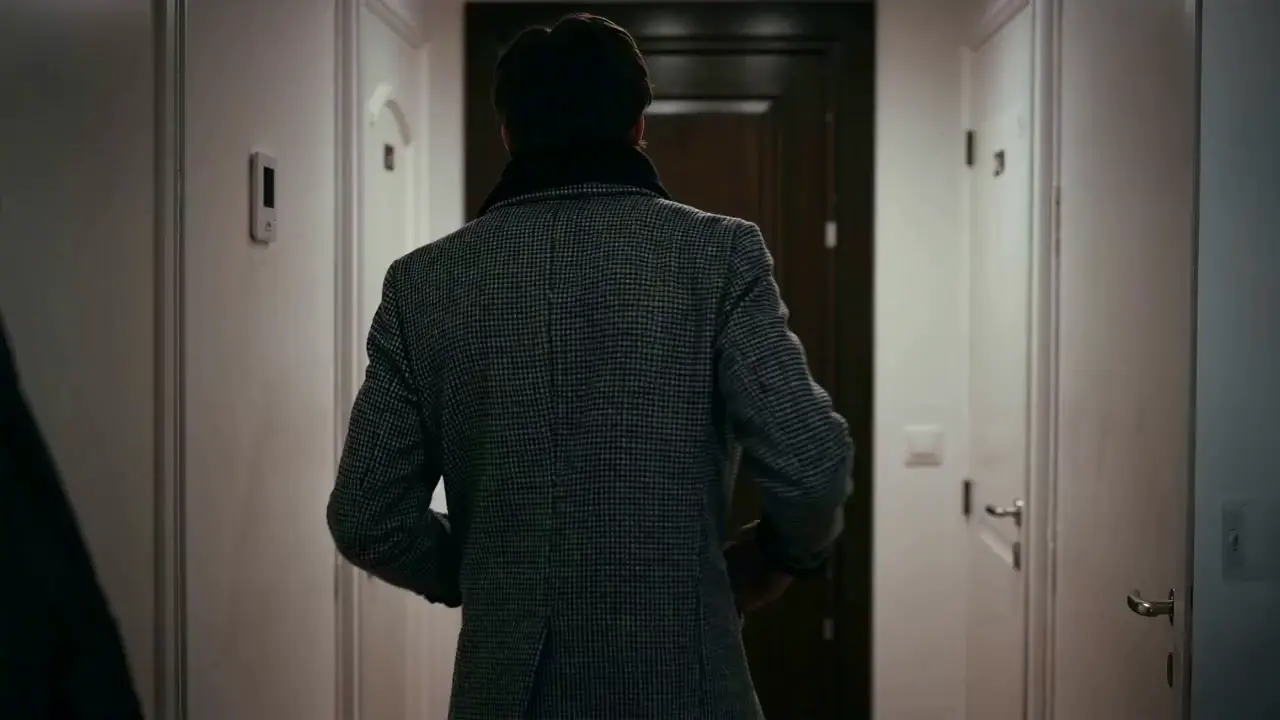
When creating a plot short video, from the opening corridor scene to the warm indoor ending, the character’s facial features and costume style remain unchanged throughout, improving frame consistency by 95% and delivering a smoother viewing experience for the audience.
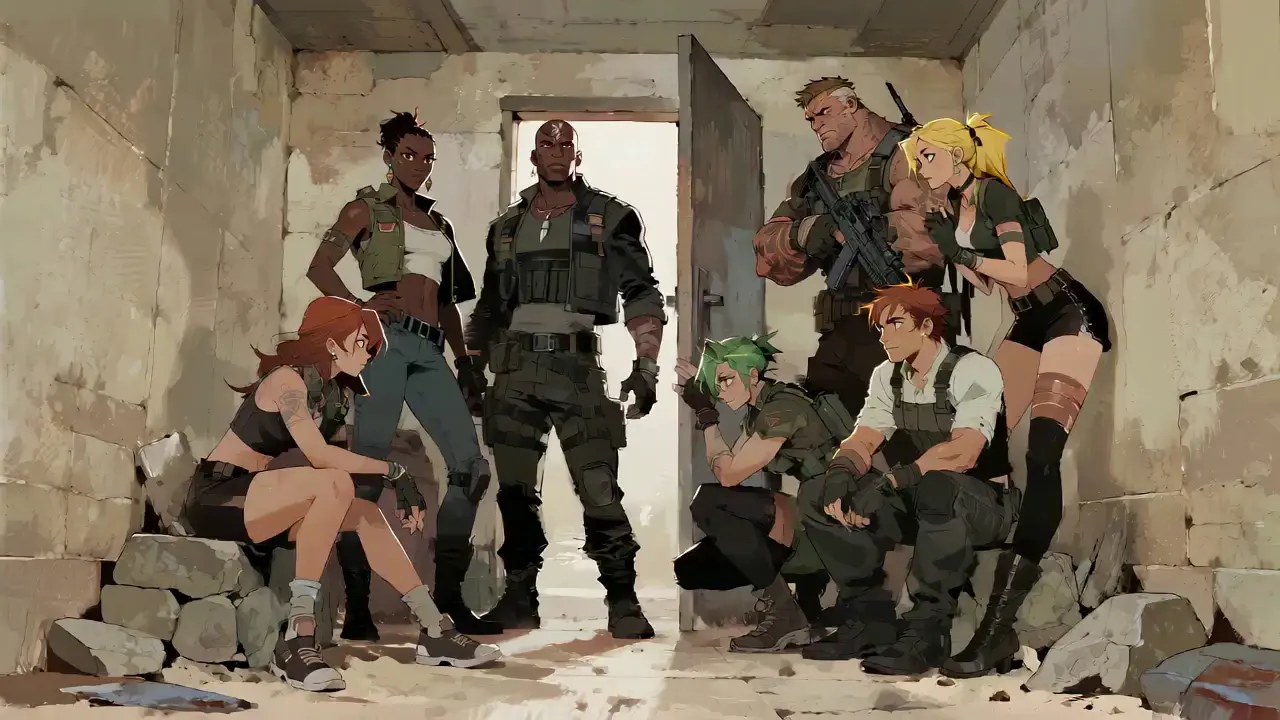
Seedance 2.0 not only generates high-quality frames but also achieves accurate sound timbre reproduction and natural sound effect matching. It supports multi-language line generation (e.g., Spanish, English), and details such as equipment collision and environmental sound effects are presented synchronously. No additional audio editing is needed—the generated video comes with an immersive audio-visual experience out of the box.
For a tactical short film, make characters deliver precise Spanish lines paired with sound effects like equipment collisions and breathing, boosting audio-visual matching by 85% to create a cinema-level auditory experience.
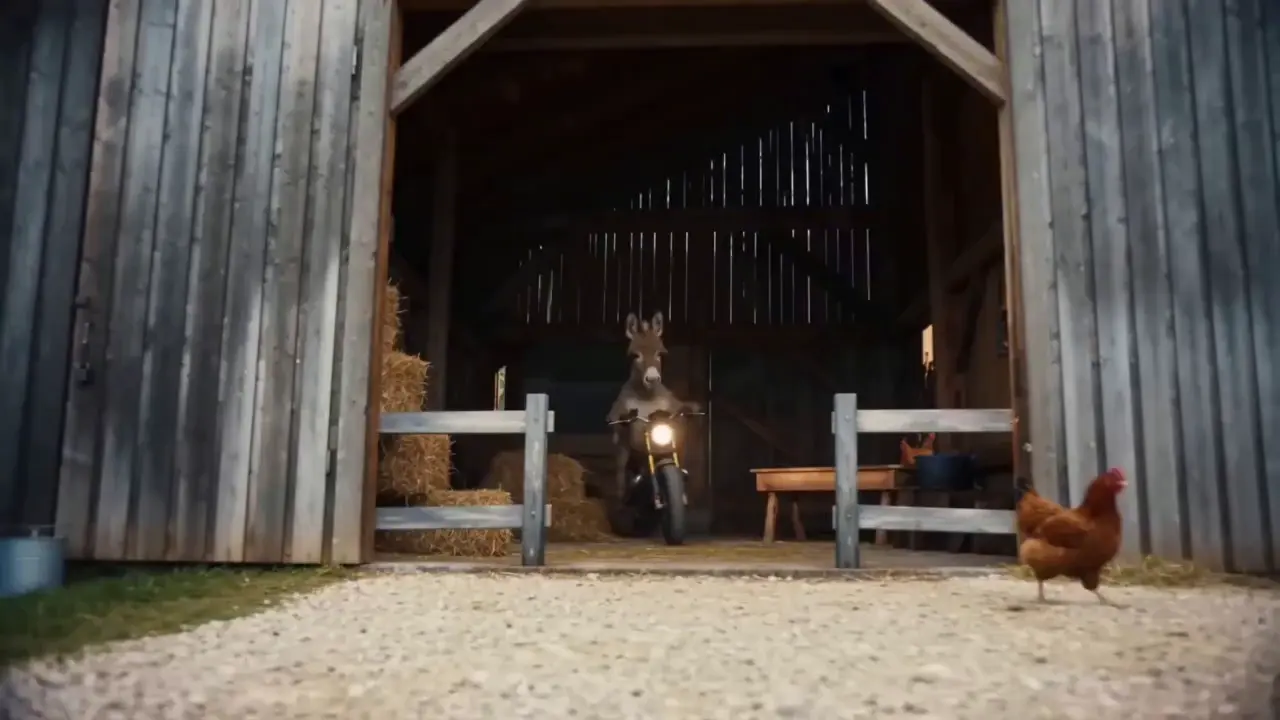
This is the standout core feature of Seedance 2.0. It not only accurately replicates movements, cinematography, special effects, and sound timbres from reference materials, but also enables smooth extension and connection of existing videos to achieve a "continue shooting" effect. Whether it’s a Hitchcock zoom from a movie or the beat-matching rhythm of a viral video, just upload the reference video and the model replicates it 1:1—no more lengthy prompts required.
If your plot short film is missing only the ending, upload the original video and write the prompt: "Extend @Video 1 by 15 seconds. Refer to the character riding a motorcycle from @Image 1 and @Image 2, and add a creative ad segment". A naturally connected ending is generated instantly, enhancing video extension naturalness by 90%.
Seedance 2.0 supports mixed input of up to 9 images, 3 videos (total duration ≤15s), 3 audio files (MP3 format / total duration ≤15s) plus natural language text, with a maximum total of 12 files for mixed input. You can set the visual style with a single image, specify character movements and cinematography with a video, set the rhythmic mood with a few seconds of audio, and add details with text. It’s just like a director arranging on-set materials, ensuring every creative idea is accurately realized.
For a product promotion short film, upload real product photos + a reference advertising cinematography video + brand background music, then write the prompt: "Close-up of product details + slow lens push-in". No from-scratch editing is needed—a tailored short film is generated in 1 minute, improving creative efficiency by 80%.
Tidak diperlukan operasi rumit untuk menggunakan Seedance 2.0. Bahkan pemula yang belum berpengalaman pun dapat menyelesaikan pembuatan dalam 4 langkah sederhana—semua pengoperasian berbasis web, tidak perlu mengunduh perangkat lunak. Langkah-langkah detailnya adalah sebagai berikut:
Setelah masuk ke akun Anda, temukan entri Seedance 2.0 di bilah navigasi dan klik untuk masuk ke halaman operasi, yang dibagi menjadi tiga modul inti: Area Pengunggahan Material, Area Input Prompt, dan Area Pengaturan Parameter. Pertama pilih model yang cocok, lalu siapkan bahan-bahan yang dibutuhkan untuk pembuatan video.
Unggah materi gambar, video, dan audio sesuai kebutuhan Anda, dan perhatikan batasan jumlah materi: maksimal 9 gambar, 3 video (total durasi ≤15 detik), 3 file audio (format MP3 / total durasi ≤15 detik) ditambah teks bahasa alami, dengan total maksimal 12 file untuk masukan campuran.Prioritaskan unggahan materi yang memiliki dampak terbesar pada bingkai dan ritme, seperti video referensi inti atau gambar yang menentukan gaya.
Jelaskan kebutuhan kreatif Anda dalam bahasa alami di kotak masukan teks.
Tip intinya adalah memberi tag pada objek material dengan @ dan menentukan instruksi dengan jelas seperti referensi/edit/gunakan sebagai frame pertama/gunakan sebagai frame terakhir untuk menghindari kebingungan material.
✅ Contoh Prompt yang Sangat Baik: @Gambar 1 sebagai frame pertama;
referensi gerakan pertarungan di @Video 1, kamera mengikuti gerakan karakter, dengan latar belakang halaman bergaya kuno.
❌ Kesalahan Umum: Gagal menandai materi, hanya menulis: Referensi gerakan pertarungan, halaman gaya kuno.
Pilih durasi video yang diinginkan (opsional 4-15 detik) sesuai kebutuhan Anda, dan klik Hasilkan Video. Seedance 2.0 akan menyelesaikan pembuatan dalam 3-4 menit. Anda dapat melihat pratinjau video online langsung setelah pembuatannya; jika tidak puas, revisi perintah berdasarkan materi asli dan buat ulang dengan satu klik.
Menulis perintah berkualitas tinggi adalah kunci untuk membuat keluaran Seedance 2.0 sesuai dengan harapan Anda.
Gunakan format @Material Function, misalnya @Image 2 sebagai frame terakhir, Referensi pencocokan irama di @Audio 1, Ganti karakter di @Video 1 dengan @Image 1.
Tentukan jenis lensa (misalnya, pandangan mata burung/jepretan pelacakan melingkar/satu pengambilan), gerakan (misalnya, Karakter melompat lalu berguling dengan gerakan halus) dan emosi (misalnya, Hancur dan berteriak, referensikan ekspresi di @Video 1).
Tidak diperlukan deskripsi panjang lebar—ungkapkan kebutuhan inti dalam bahasa alami yang ringkas. Disarankan untuk menyimpan satu perintah dalam 50 kata untuk pemahaman model yang lebih akurat.
Saat menggabungkan beberapa materi, perjelas logika sintesisnya, misalnya, Tambahkan adegan antara @Video 1 dan @Video 2 dengan lanskap di @Gambar 1 sebagai kontennya, penekanan lensa lambat, dan referensikan pencocokan irama di @Audio 1.
Tidak perlu menguasai perangkat lunak pengeditan seperti PR dan AE, dan tidak diperlukan pengetahuan tentang sinematografi profesional atau terminologi efek khusus. Selama Anda memiliki ide kreatif, Anda dapat menghasilkan video profesional—mengubah orang biasa menjadi sutradara video.
Pembuatan video tradisional melibatkan beberapa langkah pengambilan gambar, pengeditan, dan sulih suara, yang memerlukan waktu berjam-jam untuk menyelesaikannya. Dengan Seedance 2.0, seluruh proses hanya membutuhkan waktu beberapa menit, sehingga mengurangi biaya pembuatan satu video sebesar 80%.
Kombinasi bebas bahan multimodal membuat ide-ide yang tadinya tak terbayangkan menjadi kenyataan, seperti membuat video pendek dengan referensi sinematografi tingkat film dan menghasilkan plot dinamis dari gambar statis.
Fungsi revisi yang ditargetkan untuk video yang ada menghilangkan kebutuhan untuk membuat ulang konten untuk pembuatan sekunder, sehingga ideal bagi pembuat media sosial dan operator e-commerce untuk dengan cepat memproduksi beberapa versi konten video.
Rachel Vance
Head of E-Commerce Growth
Making product promotion short films used to require model shooting + post-production editing. Now I just upload product photos + a reference advertising cinematography video, and a high-quality product short film is generated instantly. The cost of making a single video dropped from $200 to $40, and the effect is just as good as professional shooting—this is a total game-changer!
David Chen
Independent Short Film Director
I love making plot short films. The frame consistency of Seedance 2.0 absolutely amazed me—characters’ facial features remain unchanged from start to finish, and it can accurately replicate Hitchcock zooms! The view count of my plot short films has tripled directly!
Maya Al-Fayed
Viral Content Strategist
I make landscape short videos. Previously, making beat-matching videos required frame-by-frame editing, taking over 2 hours. With Seedance 2.0, I just upload landscape photos + a reference beat-matching video, and a perfect video is generated in 10 minutes—its frame rhythm is even better than my own editing! My followers all ask if I hired a professional editor!
Crevid AI is an advanced all-in-one AI video and image generation platform that helps you create stunning visual content quickly from images, text, or prompts.