Seedance2.0: 最低 $0.483/ビデオ
Grok: 最低 $0.069/ビデオ

Waiting for your creations!
動画制作の敷居の高さに悩んでいませんか? クリエイティブな短編映画を作成したいが、専門的な編集スキルがありませんか? 映画レベルの映画撮影を再現したいと考えていますが、どこから始めればよいかわかりませんか? ビデオクリップを延長するときに、映像がバラバラになることに苦労していませんか? 新しく発売されたマルチモーダル AI ビデオ作成モデルとして、Seedance 2.0 は従来のビデオ作成の境界を完全に打ち破ります。 画像、ビデオ、オーディオ、テキストの 4 次元入力モードを使用すると、専門的なスキルがなくても映画レベルのビデオ作品を簡単に作成できます。完全にユーザーの視点から設計された当社の製品は、複雑なビデオ作成を、素材をアップロードしてプロンプトを作成する簡単なプロセスに簡素化し、想像通りのクリエイティブな体験を真に提供します。
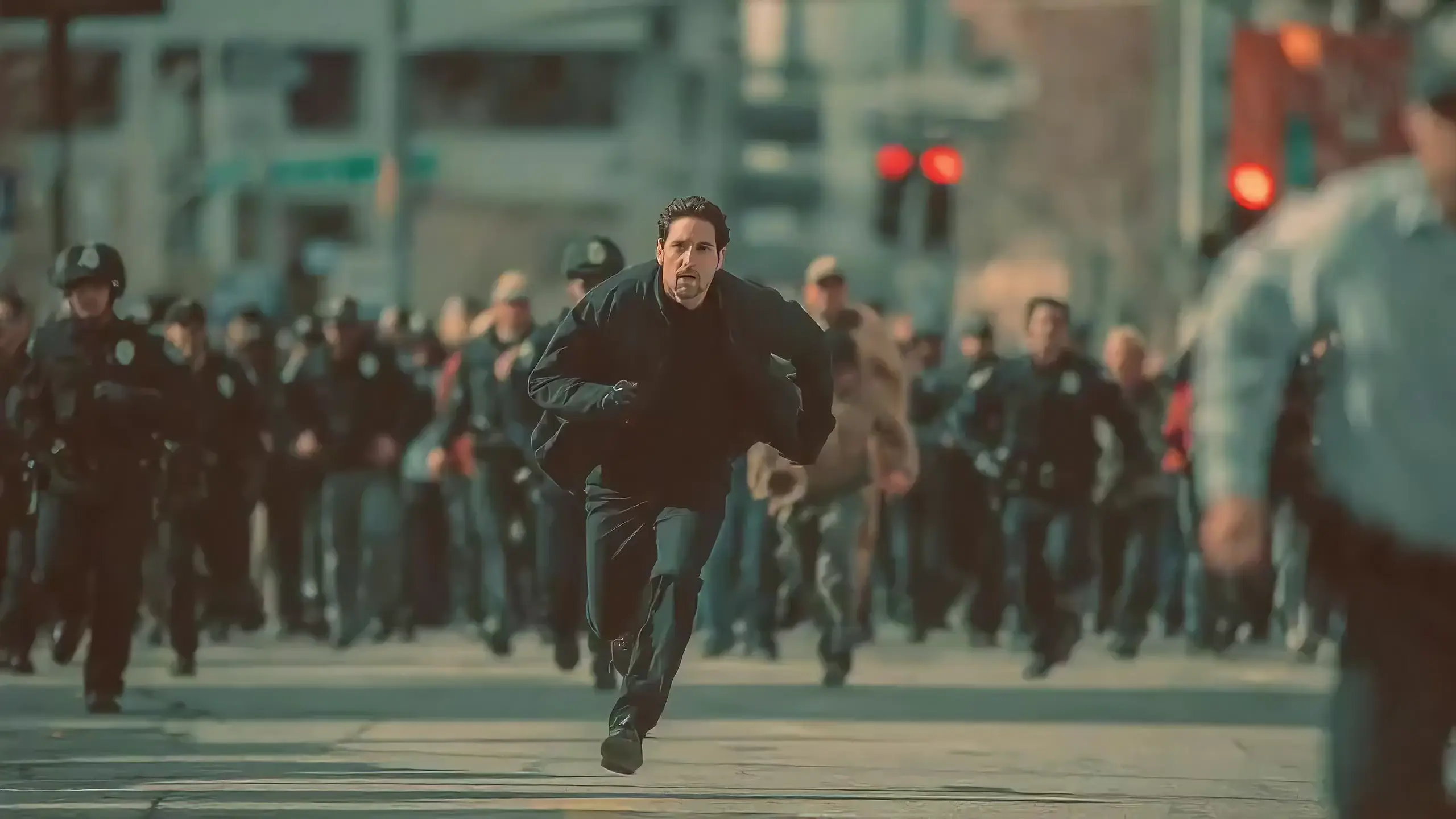
Seedance 2.0 features exclusive optimizations for image-to-video and text-to-video scenarios with its intelligent lens switching function. No professional editing knowledge or complex lens commands are needed—simply with an image sequence or text description, the model automatically matches the suitable lens switching methods. It supports a variety of transition effects such as fade in/out, pan, tilt, push, pull, and seamless scene transitions, and can adjust the switching speed based on frame content and plot rhythm, effectively boosting transition naturalness by 92%. This turns static images or text-described scenes into dynamic videos with naturally flowing camera movements, directly generating a complete video with smooth lens switching without requiring any additional description of transition details.
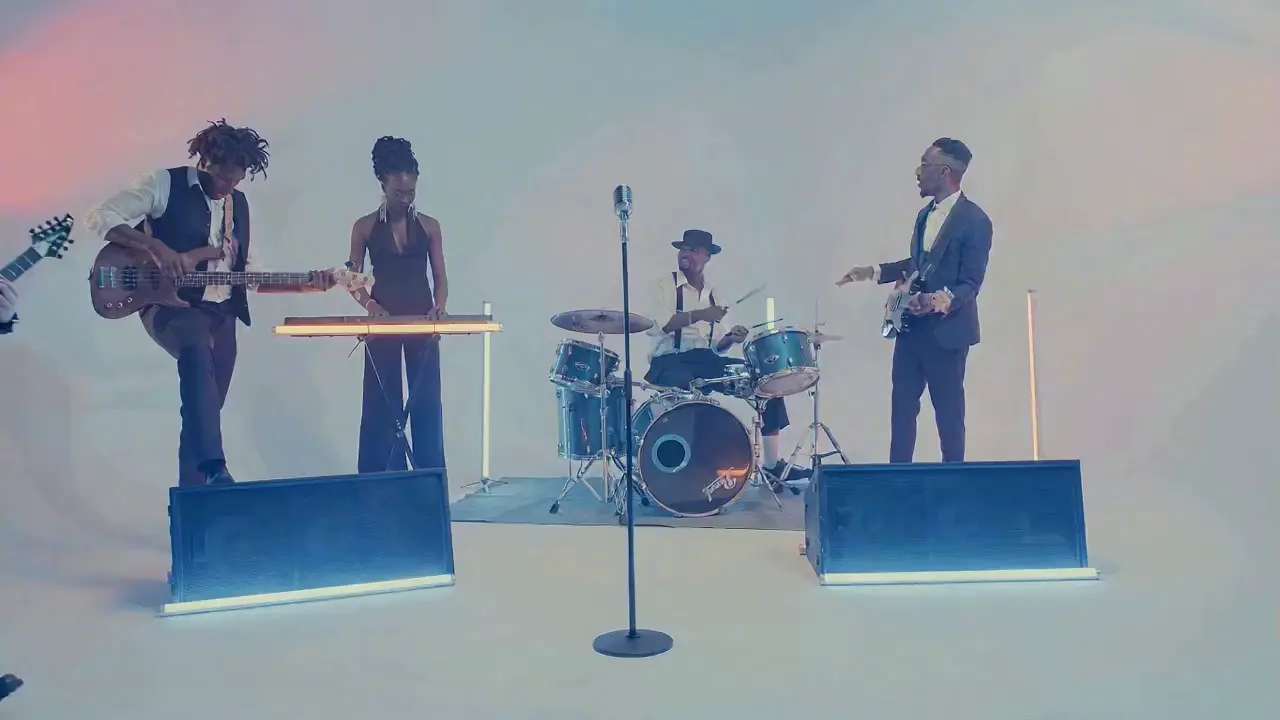
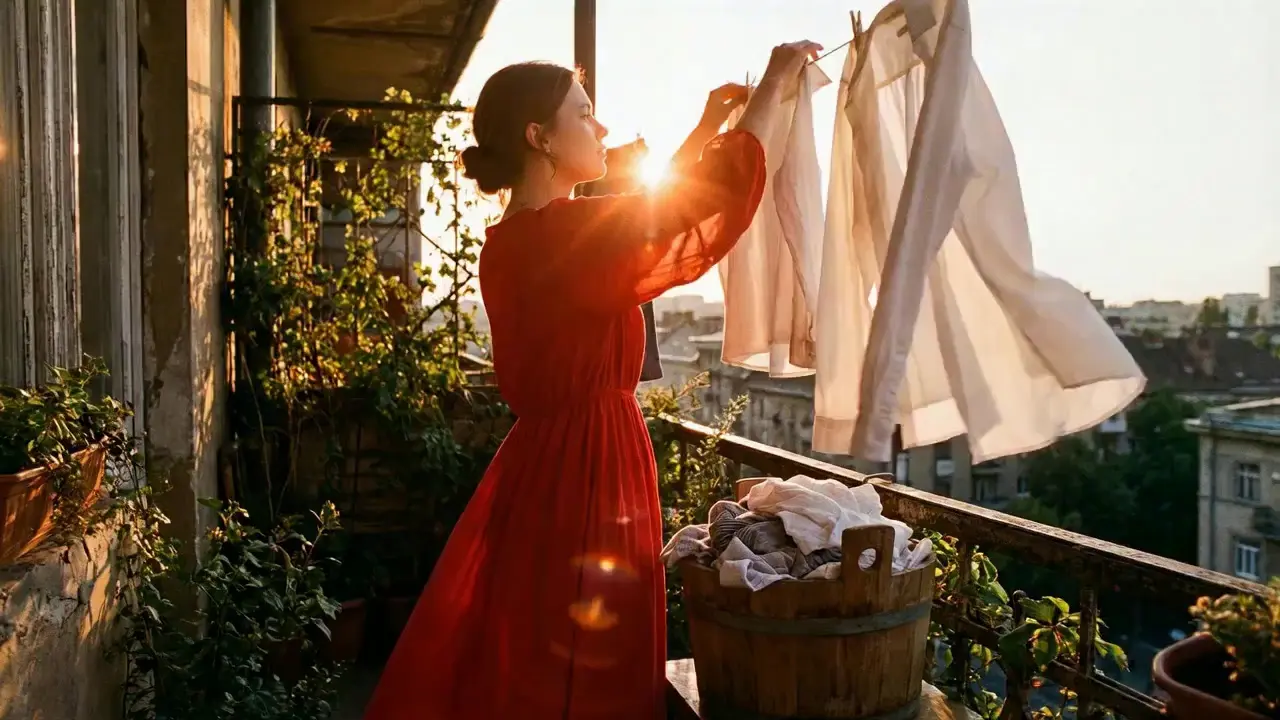
This is a practical and efficient core feature of Seedance 2.0. When you’re unsatisfied with a small detail in a generated video, there’s no need to start over from scratch—it supports targeted revisions including character replacement, clip deletion, and movement adjustment. You can modify specific parts accurately without altering the overall frame, rhythm, or style of the original video, eliminating the trouble of remaking the entire video.
If the lead singer in a band performance video doesn’t meet your expectations, upload a new image of the lead singer and write the prompt: "Replace the female lead singer in @Video 1 with the male lead singer in @Image 1, replicating all original movements exactly". A new video is generated quickly, reducing revision time by 70%.
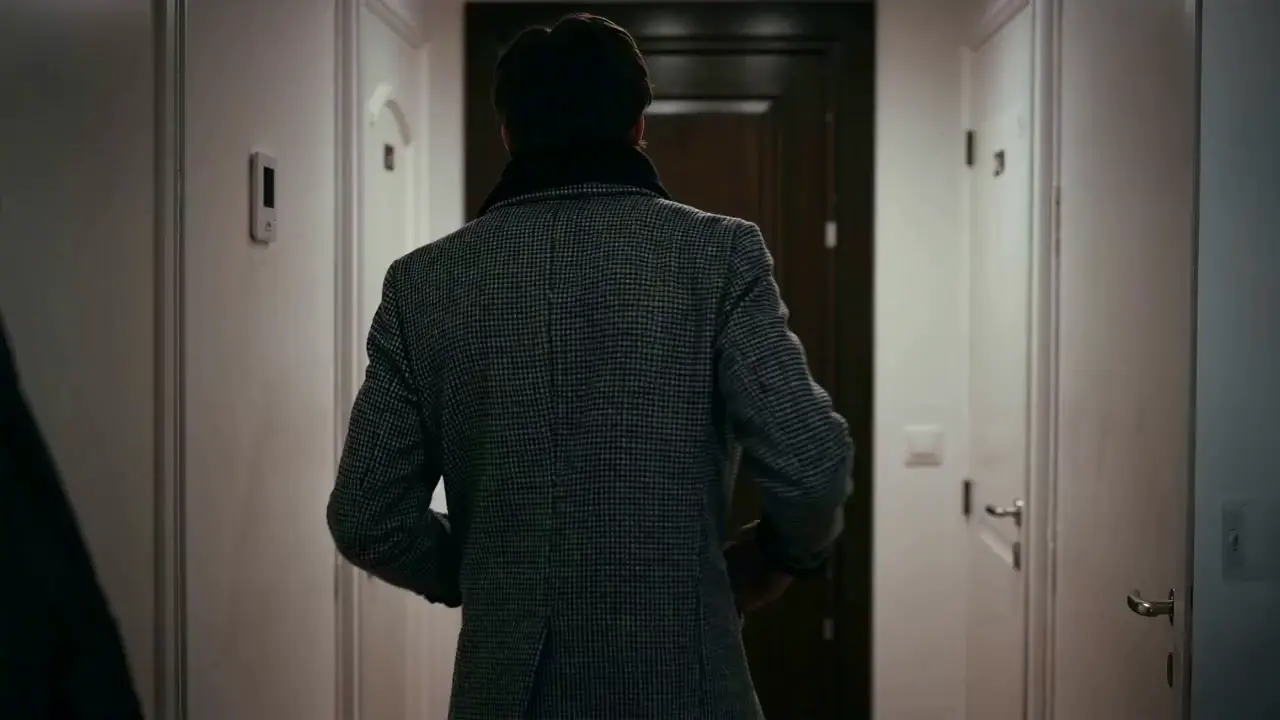
The most frustrating creative pain points—character face distortion, lost product details, abrupt scene changes, inconsistent lens styles—are completely solved in Seedance 2.0. The model maintains high consistency throughout the video, from facial features and costumes of characters to small text and prop details in the frame, greatly enhancing the video’s integrity and professionalism.
When creating a plot short video, from the opening corridor scene to the warm indoor ending, the character’s facial features and costume style remain unchanged throughout, improving frame consistency by 95% and delivering a smoother viewing experience for the audience.
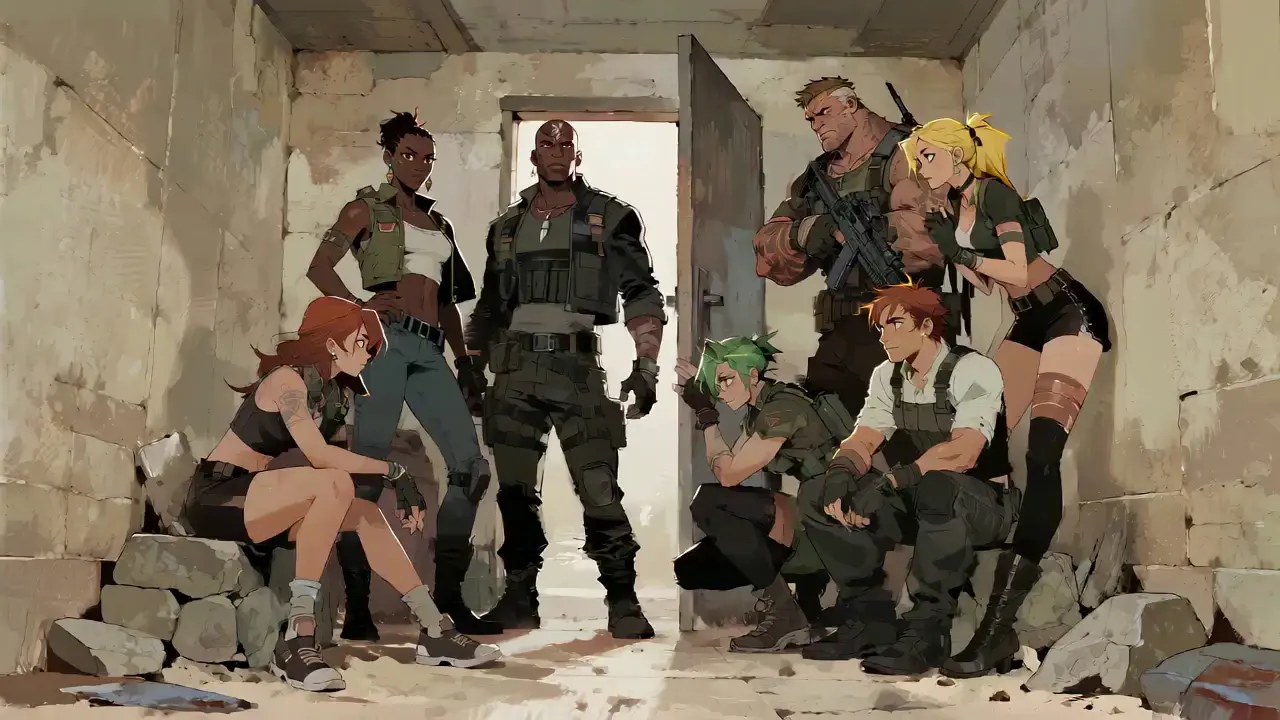
Seedance 2.0 not only generates high-quality frames but also achieves accurate sound timbre reproduction and natural sound effect matching. It supports multi-language line generation (e.g., Spanish, English), and details such as equipment collision and environmental sound effects are presented synchronously. No additional audio editing is needed—the generated video comes with an immersive audio-visual experience out of the box.
For a tactical short film, make characters deliver precise Spanish lines paired with sound effects like equipment collisions and breathing, boosting audio-visual matching by 85% to create a cinema-level auditory experience.
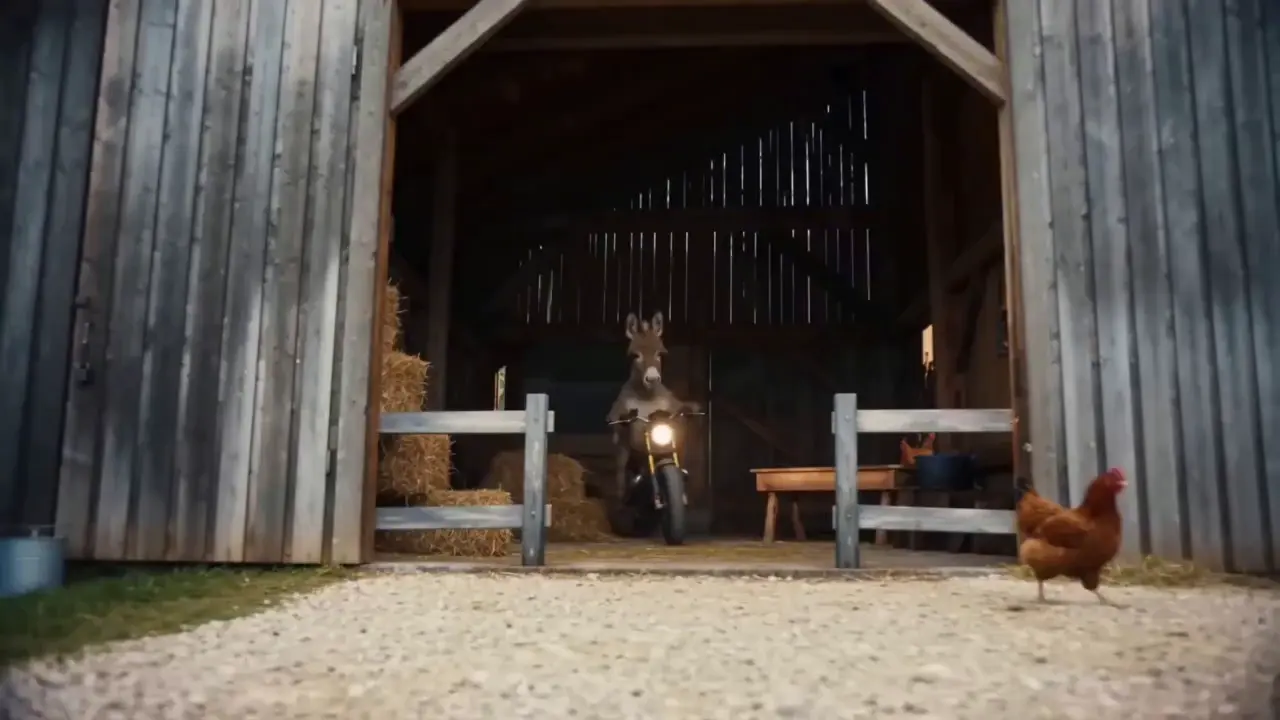
This is the standout core feature of Seedance 2.0. It not only accurately replicates movements, cinematography, special effects, and sound timbres from reference materials, but also enables smooth extension and connection of existing videos to achieve a "continue shooting" effect. Whether it’s a Hitchcock zoom from a movie or the beat-matching rhythm of a viral video, just upload the reference video and the model replicates it 1:1—no more lengthy prompts required.
If your plot short film is missing only the ending, upload the original video and write the prompt: "Extend @Video 1 by 15 seconds. Refer to the character riding a motorcycle from @Image 1 and @Image 2, and add a creative ad segment". A naturally connected ending is generated instantly, enhancing video extension naturalness by 90%.
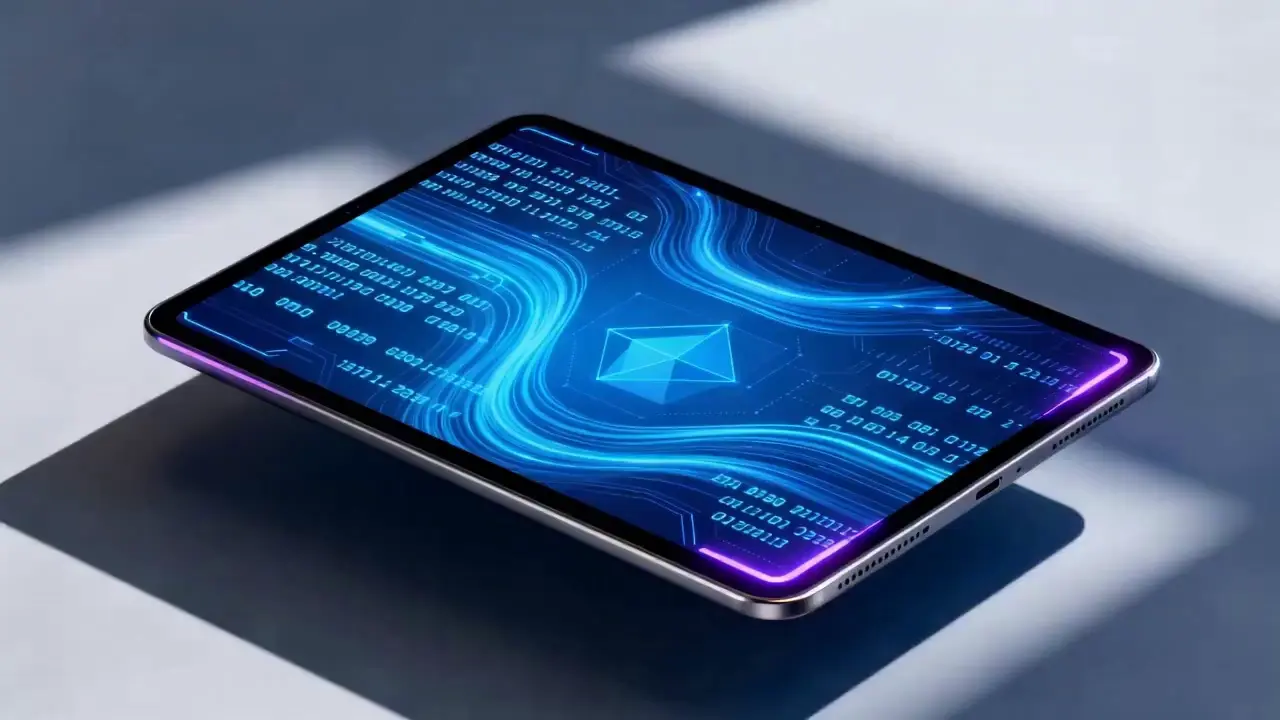
Seedance 2.0 supports mixed input of up to 9 images, 3 videos (total duration ≤15s), 3 audio files (MP3 format / total duration ≤15s) plus natural language text, with a maximum total of 12 files for mixed input. You can set the visual style with a single image, specify character movements and cinematography with a video, set the rhythmic mood with a few seconds of audio, and add details with text. It’s just like a director arranging on-set materials, ensuring every creative idea is accurately realized.
For a product promotion short film, upload real product photos + a reference advertising cinematography video + brand background music, then write the prompt: "Close-up of product details + slow lens push-in". No from-scratch editing is needed—a tailored short film is generated in 1 minute, improving creative efficiency by 80%.
Seedance 2.0 を使用するのに複雑な操作は必要ありません。 経験ゼロの初心者でも簡単な4ステップで作成が完了し、すべての操作はWebベースで行われ、ソフトウェアのダウンロードは不要です。 詳細な手順は次のとおりです。
アカウントにログインした後、ナビゲーション バーで Seedance 2.0 エントリを見つけ、クリックして操作ページに入ります。このページは、マテリアル アップロード エリア、プロンプト入力エリア、パラメータ設定エリアの 3 つのコア モジュールに分かれています。 まず適切なモデルを選択し、次にビデオ生成に必要な素材を準備します。
ニーズに応じて画像、ビデオ、オーディオ素材をアップロードします。素材の数量制限に注意してください。最大 9 つの画像、3 つのビデオ (合計時間 ≤ 15 秒)、3 つの音声ファイル (MP3 形式 / 合計時間 ≤ 15 秒) と自然言語テキスト、混合入力の場合は最大合計 12 個のファイルです。コアのリファレンス ビデオやスタイルを定義する画像など、フレームとリズムに最も大きな影響を与える素材を優先してアップロードします。
テキスト入力ボックスに自然言語でクリエイティブなニーズを説明します。
重要なヒントは、マテリアルの混乱を避けるために、マテリアル オブジェクトに @ タグを付け、参照/編集/最初のフレームとして使用/最後のフレームとして使用などの指示を明確に指定することです。
✅ 優れたプロンプトの例: 最初のフレームとして @Image 1。
@ビデオ 1 の戦闘の動きを参照すると、古代スタイルの中庭を背景に、カメラがキャラクターの動きに従います。
❌ よくある間違い: マテリアルにタグを付けず、「戦闘の動きを参照、古代スタイルの中庭」とだけ書く。
ニーズに応じて希望のビデオの長さ (オプションで 4 ~ 15 秒) を選択し、[ビデオの生成] をクリックします。 Seedance 2.0 の生成は 3 ~ 4 分で完了します。 ビデオは生成後に直接オンラインでプレビューできます。 満足できない場合は、元の資料に基づいてプロンプトを修正し、ワンクリックで再生成します。
高品質のプロンプトを作成することが、Seedance 2.0 の出力を期待どおりにする鍵となります。
@マテリアル関数の形式を使用します。たとえば、@Image 2 を最後のフレームとして使用し、@Audio 1 のビート マッチングを参照し、@Video 1 の文字を @Image 1 に置き換えます。
レンズの種類 (例: 鳥瞰図/円形トラッキング ショット/ワンテイク)、動き (例: キャラクターがジャンプして滑らかな動きで転がる)、感情 (例: 崩れ落ちて叫ぶ、@ビデオ 1 の表現を参照) を指定します。
長い説明は必要ありません。核となるニーズを簡潔な自然言語で表現します。 モデルをより正確に理解するために、1 つのプロンプトを 50 ワード以内にすることをお勧めします。
複数の素材を組み合わせる場合は、@Image 1の風景をコンテンツとして@Video 1と@Video 2の間にシーンを追加したり、ゆっくりレンズを押し込んだり、@Audio 1でビートマッチングを参照したりするなど、合成ロジックを明確にしてください。
PR や AE などの編集ソフトウェアをマスターする必要はなく、プロの映画撮影や特殊効果の専門用語の知識も必要ありません。 創造的なアイデアがあれば、プロのビデオを作成することができ、一般の人をビデオ ディレクターに変えることができます。
従来のビデオ作成には撮影、編集、ダビングという複数のステップが含まれており、完了までに何時間もかかります。 Seedance 2.0 を使用すると、プロセス全体にかかる時間はわずか数分で、1 つのビデオを作成するコストが 80% 削減されます。
マルチモーダル マテリアルを自由に組み合わせることで、映画レベルの映画撮影法を参照して短いビデオを作成したり、静止画像から動的なプロットを生成したりするなど、かつては想像もできなかったアイデアが現実になります。
既存動画の対象修正機能により、二次創作のためにコンテンツを作り直す必要がなくなり、ソーシャルメディアクリエイターやEC運営者が複数バージョンの動画コンテンツを迅速に制作するのに最適です。
Rachel Vance
Head of E-Commerce Growth
Making product promotion short films used to require model shooting + post-production editing. Now I just upload product photos + a reference advertising cinematography video, and a high-quality product short film is generated instantly. The cost of making a single video dropped from $200 to $40, and the effect is just as good as professional shooting—this is a total game-changer!
David Chen
Independent Short Film Director
I love making plot short films. The frame consistency of Seedance 2.0 absolutely amazed me—characters’ facial features remain unchanged from start to finish, and it can accurately replicate Hitchcock zooms! The view count of my plot short films has tripled directly!
Maya Al-Fayed
Viral Content Strategist
I make landscape short videos. Previously, making beat-matching videos required frame-by-frame editing, taking over 2 hours. With Seedance 2.0, I just upload landscape photos + a reference beat-matching video, and a perfect video is generated in 10 minutes—its frame rhythm is even better than my own editing! My followers all ask if I hired a professional editor!
Crevid AI is an advanced all-in-one AI video and image generation platform that helps you create stunning visual content quickly from images, text, or prompts.