Seedance2.0: 낮은 $0.483/동영상
Grok: 낮은 $0.069/동영상

Waiting for your creations!
아직도 영상제작의 높은 문턱 때문에 고민하시나요? 창의적인 단편영화를 만들고 싶지만 전문적인 편집 기술이 부족합니까? 영화 수준의 영화 촬영법을 재현하고 싶지만 어디서부터 시작해야 할지 모르시나요? 비디오 클립을 확장할 때 연결되지 않은 영상으로 인해 어려움을 겪고 계십니까? 새로 출시된 멀티모달 AI 비디오 제작 모델인 Seedance 2.0은 기존 비디오 제작의 경계를 완전히 무너뜨립니다. 이미지, 비디오, 오디오, 텍스트의 4차원 입력 모드를 사용하면 전문적인 기술 없이도 영화 수준의 비디오 작품을 쉽게 만들 수 있습니다. 전적으로 사용자 관점에서 설계된 당사 제품은 복잡한 비디오 제작을 작성 프롬프트 자료 업로드의 간단한 프로세스로 단순화하여 상상하는 대로 창의적인 경험을 얻을 수 있도록 해줍니다.
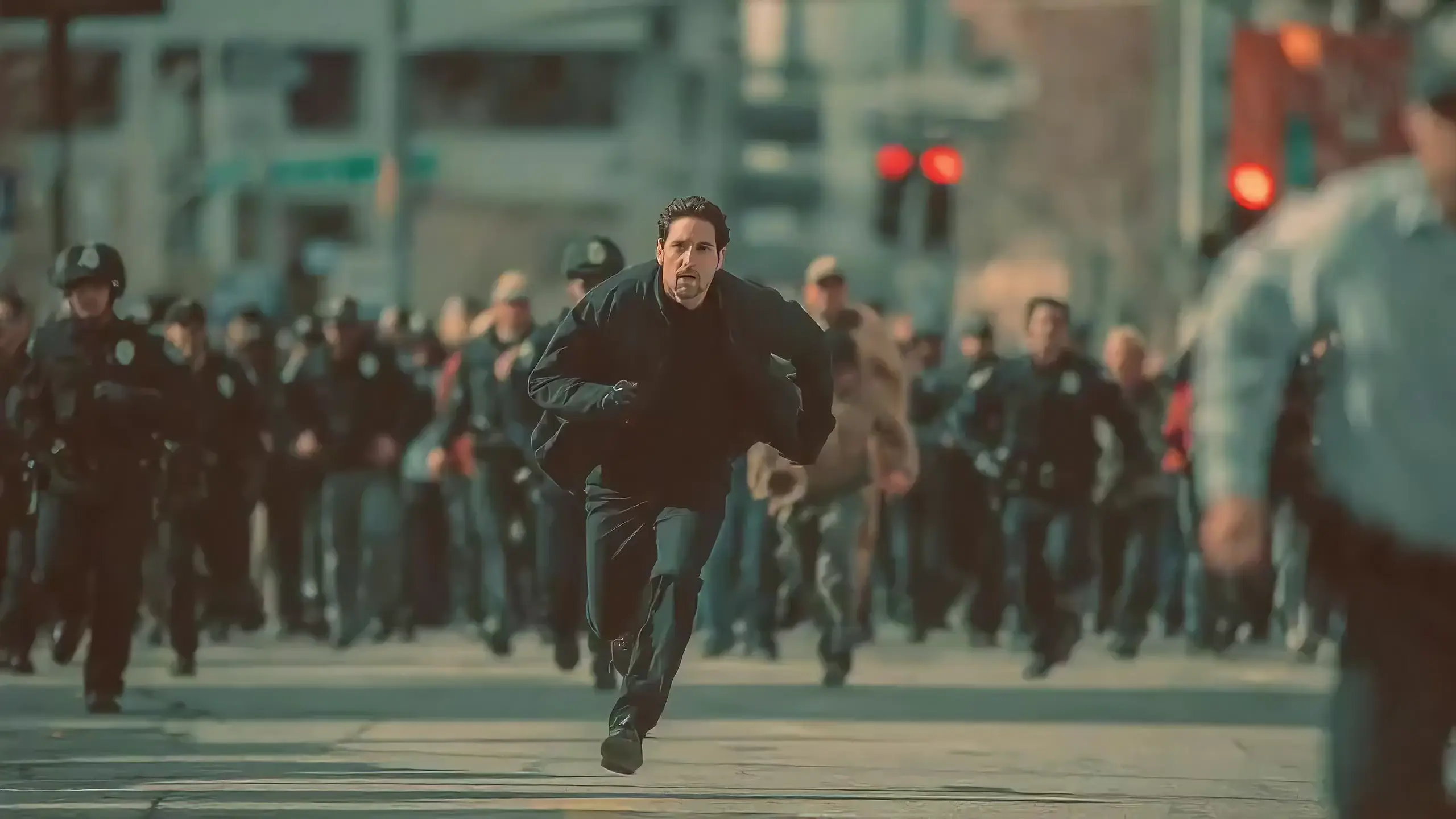
Seedance 2.0 features exclusive optimizations for image-to-video and text-to-video scenarios with its intelligent lens switching function. No professional editing knowledge or complex lens commands are needed—simply with an image sequence or text description, the model automatically matches the suitable lens switching methods. It supports a variety of transition effects such as fade in/out, pan, tilt, push, pull, and seamless scene transitions, and can adjust the switching speed based on frame content and plot rhythm, effectively boosting transition naturalness by 92%. This turns static images or text-described scenes into dynamic videos with naturally flowing camera movements, directly generating a complete video with smooth lens switching without requiring any additional description of transition details.
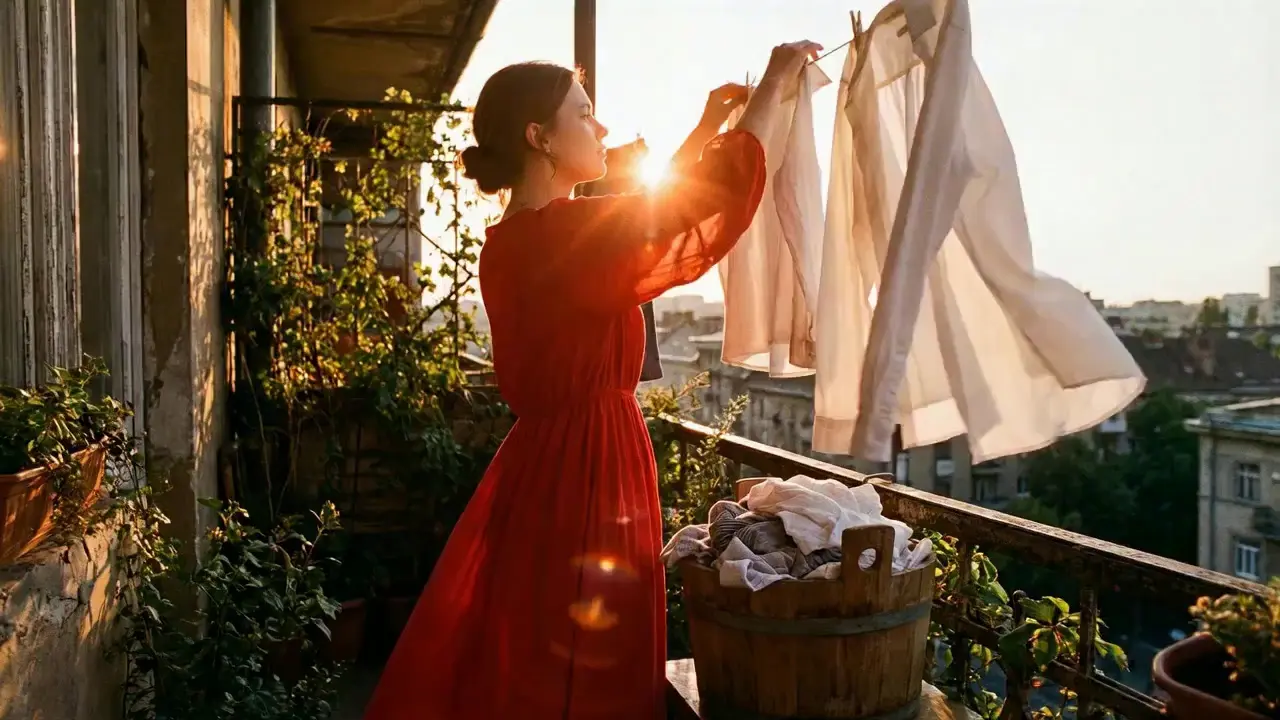
This is a practical and efficient core feature of Seedance 2.0. When you’re unsatisfied with a small detail in a generated video, there’s no need to start over from scratch—it supports targeted revisions including character replacement, clip deletion, and movement adjustment. You can modify specific parts accurately without altering the overall frame, rhythm, or style of the original video, eliminating the trouble of remaking the entire video.
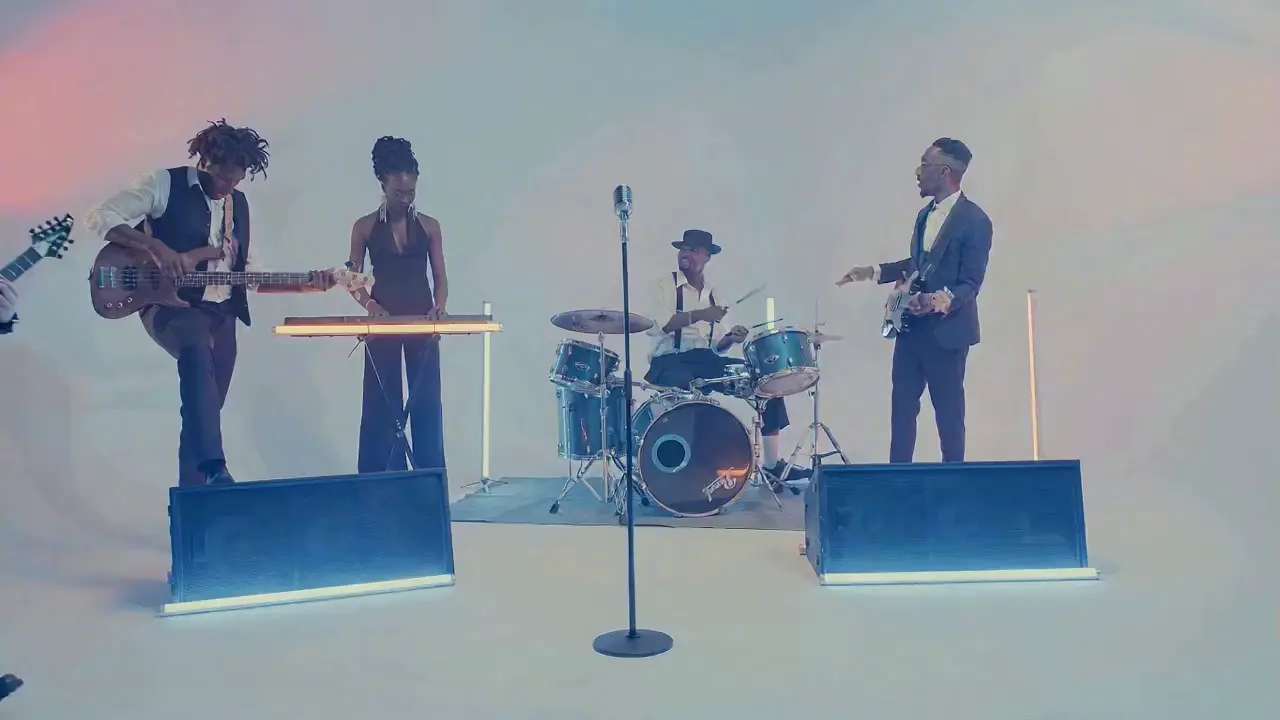
If the lead singer in a band performance video doesn’t meet your expectations, upload a new image of the lead singer and write the prompt: "Replace the female lead singer in @Video 1 with the male lead singer in @Image 1, replicating all original movements exactly". A new video is generated quickly, reducing revision time by 70%.
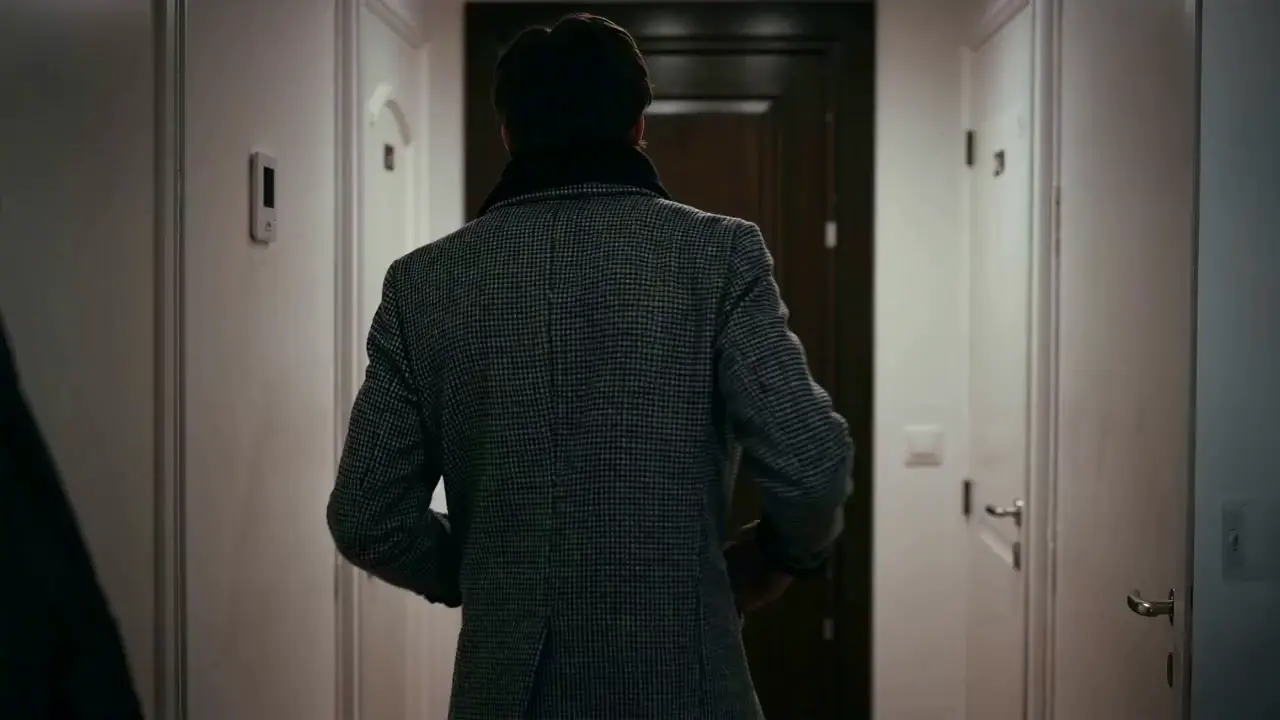
The most frustrating creative pain points—character face distortion, lost product details, abrupt scene changes, inconsistent lens styles—are completely solved in Seedance 2.0. The model maintains high consistency throughout the video, from facial features and costumes of characters to small text and prop details in the frame, greatly enhancing the video’s integrity and professionalism.
When creating a plot short video, from the opening corridor scene to the warm indoor ending, the character’s facial features and costume style remain unchanged throughout, improving frame consistency by 95% and delivering a smoother viewing experience for the audience.
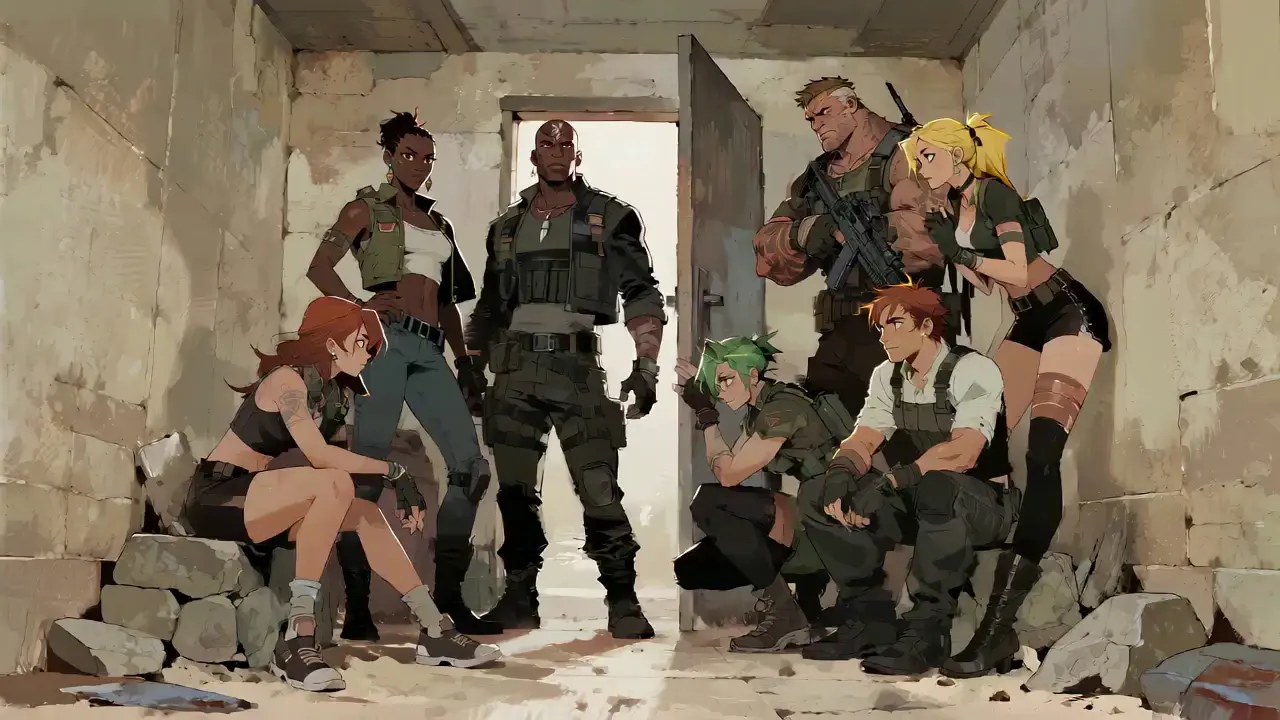
Seedance 2.0 not only generates high-quality frames but also achieves accurate sound timbre reproduction and natural sound effect matching. It supports multi-language line generation (e.g., Spanish, English), and details such as equipment collision and environmental sound effects are presented synchronously. No additional audio editing is needed—the generated video comes with an immersive audio-visual experience out of the box.
For a tactical short film, make characters deliver precise Spanish lines paired with sound effects like equipment collisions and breathing, boosting audio-visual matching by 85% to create a cinema-level auditory experience.
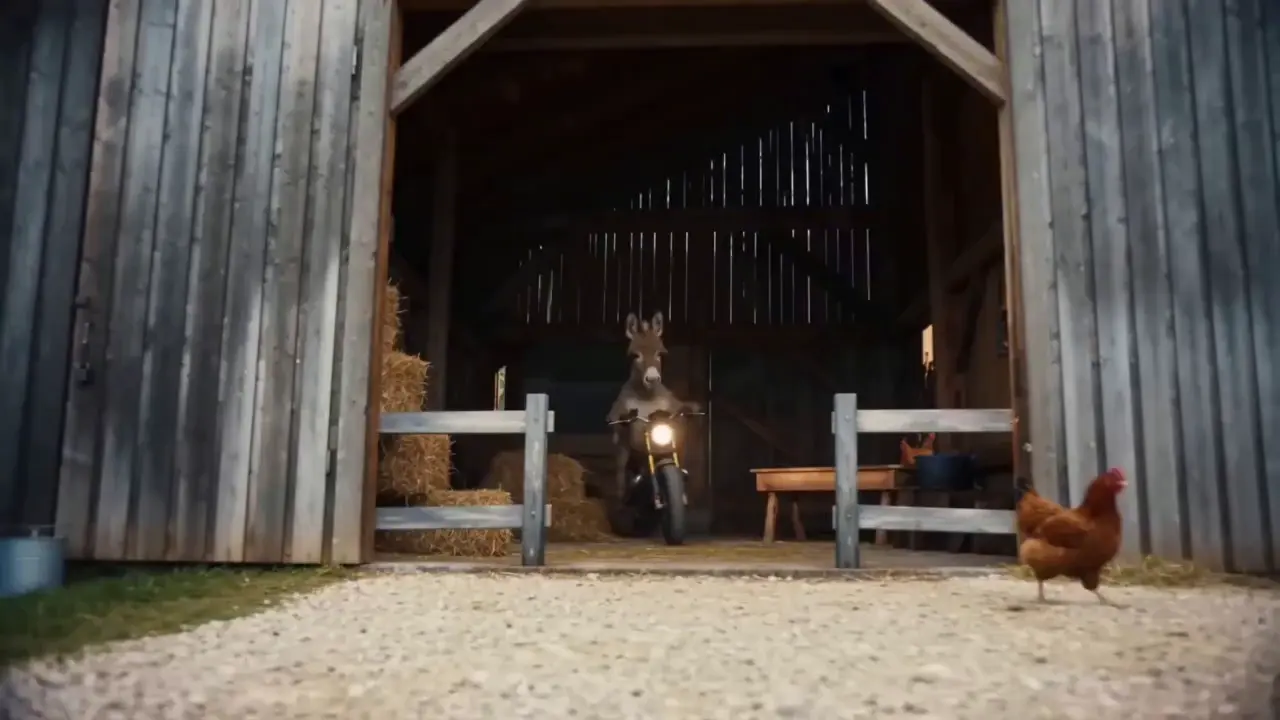
This is the standout core feature of Seedance 2.0. It not only accurately replicates movements, cinematography, special effects, and sound timbres from reference materials, but also enables smooth extension and connection of existing videos to achieve a "continue shooting" effect. Whether it’s a Hitchcock zoom from a movie or the beat-matching rhythm of a viral video, just upload the reference video and the model replicates it 1:1—no more lengthy prompts required.
If your plot short film is missing only the ending, upload the original video and write the prompt: "Extend @Video 1 by 15 seconds. Refer to the character riding a motorcycle from @Image 1 and @Image 2, and add a creative ad segment". A naturally connected ending is generated instantly, enhancing video extension naturalness by 90%.
Seedance 2.0 supports mixed input of up to 9 images, 3 videos (total duration ≤15s), 3 audio files (MP3 format / total duration ≤15s) plus natural language text, with a maximum total of 12 files for mixed input. You can set the visual style with a single image, specify character movements and cinematography with a video, set the rhythmic mood with a few seconds of audio, and add details with text. It’s just like a director arranging on-set materials, ensuring every creative idea is accurately realized.
For a product promotion short film, upload real product photos + a reference advertising cinematography video + brand background music, then write the prompt: "Close-up of product details + slow lens push-in". No from-scratch editing is needed—a tailored short film is generated in 1 minute, improving creative efficiency by 80%.
Seedance 2.0을 사용하는 데 복잡한 작업이 필요하지 않습니다. 경험이 없는 초보자라도 간단한 4단계로 생성을 완료할 수 있습니다. 모든 작업은 웹 기반이므로 소프트웨어를 다운로드할 필요가 없습니다. 자세한 단계는 다음과 같습니다.
계정에 로그인한 후 탐색 모음에서 Seedance 2.0 항목을 찾아 클릭하여 작업 페이지로 들어갑니다. 작업 페이지는 자료 업로드 영역, 프롬프트 입력 영역 및 매개변수 설정 영역의 세 가지 핵심 모듈로 나누어져 있습니다. 먼저 적합한 모델을 선택한 다음, 영상 생성에 필요한 자료를 준비하세요.
필요에 따라 이미지, 비디오 및 오디오 자료를 업로드하고 자료 수량 제한에 주의하십시오. 최대 9개 이미지, 3개 비디오(총 재생 시간 ≤15초), 3개 오디오 파일(MP3 형식 / 총 재생 시간 ≤15초) 및 자연어 텍스트, 혼합 입력의 경우 최대 총 12개 파일. 핵심 참조 비디오 또는 스타일 정의 이미지와 같이 프레임과 리듬에 가장 큰 영향을 미치는 자료를 우선적으로 업로드하세요.
텍스트 입력 상자에 창의적 요구사항을 자연어로 설명하세요.
핵심 팁은 머티리얼 개체에 @ 태그를 지정하고 참조/편집/첫 번째 프레임으로 사용/마지막 프레임으로 사용 등의 지침을 명확하게 지정하여 머티리얼 혼란을 방지하는 것입니다.
✅ 우수한 프롬프트 예: @Image 1이 첫 번째 프레임입니다.
@Video 1에서 전투 동작을 참조하면 카메라는 고대 스타일의 안뜰을 배경으로 캐릭터의 움직임을 따릅니다.
❌ 일반적인 실수: 자료에 태그를 지정하지 못하고 글만 작성: 전투 동작, 고대 스타일 안뜰을 참조합니다.
필요에 따라 원하는 비디오 지속 시간(4-15초 선택 사항)을 선택하고 비디오 생성을 클릭합니다. Seedance 2.0은 3~4분 안에 생성을 완료합니다. 생성 후 직접 온라인으로 비디오를 미리 볼 수 있습니다. 만족스럽지 않은 경우 원본 자료를 기반으로 프롬프트를 수정하고 한 번의 클릭으로 다시 생성할 수 있습니다.
고품질 프롬프트를 작성하는 것은 Seedance 2.0의 출력을 기대에 맞게 만드는 열쇠입니다.
@Material 함수 형식(예: @Image 2를 마지막 프레임으로 사용), @Audio 1의 비트 일치 참조, @Video 1의 문자를 @Image 1로 교체합니다.
렌즈 유형(예: 조감도/원형 추적 샷/원 테이크), 움직임(예: 캐릭터가 점프한 다음 부드러운 움직임으로 구르기) 및 감정(예: 무너지고 비명을 지르는 경우, @비디오 1의 표현 참조)을 지정합니다.
긴 설명이 필요하지 않습니다. 간결한 자연 언어로 핵심 요구사항을 표현하세요. 보다 정확한 모델 이해를 위해 단일 프롬프트를 50단어 이내로 유지하는 것이 좋습니다.
여러 자료를 결합할 때 합성 논리를 명확히 합니다. 예를 들어 @Image 1의 풍경을 콘텐츠로 사용하여 @Video 1과 @Video 2 사이에 장면을 추가하고 느린 렌즈 푸시인을 추가하고 @Audio 1의 비트 일치를 참조합니다.
PR, AE 등 편집 소프트웨어를 마스터할 필요도 없고, 전문 영화 촬영법이나 특수 효과 용어에 대한 지식도 필요하지 않습니다. 창의적인 아이디어만 있다면 전문적인 영상을 제작할 수 있고, 일반인도 영상감독으로 변신할 수 있습니다.
전통적인 비디오 제작에는 여러 단계의 촬영, 편집, 더빙이 필요하며 완료하는 데 몇 시간이 걸립니다. Seedance 2.0을 사용하면 전체 프로세스가 단 몇 분 밖에 걸리지 않아 단일 비디오 제작 비용이 80% 절감됩니다.
멀티모달 소재의 자유로운 조합은 영화 수준의 영화 촬영법을 참조하여 짧은 비디오를 만들고 정적 이미지에서 역동적인 플롯을 생성하는 등 한때 상상할 수 없었던 아이디어를 현실로 만듭니다.
기존 비디오의 타겟 수정 기능을 사용하면 2차 제작을 위해 콘텐츠를 리메이크할 필요가 없으므로 소셜 미디어 제작자와 전자상거래 운영자가 여러 버전의 비디오 콘텐츠를 신속하게 제작하는 데 이상적입니다.
Rachel Vance
Head of E-Commerce Growth
Making product promotion short films used to require model shooting + post-production editing. Now I just upload product photos + a reference advertising cinematography video, and a high-quality product short film is generated instantly. The cost of making a single video dropped from $200 to $40, and the effect is just as good as professional shooting—this is a total game-changer!
David Chen
Independent Short Film Director
I love making plot short films. The frame consistency of Seedance 2.0 absolutely amazed me—characters’ facial features remain unchanged from start to finish, and it can accurately replicate Hitchcock zooms! The view count of my plot short films has tripled directly!
Maya Al-Fayed
Viral Content Strategist
I make landscape short videos. Previously, making beat-matching videos required frame-by-frame editing, taking over 2 hours. With Seedance 2.0, I just upload landscape photos + a reference beat-matching video, and a perfect video is generated in 10 minutes—its frame rhythm is even better than my own editing! My followers all ask if I hired a professional editor!
Crevid AI is an advanced all-in-one AI video and image generation platform that helps you create stunning visual content quickly from images, text, or prompts.