Seedance2.0: Zo laag als $0.483/video
Grok: Zo laag als $0.069/video

Waiting for your creations!
Heb je nog steeds last van de hoge drempel van videocreatie? Wil je creatieve korte films maken, maar heb je geen professionele montagevaardigheden? Wil je cinematografie op filmniveau nabootsen, maar weet je niet waar je moet beginnen? Worstel je met onsamenhangende beelden bij het verlengen van videoclips? Als nieuw gelanceerd multimodaal AI-videocreatiemodel doorbreekt Seedance 2.0 volledig de grenzen van traditionele videocreatie. Met de vierdimensionale invoermodus voor afbeeldingen, video's, audio en tekst kunt u eenvoudig videowerken op filmniveau maken zonder enige professionele vaardigheden. Ons product is volledig ontworpen vanuit het perspectief van de gebruiker en vereenvoudigt het maken van complexe video's tot een eenvoudig proces van het uploaden van materiaal en schrijfaanwijzingen, waardoor u echt een creatieve ervaring krijgt die u zich voorstelt en krijgt.
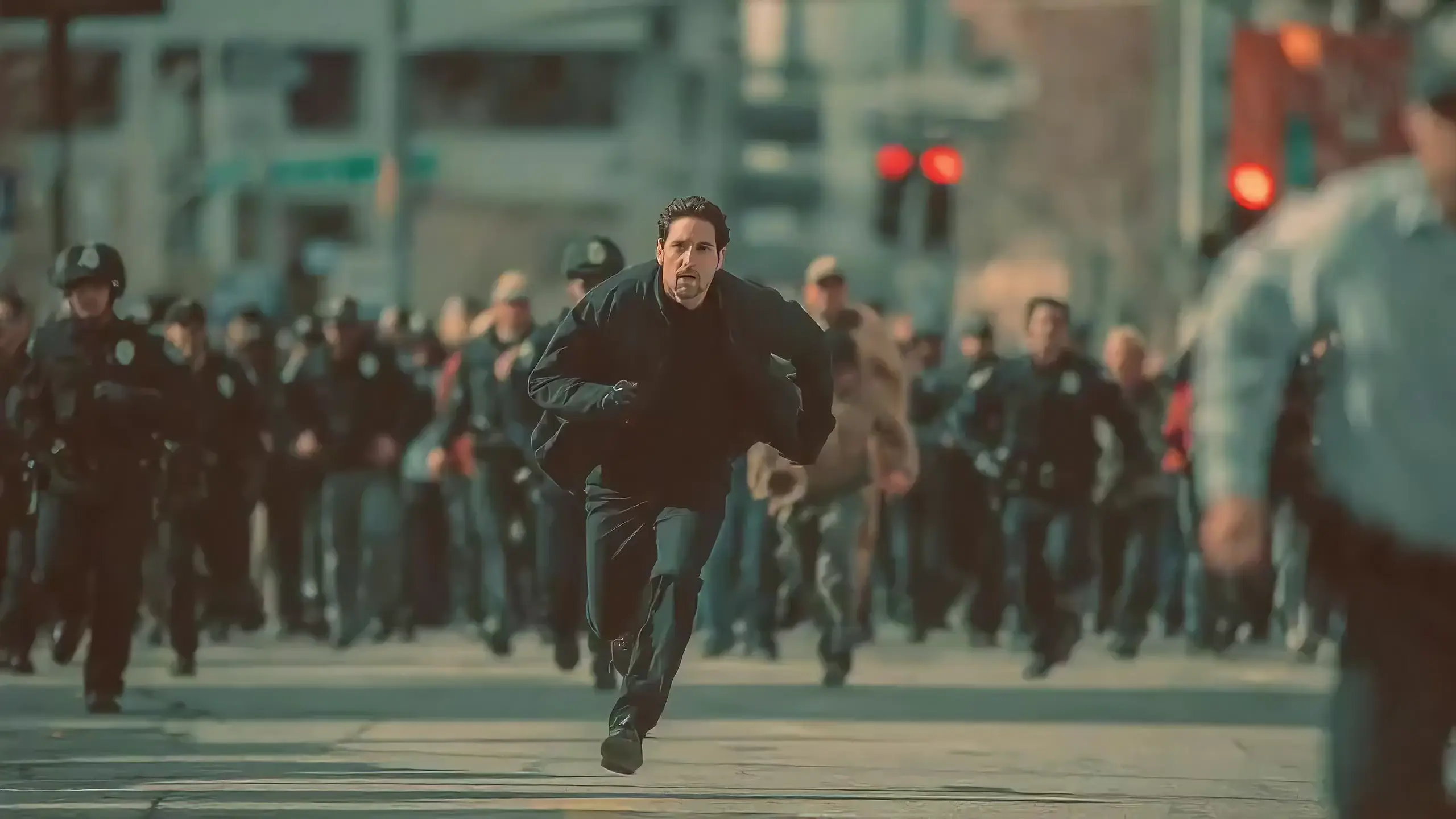
Seedance 2.0 features exclusive optimizations for image-to-video and text-to-video scenarios with its intelligent lens switching function. No professional editing knowledge or complex lens commands are needed—simply with an image sequence or text description, the model automatically matches the suitable lens switching methods. It supports a variety of transition effects such as fade in/out, pan, tilt, push, pull, and seamless scene transitions, and can adjust the switching speed based on frame content and plot rhythm, effectively boosting transition naturalness by 92%. This turns static images or text-described scenes into dynamic videos with naturally flowing camera movements, directly generating a complete video with smooth lens switching without requiring any additional description of transition details.
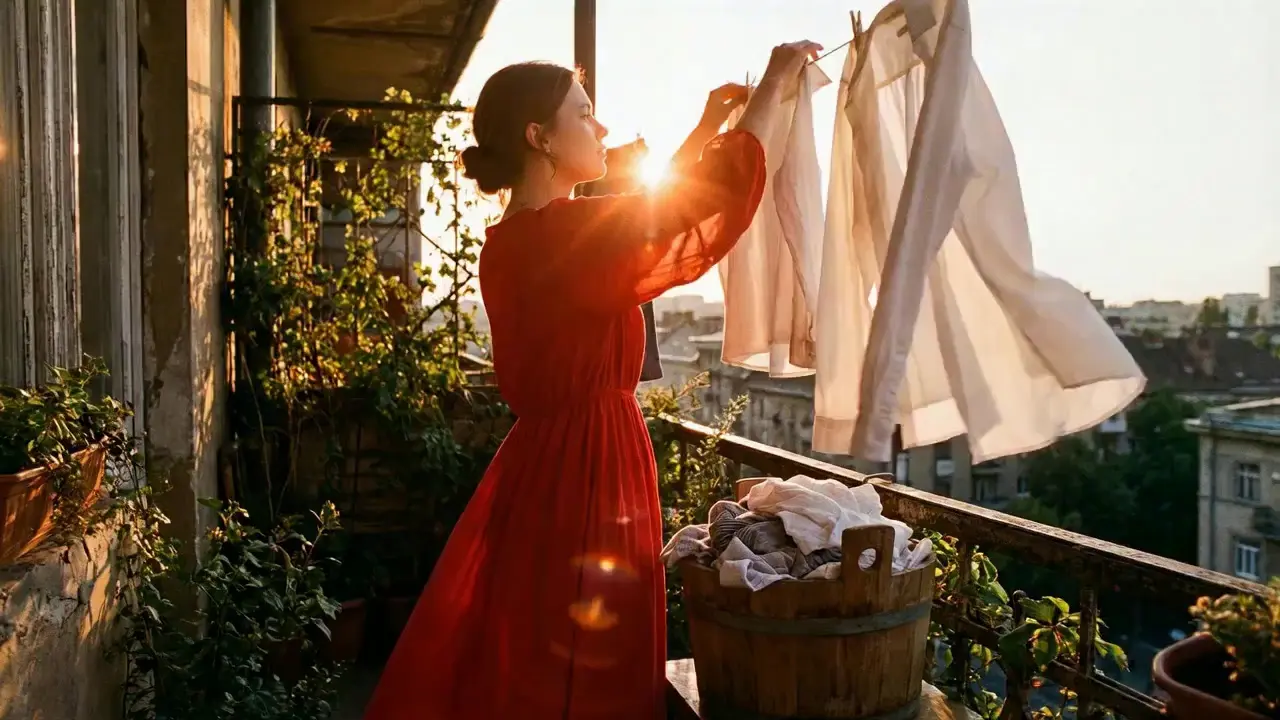
This is a practical and efficient core feature of Seedance 2.0. When you’re unsatisfied with a small detail in a generated video, there’s no need to start over from scratch—it supports targeted revisions including character replacement, clip deletion, and movement adjustment. You can modify specific parts accurately without altering the overall frame, rhythm, or style of the original video, eliminating the trouble of remaking the entire video.
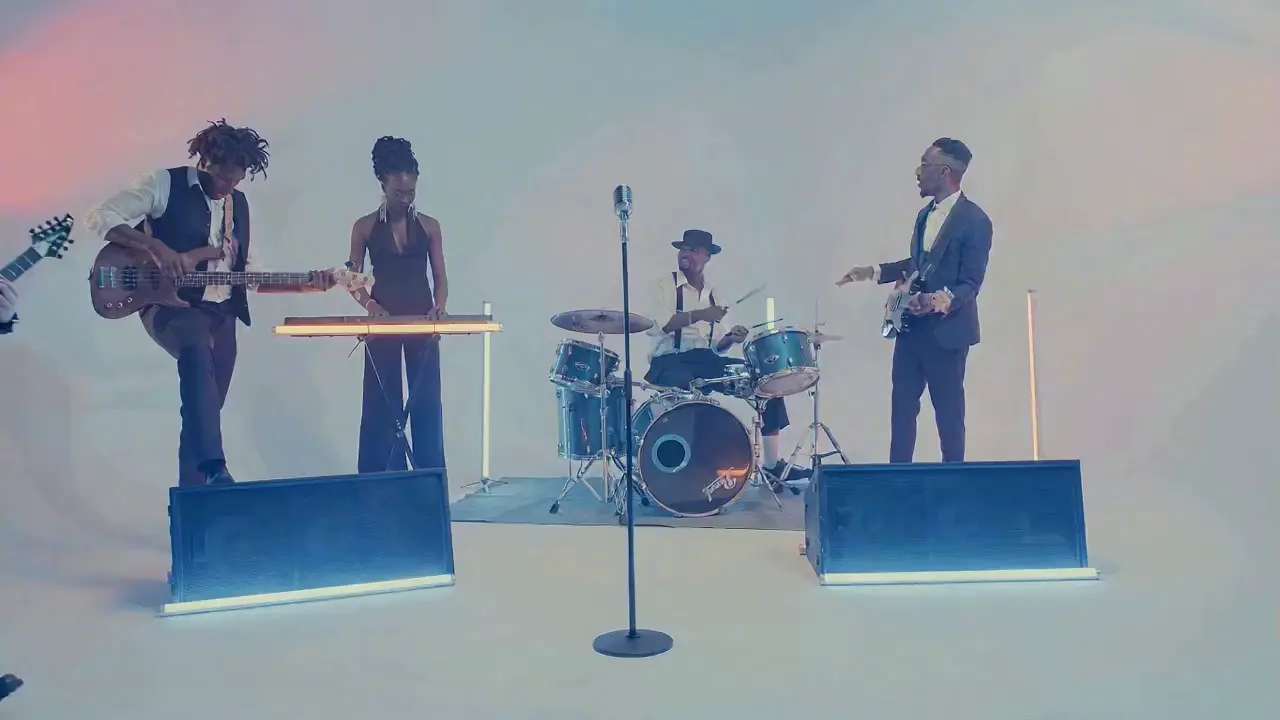
If the lead singer in a band performance video doesn’t meet your expectations, upload a new image of the lead singer and write the prompt: "Replace the female lead singer in @Video 1 with the male lead singer in @Image 1, replicating all original movements exactly". A new video is generated quickly, reducing revision time by 70%.
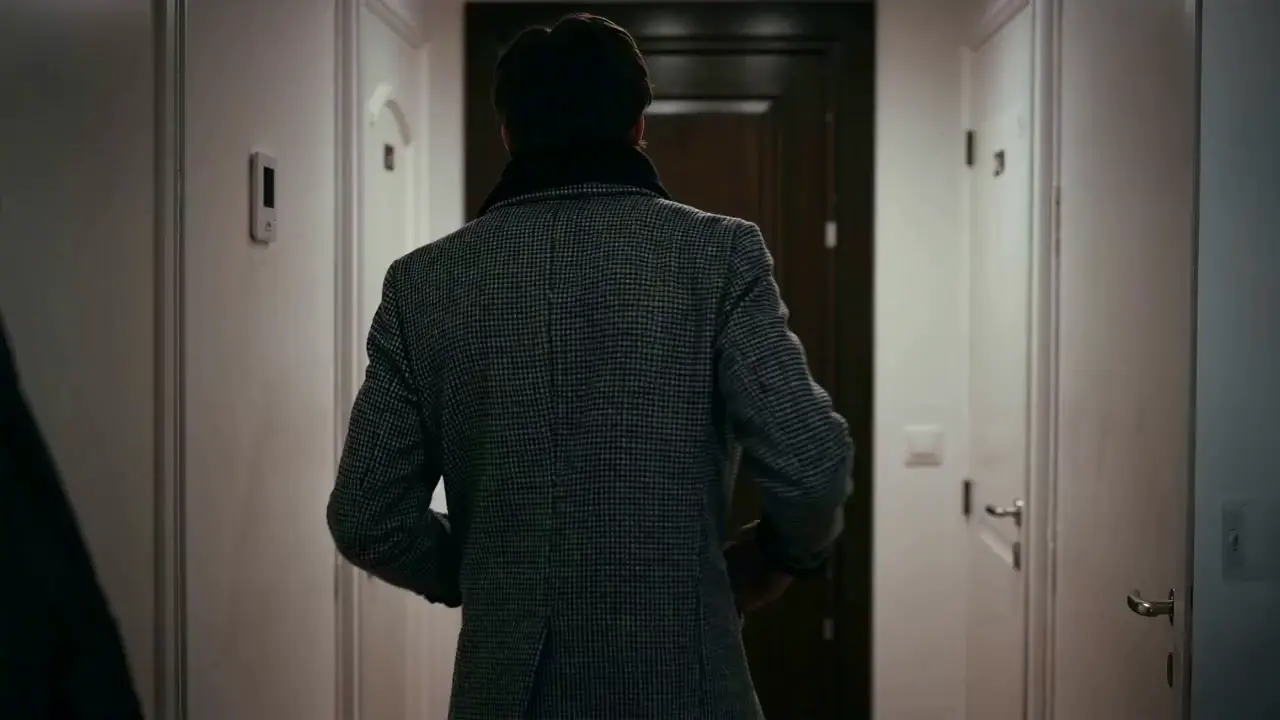
The most frustrating creative pain points—character face distortion, lost product details, abrupt scene changes, inconsistent lens styles—are completely solved in Seedance 2.0. The model maintains high consistency throughout the video, from facial features and costumes of characters to small text and prop details in the frame, greatly enhancing the video’s integrity and professionalism.
When creating a plot short video, from the opening corridor scene to the warm indoor ending, the character’s facial features and costume style remain unchanged throughout, improving frame consistency by 95% and delivering a smoother viewing experience for the audience.
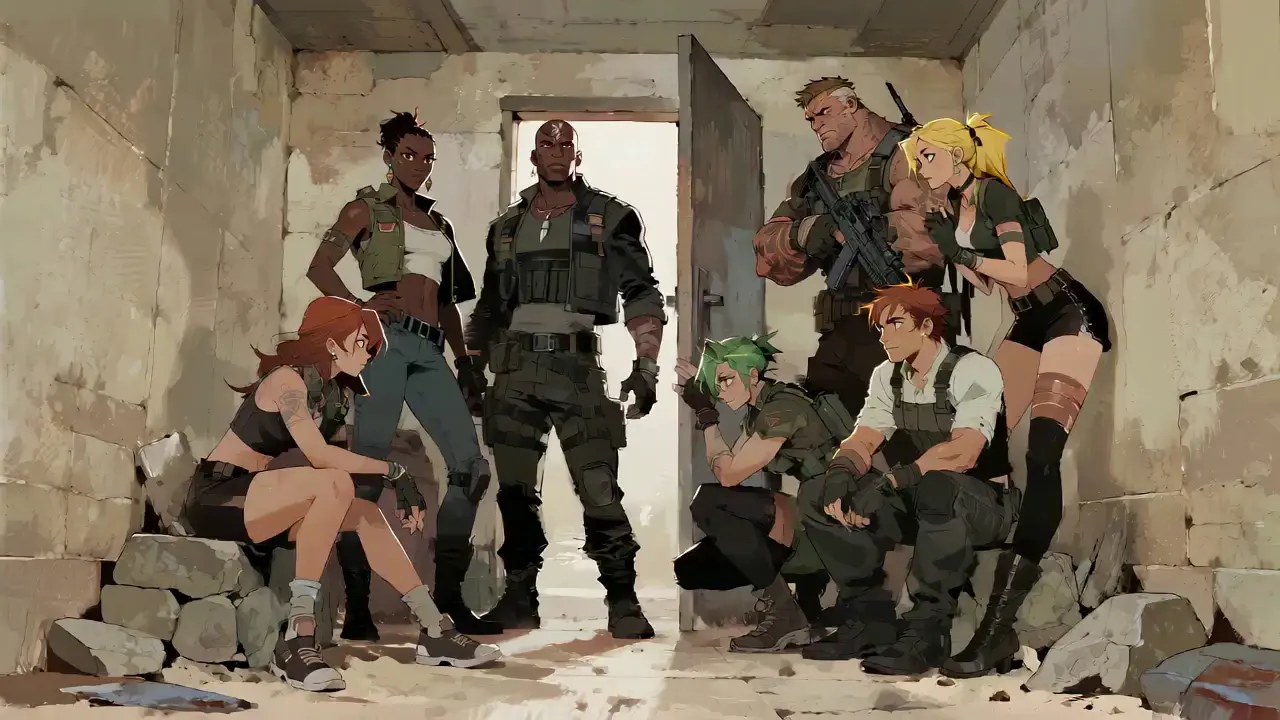
Seedance 2.0 not only generates high-quality frames but also achieves accurate sound timbre reproduction and natural sound effect matching. It supports multi-language line generation (e.g., Spanish, English), and details such as equipment collision and environmental sound effects are presented synchronously. No additional audio editing is needed—the generated video comes with an immersive audio-visual experience out of the box.
For a tactical short film, make characters deliver precise Spanish lines paired with sound effects like equipment collisions and breathing, boosting audio-visual matching by 85% to create a cinema-level auditory experience.
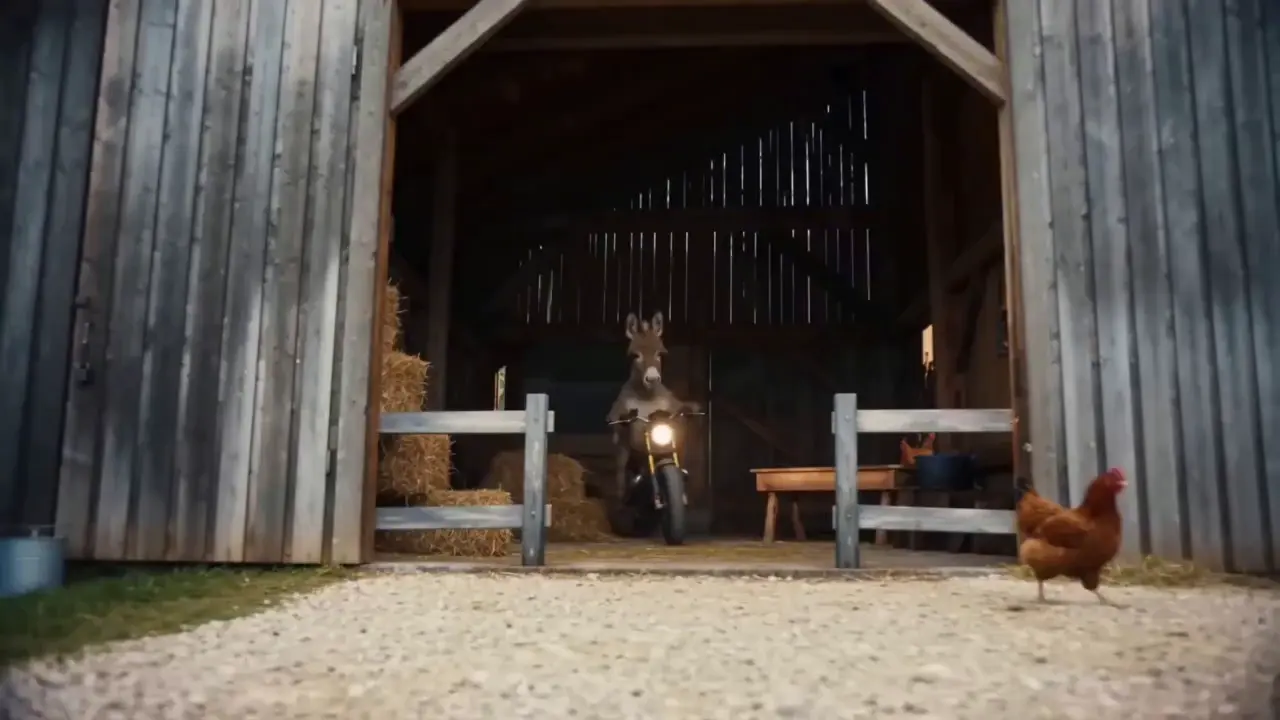
This is the standout core feature of Seedance 2.0. It not only accurately replicates movements, cinematography, special effects, and sound timbres from reference materials, but also enables smooth extension and connection of existing videos to achieve a "continue shooting" effect. Whether it’s a Hitchcock zoom from a movie or the beat-matching rhythm of a viral video, just upload the reference video and the model replicates it 1:1—no more lengthy prompts required.
If your plot short film is missing only the ending, upload the original video and write the prompt: "Extend @Video 1 by 15 seconds. Refer to the character riding a motorcycle from @Image 1 and @Image 2, and add a creative ad segment". A naturally connected ending is generated instantly, enhancing video extension naturalness by 90%.
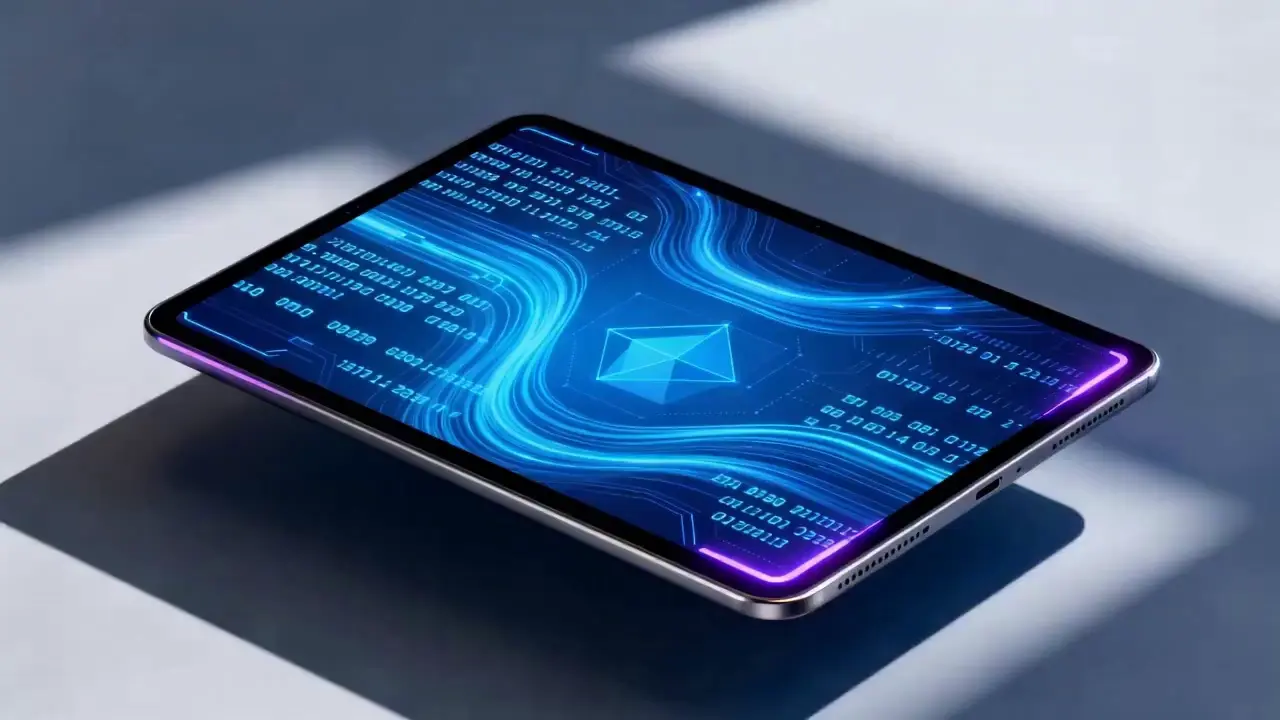
Seedance 2.0 supports mixed input of up to 9 images, 3 videos (total duration ≤15s), 3 audio files (MP3 format / total duration ≤15s) plus natural language text, with a maximum total of 12 files for mixed input. You can set the visual style with a single image, specify character movements and cinematography with a video, set the rhythmic mood with a few seconds of audio, and add details with text. It’s just like a director arranging on-set materials, ensuring every creative idea is accurately realized.
For a product promotion short film, upload real product photos + a reference advertising cinematography video + brand background music, then write the prompt: "Close-up of product details + slow lens push-in". No from-scratch editing is needed—a tailored short film is generated in 1 minute, improving creative efficiency by 80%.
Er zijn geen complexe handelingen vereist om Seedance 2.0 te gebruiken. Zelfs beginners zonder enige ervaring kunnen de creatie in 4 eenvoudige stappen voltooien: alle handelingen zijn webgebaseerd, er is geen softwaredownload nodig. De gedetailleerde stappen zijn als volgt:
Nadat u zich heeft aangemeld bij uw account, zoekt u het Seedance 2.0-item in de navigatiebalk en klikt u om naar de bedieningspagina te gaan, die is onderverdeeld in drie kernmodules: Materiaaluploadgebied, Promptinvoergebied en Parameterinstelgebied. Selecteer eerst het geschikte model en bereid vervolgens de materialen voor die nodig zijn voor het genereren van video's.
Upload afbeeldingen, video's en audiomateriaal volgens uw behoeften en let op de limieten voor de materiaalhoeveelheid: maximaal 9 afbeeldingen, 3 video's (totale duur ≤15s), 3 audiobestanden (MP3-formaat / totale duur ≤15s) plus tekst in natuurlijke taal, met een maximum van in totaal 12 bestanden voor gemengde invoer. Geef prioriteit aan het uploaden van materialen die de grootste impact hebben op het frame en het ritme, zoals kernreferentievideo's of stijlbepalende afbeeldingen.
Beschrijf uw creatieve behoeften in natuurlijke taal in het tekstinvoervak.
De kerntip is om materiële objecten te taggen met @ en duidelijke instructies op te geven, zoals verwijzen/bewerken/gebruiken als eerste frame/gebruiken als laatste frame om materiële verwarring te voorkomen.
✅ Uitstekend promptvoorbeeld: @Afbeelding 1 als eerste frame;
verwijzen naar de vechtbewegingen in @Video 1, de camera volgt de beweging van het personage, met een binnenplaats in oude stijl als achtergrond.
❌ Veelgemaakte fout: het niet taggen van materialen, alleen schrijven: referentie vechtbewegingen, binnenplaats in oude stijl.
Selecteer de gewenste videoduur (4-15s optioneel) op basis van uw behoeften en klik op Video genereren. Seedance 2.0 voltooit de generatie in 3-4 minuten. U kunt de video direct na het genereren online bekijken; Als u niet tevreden bent, kunt u de prompt herzien op basis van de originele materialen en deze met één klik opnieuw genereren.
Het schrijven van hoogwaardige prompts is de sleutel om de output van Seedance 2.0 aan uw verwachtingen te laten voldoen.
Gebruik het formaat van de functie @Material, bijvoorbeeld @Image 2 als het laatste frame, verwijs naar de beatmatching in @Audio 1, vervang het teken in @Video 1 door @Image 1.
Geef lenstypen op (bijvoorbeeld vogelperspectief/circulaire trackingshot/één opname), bewegingen (bijvoorbeeld het personage springt en rolt vervolgens met vloeiende bewegingen) en emoties (bijvoorbeeld Instorten en schreeuwen, verwijs naar de uitdrukking in @Video 1).
Er zijn geen lange beschrijvingen nodig; druk de kernbehoeften uit in beknopte, natuurlijke taal. Voor een nauwkeuriger begrip van het model wordt aanbevolen om één enkele prompt binnen 50 woorden te houden.
Wanneer u meerdere materialen combineert, verduidelijk dan de syntheselogica, bijvoorbeeld door een scène toe te voegen tussen @Video 1 en @Video 2 met het landschap in @Image 1 als inhoud, een langzame lens-insteek, en te verwijzen naar de beatmatching in @Audio 1.
Het is niet nodig om bewerkingssoftware zoals PR en AE onder de knie te hebben, en er is geen kennis van professionele cinematografie of special effects-terminologie vereist. Zolang je creatieve ideeën hebt, kun je professionele video's maken, waardoor gewone mensen videoregisseurs worden.
Bij het maken van traditionele video's zijn meerdere stappen nodig: opnemen, bewerken en nasynchroniseren, wat uren in beslag neemt. Met Seedance 2.0 duurt het hele proces slechts een paar minuten, waardoor de kosten voor het maken van één video met 80% worden verlaagd.
De vrije combinatie van multimodale materialen maakt ooit onvoorstelbare ideeën werkelijkheid, zoals het maken van korte video's met cinematografische referenties op filmniveau en het genereren van dynamische plots uit statische beelden.
De gerichte revisiefunctie voor bestaande video's elimineert de noodzaak om inhoud opnieuw te maken voor secundaire creatie, waardoor het ideaal is voor makers van sociale media en e-commerce-exploitanten om snel meerdere versies van video-inhoud te produceren.
Rachel Vance
Head of E-Commerce Growth
Making product promotion short films used to require model shooting + post-production editing. Now I just upload product photos + a reference advertising cinematography video, and a high-quality product short film is generated instantly. The cost of making a single video dropped from $200 to $40, and the effect is just as good as professional shooting—this is a total game-changer!
David Chen
Independent Short Film Director
I love making plot short films. The frame consistency of Seedance 2.0 absolutely amazed me—characters’ facial features remain unchanged from start to finish, and it can accurately replicate Hitchcock zooms! The view count of my plot short films has tripled directly!
Maya Al-Fayed
Viral Content Strategist
I make landscape short videos. Previously, making beat-matching videos required frame-by-frame editing, taking over 2 hours. With Seedance 2.0, I just upload landscape photos + a reference beat-matching video, and a perfect video is generated in 10 minutes—its frame rhythm is even better than my own editing! My followers all ask if I hired a professional editor!
Crevid AI is an advanced all-in-one AI video and image generation platform that helps you create stunning visual content quickly from images, text, or prompts.