Seedance2.0: Şu kadar düşük $0.483/video
Grok: Şu kadar düşük $0.069/video

Waiting for your creations!
Video oluşturmanın yüksek eşiğinden hala rahatsız mısınız? Yaratıcı kısa filmler yapmak istiyorsunuz ancak profesyonel düzenleme becerileriniz mi yok? Film düzeyinde sinematografiyi kopyalamak istiyorsunuz ancak nereden başlayacağınızı bilmiyor musunuz? Video klipleri uzatırken kopuk görüntülerle mücadele mi ediyorsunuz? Yeni başlatılan çok modlu bir AI video oluşturma modeli olan Seedance 2.0, geleneksel video oluşturmanın sınırlarını tamamen kırıyor. Görüntü, video, ses ve metinden oluşan dört boyutlu giriş moduyla, herhangi bir mesleki beceri gerektirmeden kolayca film düzeyinde video çalışmaları oluşturabilirsiniz. Tamamen kullanıcının bakış açısına göre tasarlanan ürünümüz, karmaşık video oluşturmayı basit bir malzeme yazma istemi yükleme sürecine dönüştürerek basitleştirir ve gerçekten hayal ettiğiniz şeyi, yaratıcı bir deneyim elde etmenizi sağlar.
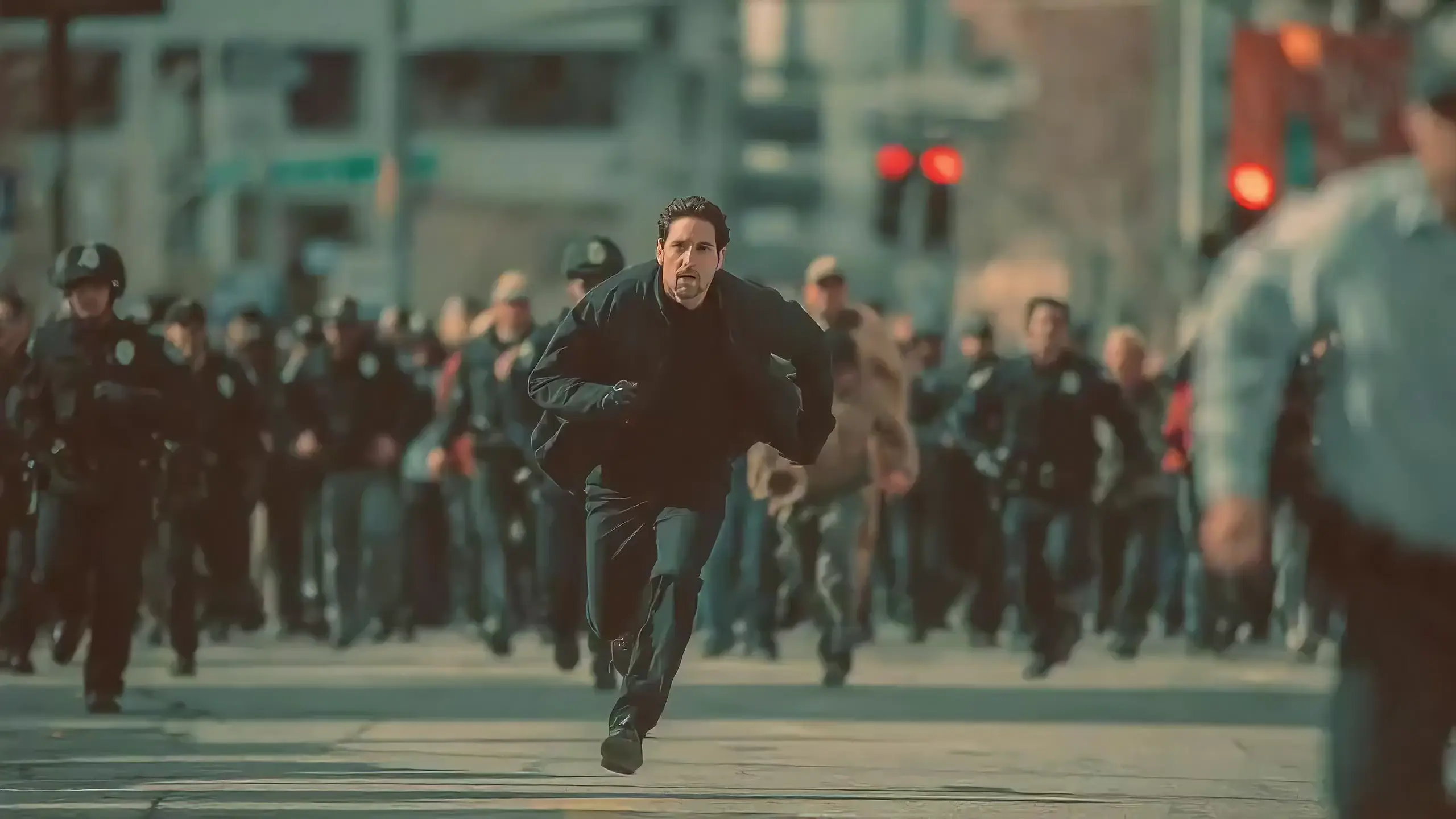
Seedance 2.0 features exclusive optimizations for image-to-video and text-to-video scenarios with its intelligent lens switching function. No professional editing knowledge or complex lens commands are needed—simply with an image sequence or text description, the model automatically matches the suitable lens switching methods. It supports a variety of transition effects such as fade in/out, pan, tilt, push, pull, and seamless scene transitions, and can adjust the switching speed based on frame content and plot rhythm, effectively boosting transition naturalness by 92%. This turns static images or text-described scenes into dynamic videos with naturally flowing camera movements, directly generating a complete video with smooth lens switching without requiring any additional description of transition details.
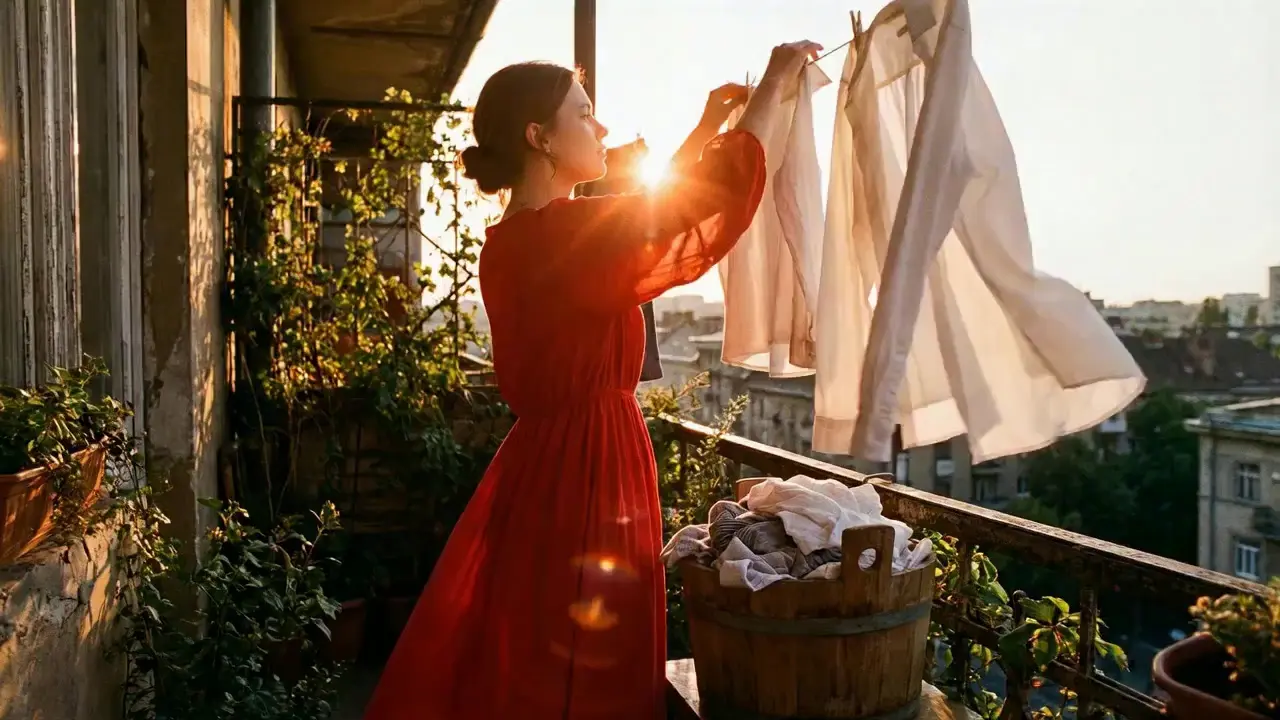
This is a practical and efficient core feature of Seedance 2.0. When you’re unsatisfied with a small detail in a generated video, there’s no need to start over from scratch—it supports targeted revisions including character replacement, clip deletion, and movement adjustment. You can modify specific parts accurately without altering the overall frame, rhythm, or style of the original video, eliminating the trouble of remaking the entire video.
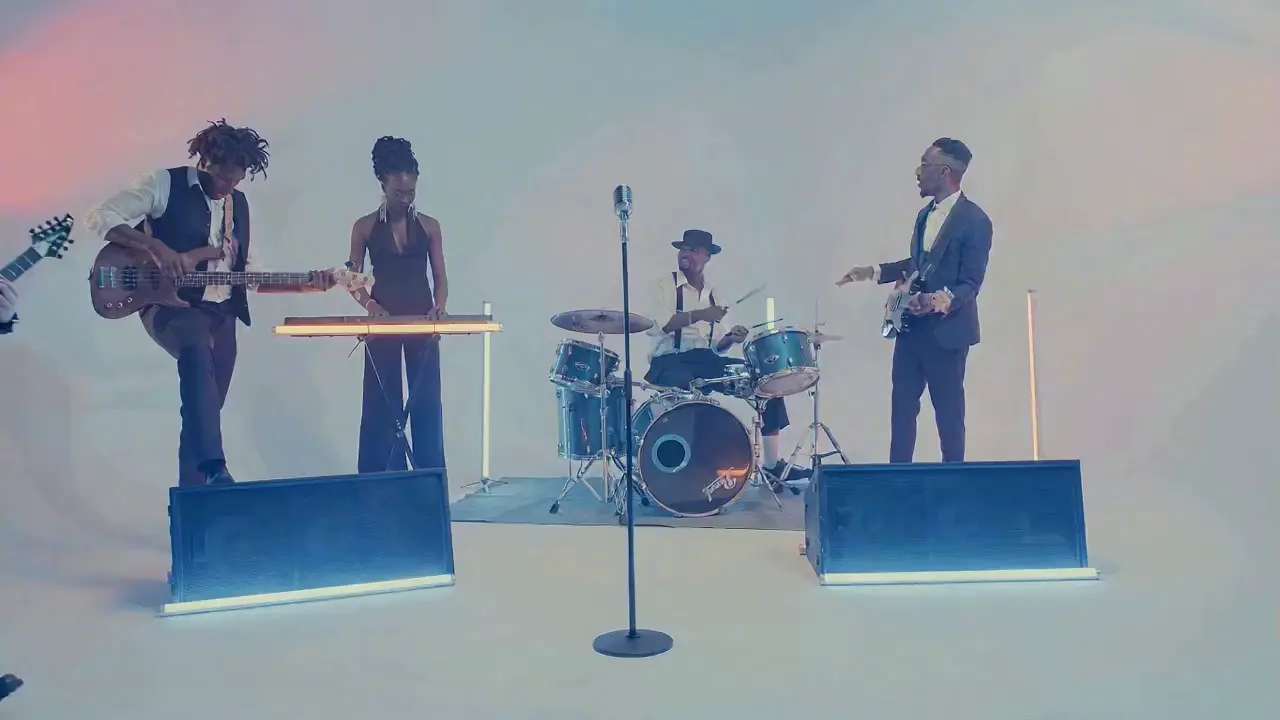
If the lead singer in a band performance video doesn’t meet your expectations, upload a new image of the lead singer and write the prompt: "Replace the female lead singer in @Video 1 with the male lead singer in @Image 1, replicating all original movements exactly". A new video is generated quickly, reducing revision time by 70%.
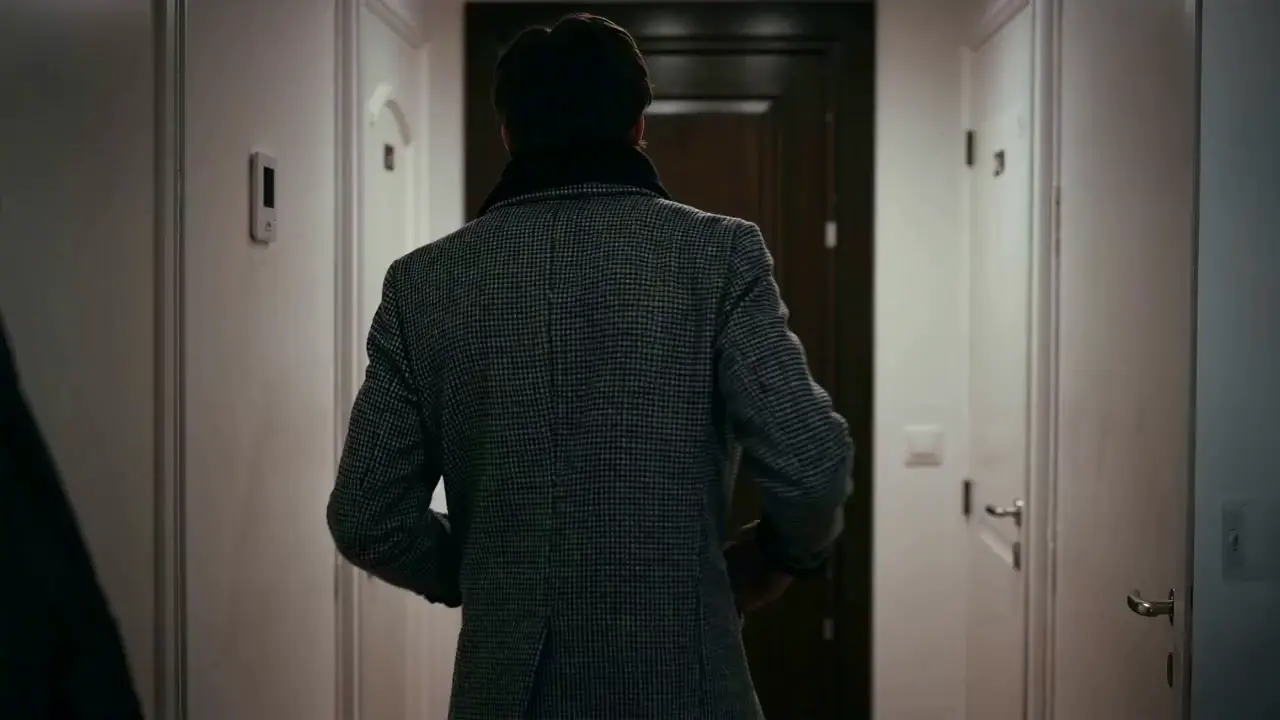
The most frustrating creative pain points—character face distortion, lost product details, abrupt scene changes, inconsistent lens styles—are completely solved in Seedance 2.0. The model maintains high consistency throughout the video, from facial features and costumes of characters to small text and prop details in the frame, greatly enhancing the video’s integrity and professionalism.
When creating a plot short video, from the opening corridor scene to the warm indoor ending, the character’s facial features and costume style remain unchanged throughout, improving frame consistency by 95% and delivering a smoother viewing experience for the audience.
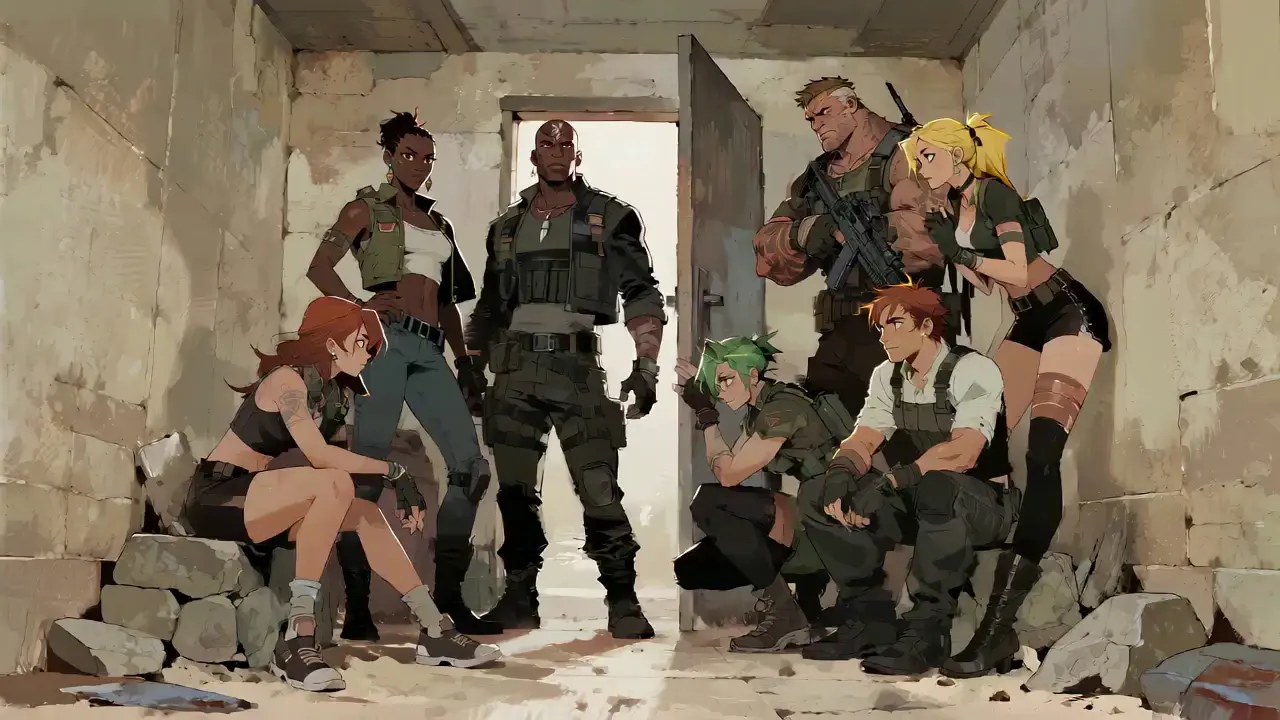
Seedance 2.0 not only generates high-quality frames but also achieves accurate sound timbre reproduction and natural sound effect matching. It supports multi-language line generation (e.g., Spanish, English), and details such as equipment collision and environmental sound effects are presented synchronously. No additional audio editing is needed—the generated video comes with an immersive audio-visual experience out of the box.
For a tactical short film, make characters deliver precise Spanish lines paired with sound effects like equipment collisions and breathing, boosting audio-visual matching by 85% to create a cinema-level auditory experience.
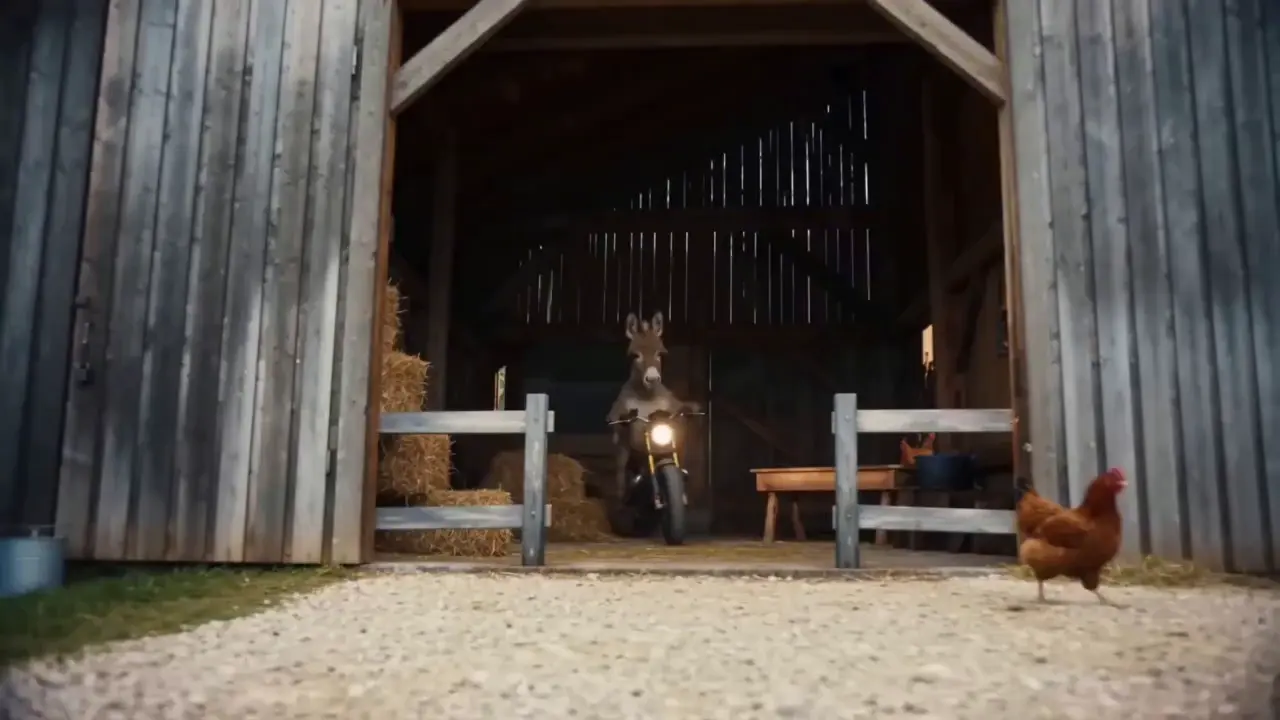
This is the standout core feature of Seedance 2.0. It not only accurately replicates movements, cinematography, special effects, and sound timbres from reference materials, but also enables smooth extension and connection of existing videos to achieve a "continue shooting" effect. Whether it’s a Hitchcock zoom from a movie or the beat-matching rhythm of a viral video, just upload the reference video and the model replicates it 1:1—no more lengthy prompts required.
If your plot short film is missing only the ending, upload the original video and write the prompt: "Extend @Video 1 by 15 seconds. Refer to the character riding a motorcycle from @Image 1 and @Image 2, and add a creative ad segment". A naturally connected ending is generated instantly, enhancing video extension naturalness by 90%.
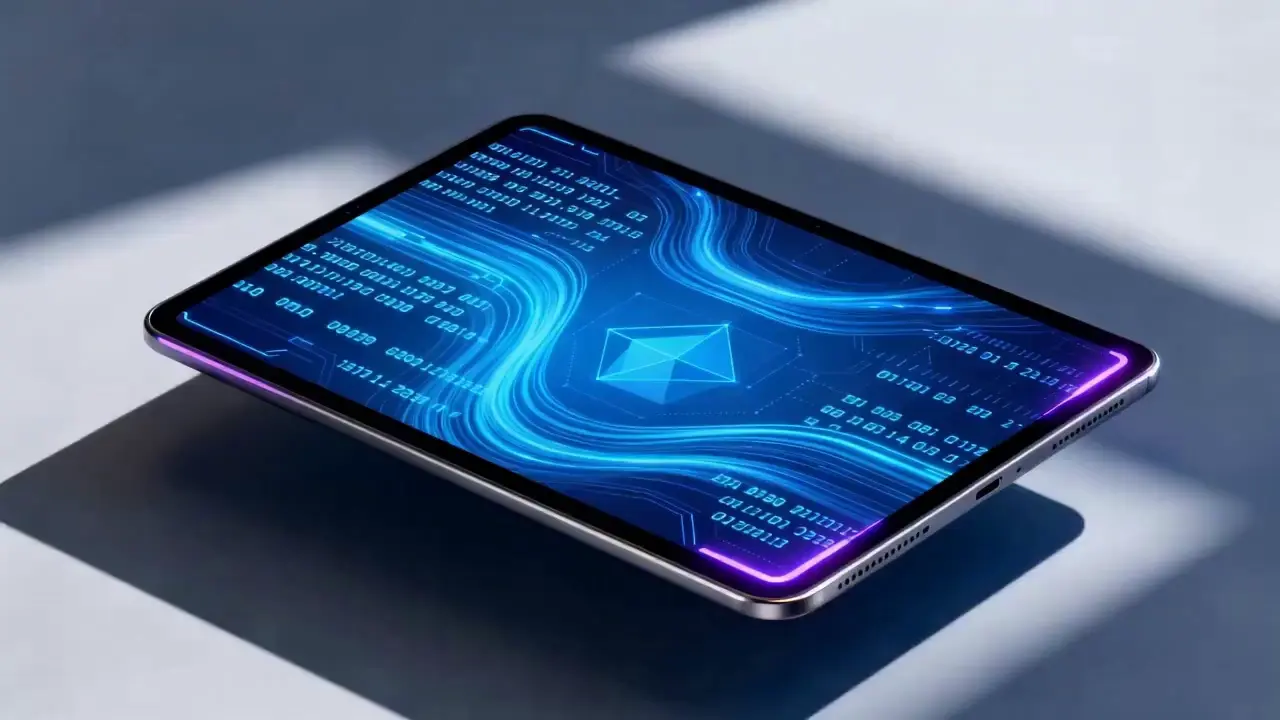
Seedance 2.0 supports mixed input of up to 9 images, 3 videos (total duration ≤15s), 3 audio files (MP3 format / total duration ≤15s) plus natural language text, with a maximum total of 12 files for mixed input. You can set the visual style with a single image, specify character movements and cinematography with a video, set the rhythmic mood with a few seconds of audio, and add details with text. It’s just like a director arranging on-set materials, ensuring every creative idea is accurately realized.
For a product promotion short film, upload real product photos + a reference advertising cinematography video + brand background music, then write the prompt: "Close-up of product details + slow lens push-in". No from-scratch editing is needed—a tailored short film is generated in 1 minute, improving creative efficiency by 80%.
Sedance 2.0'ı kullanmak için hiçbir karmaşık işlem gerekmez. Sıfır deneyime sahip yeni başlayanlar bile oluşturma işlemini 4 basit adımda tamamlayabilir; tüm işlemler web tabanlıdır, yazılım indirmeye gerek yoktur. Ayrıntılı adımlar aşağıdaki gibidir:
Hesabınıza giriş yaptıktan sonra gezinme çubuğunda Sedance 2.0 girişini bulun ve üç temel modüle bölünmüş olan operasyon sayfasına girmek için tıklayın: Malzeme Yükleme Alanı, İstem Giriş Alanı ve Parametre Ayarlama Alanı. Önce uygun modeli seçin, ardından video oluşturmak için gerekli malzemeleri hazırlayın.
İhtiyaçlarınıza göre resim, video ve ses malzemeleri yükleyin ve malzeme miktarı sınırlarına dikkat edin: en fazla 9 resim, 3 video (toplam süre ≤15 saniye), 3 ses dosyası (MP3 formatı / toplam süre ≤15 saniye) artı doğal dil metni, karma giriş için maksimum toplam 12 dosya. Temel referans videoları veya stil tanımlayan resimler gibi çerçeve ve ritim üzerinde en büyük etkiye sahip materyallerin yüklenmesine öncelik verin.
Yaratıcı ihtiyaçlarınızı metin giriş kutusunda doğal dilde açıklayın.
Temel ipucu, maddi nesneleri @ ile etiketlemek ve maddi karışıklığı önlemek için referans verme/düzenleme/ilk kare olarak kullanma/son kare olarak kullanma gibi talimatları açıkça belirtmektir.
✅ Mükemmel Hızlı Örnek: İlk kare olarak @Resim 1;
@Video 1'deki dövüş hareketlerine atıfta bulunulduğunda, kamera arka plan olarak antik tarzdaki bir avluyla karakterin hareketlerini takip ediyor.
❌ Yaygın Hata: Malzemeleri etiketlememek, sadece yazmak: Dövüş hareketlerine referans vermek, antik tarzdaki avlu.
İhtiyaçlarınıza göre istediğiniz video süresini seçin (isteğe bağlı 4-15 saniye) ve Video Oluştur'a tıklayın. Sedance 2.0 üretimi 3-4 dakika içinde tamamlayacak. Oluşturulduktan sonra videoyu doğrudan çevrimiçi olarak önizleyebilirsiniz; Memnun kalmazsanız istemi orijinal materyallere göre gözden geçirin ve tek tıklamayla yeniden oluşturun.
Yüksek kaliteli istemler yazmak, Sedance 2.0 çıktısının beklentilerinize uygun olmasını sağlamanın anahtarıdır.
@Material Function formatını kullanın, örneğin son kare olarak @Image 2, @Audio 1'deki vuruş eşleşmesine referans verin, @Video 1'deki karakteri @Image 1 ile değiştirin.
Mercek türlerini (ör. kuşbakışı/dairesel takipli çekim/tek çekim), hareketleri (ör. Karakter zıplar ve ardından yumuşak hareketlerle yuvarlanır) ve duyguları (ör. Kırılıp çığlık atın, @Video 1'deki ifadeye bakın) belirtin.
Uzun açıklamalara gerek yok; temel ihtiyaçları kısa ve doğal bir dille ifade edin. Modelin daha doğru anlaşılması için tek bir istemin 50 kelime dahilinde tutulması tavsiye edilir.
Birden fazla malzemeyi birleştirirken sentez mantığını netleştirin, örneğin @Video 1 ile @Video 2 arasına içerik olarak @Görüntü 1'de manzara içeren bir sahne, yavaş bir lens içeri itme ekleyin ve @Ses 1'de vuruş eşleşmesine referans verin.
PR ve AE gibi kurgu yazılımlarında uzman olmanıza ve profesyonel sinematografi veya özel efekt terminolojisi bilgisine sahip olmanıza gerek yok. Yaratıcı fikirleriniz olduğu sürece profesyonel videolar üretebilir ve sıradan insanları video yönetmenlerine dönüştürebilirsiniz.
Geleneksel video oluşturma, birkaç çekim, düzenleme ve dublaj adımını içerir ve tamamlanması saatler alır. Sedance 2.0 ile tüm süreç yalnızca birkaç dakika sürüyor ve tek bir video oluşturma maliyetini %80 oranında azaltıyor.
Çok modlu malzemelerin serbest kombinasyonu, film düzeyinde sinematografi referansları içeren kısa videolar oluşturmak ve statik görüntülerden dinamik olay örgüleri oluşturmak gibi, bir zamanlar hayal bile edilemeyen fikirleri gerçeğe dönüştürüyor.
Mevcut videolar için hedeflenen revizyon işlevi, içeriğin ikincil oluşturma için yeniden oluşturulması ihtiyacını ortadan kaldırarak, sosyal medya yaratıcılarının ve e-ticaret operatörlerinin video içeriğinin birden çok sürümünü hızlı bir şekilde üretmesini ideal hale getirir.
Rachel Vance
Head of E-Commerce Growth
Making product promotion short films used to require model shooting + post-production editing. Now I just upload product photos + a reference advertising cinematography video, and a high-quality product short film is generated instantly. The cost of making a single video dropped from $200 to $40, and the effect is just as good as professional shooting—this is a total game-changer!
David Chen
Independent Short Film Director
I love making plot short films. The frame consistency of Seedance 2.0 absolutely amazed me—characters’ facial features remain unchanged from start to finish, and it can accurately replicate Hitchcock zooms! The view count of my plot short films has tripled directly!
Maya Al-Fayed
Viral Content Strategist
I make landscape short videos. Previously, making beat-matching videos required frame-by-frame editing, taking over 2 hours. With Seedance 2.0, I just upload landscape photos + a reference beat-matching video, and a perfect video is generated in 10 minutes—its frame rhythm is even better than my own editing! My followers all ask if I hired a professional editor!
Crevid AI is an advanced all-in-one AI video and image generation platform that helps you create stunning visual content quickly from images, text, or prompts.