Seedance2.0: Thấp như $0.483/băng hình
Grok: Thấp như $0.069/băng hình

Waiting for your creations!
Bạn vẫn còn gặp rắc rối với ngưỡng tạo video cao? Bạn muốn làm phim ngắn sáng tạo nhưng thiếu kỹ năng biên tập chuyên nghiệp? Mong muốn tái tạo kỹ thuật quay phim ở cấp độ phim nhưng không biết bắt đầu từ đâu? Bạn gặp khó khăn với các cảnh quay rời rạc khi mở rộng video clip? Là mô hình tạo video AI đa phương thức mới ra mắt, Seedance 2.0 phá vỡ hoàn toàn ranh giới của việc tạo video truyền thống. Với chế độ nhập hình ảnh, video, âm thanh và văn bản bốn chiều, bạn có thể dễ dàng tạo các tác phẩm video ở cấp độ phim mà không cần bất kỳ kỹ năng chuyên môn nào. Được thiết kế hoàn toàn từ góc nhìn của người dùng, sản phẩm của chúng tôi đơn giản hóa việc tạo video phức tạp thành một quy trình đơn giản là tải lên các tài liệu viết lời nhắc, thực sự mang lại trải nghiệm sáng tạo như những gì bạn tưởng tượng.
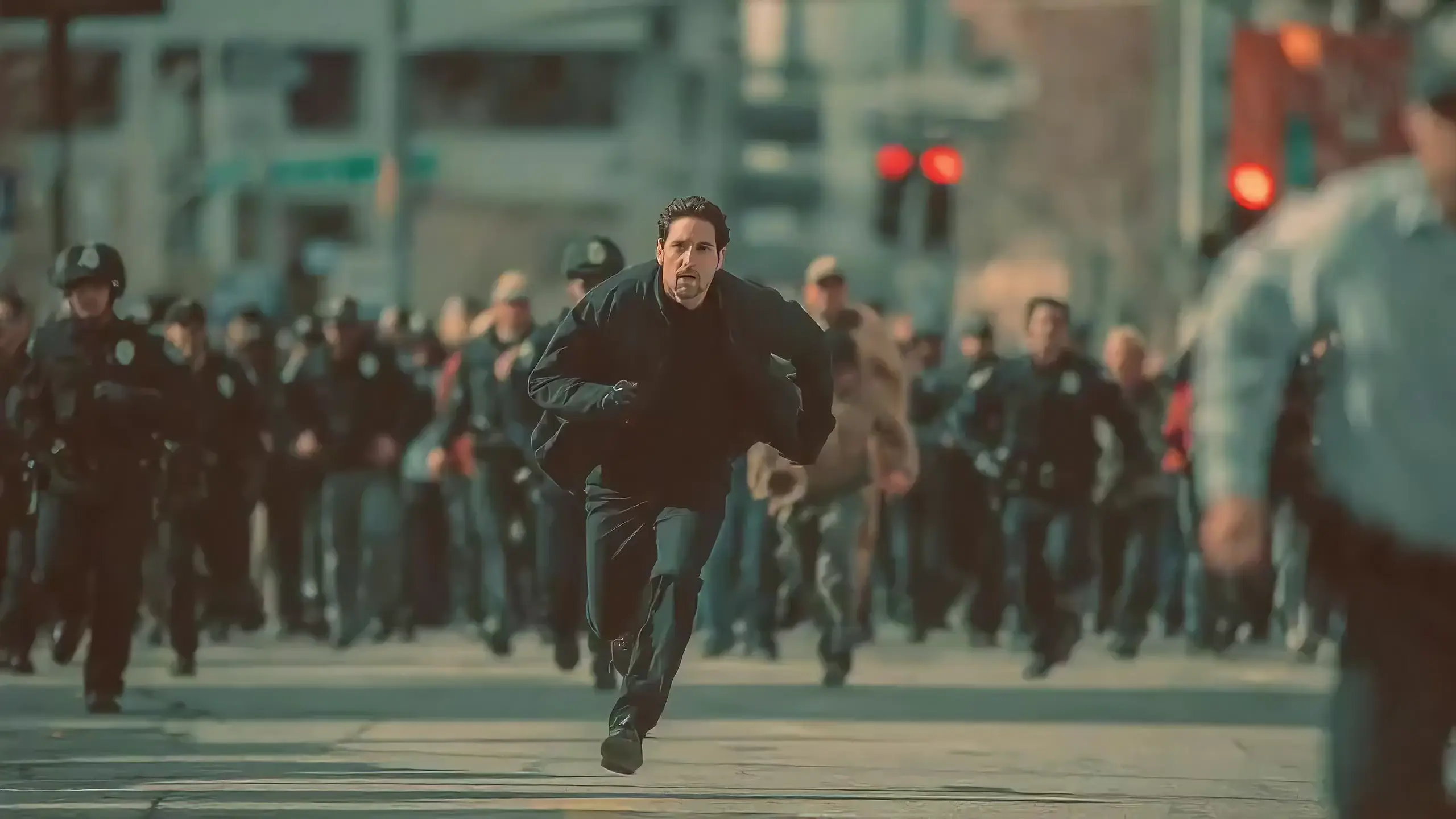
Seedance 2.0 features exclusive optimizations for image-to-video and text-to-video scenarios with its intelligent lens switching function. No professional editing knowledge or complex lens commands are needed—simply with an image sequence or text description, the model automatically matches the suitable lens switching methods. It supports a variety of transition effects such as fade in/out, pan, tilt, push, pull, and seamless scene transitions, and can adjust the switching speed based on frame content and plot rhythm, effectively boosting transition naturalness by 92%. This turns static images or text-described scenes into dynamic videos with naturally flowing camera movements, directly generating a complete video with smooth lens switching without requiring any additional description of transition details.
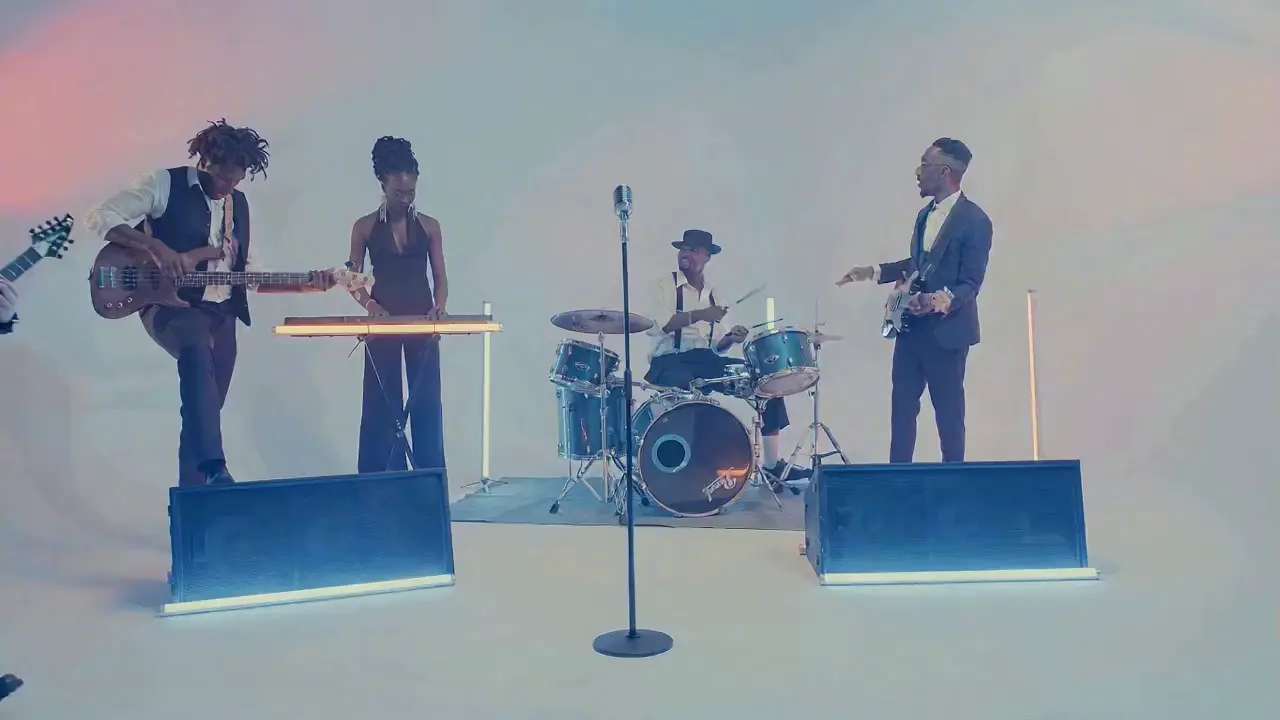
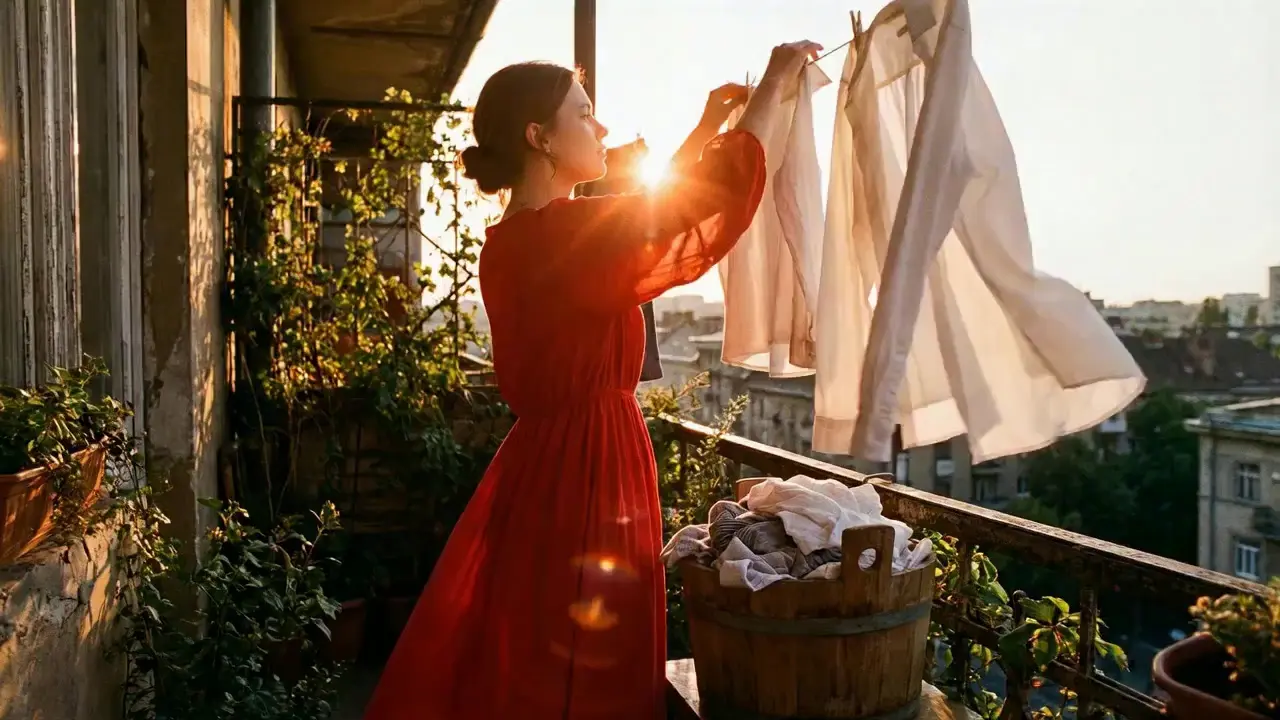
This is a practical and efficient core feature of Seedance 2.0. When you’re unsatisfied with a small detail in a generated video, there’s no need to start over from scratch—it supports targeted revisions including character replacement, clip deletion, and movement adjustment. You can modify specific parts accurately without altering the overall frame, rhythm, or style of the original video, eliminating the trouble of remaking the entire video.
If the lead singer in a band performance video doesn’t meet your expectations, upload a new image of the lead singer and write the prompt: "Replace the female lead singer in @Video 1 with the male lead singer in @Image 1, replicating all original movements exactly". A new video is generated quickly, reducing revision time by 70%.
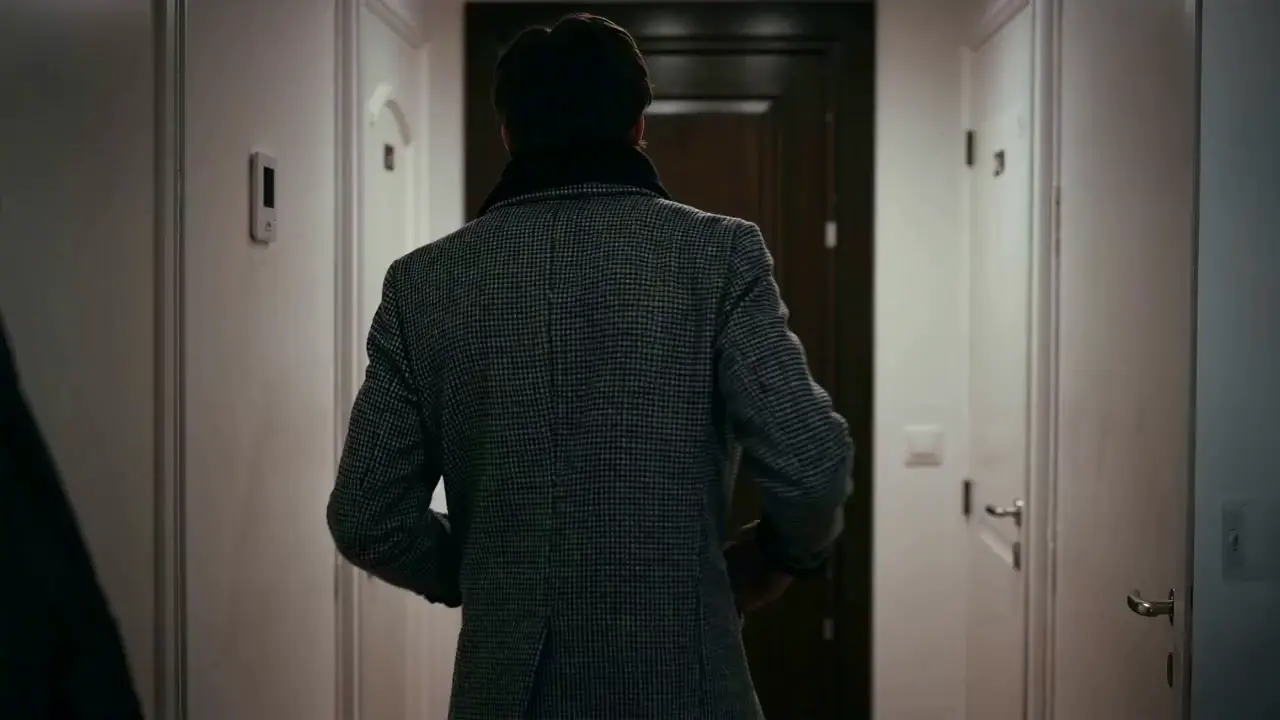
The most frustrating creative pain points—character face distortion, lost product details, abrupt scene changes, inconsistent lens styles—are completely solved in Seedance 2.0. The model maintains high consistency throughout the video, from facial features and costumes of characters to small text and prop details in the frame, greatly enhancing the video’s integrity and professionalism.
When creating a plot short video, from the opening corridor scene to the warm indoor ending, the character’s facial features and costume style remain unchanged throughout, improving frame consistency by 95% and delivering a smoother viewing experience for the audience.
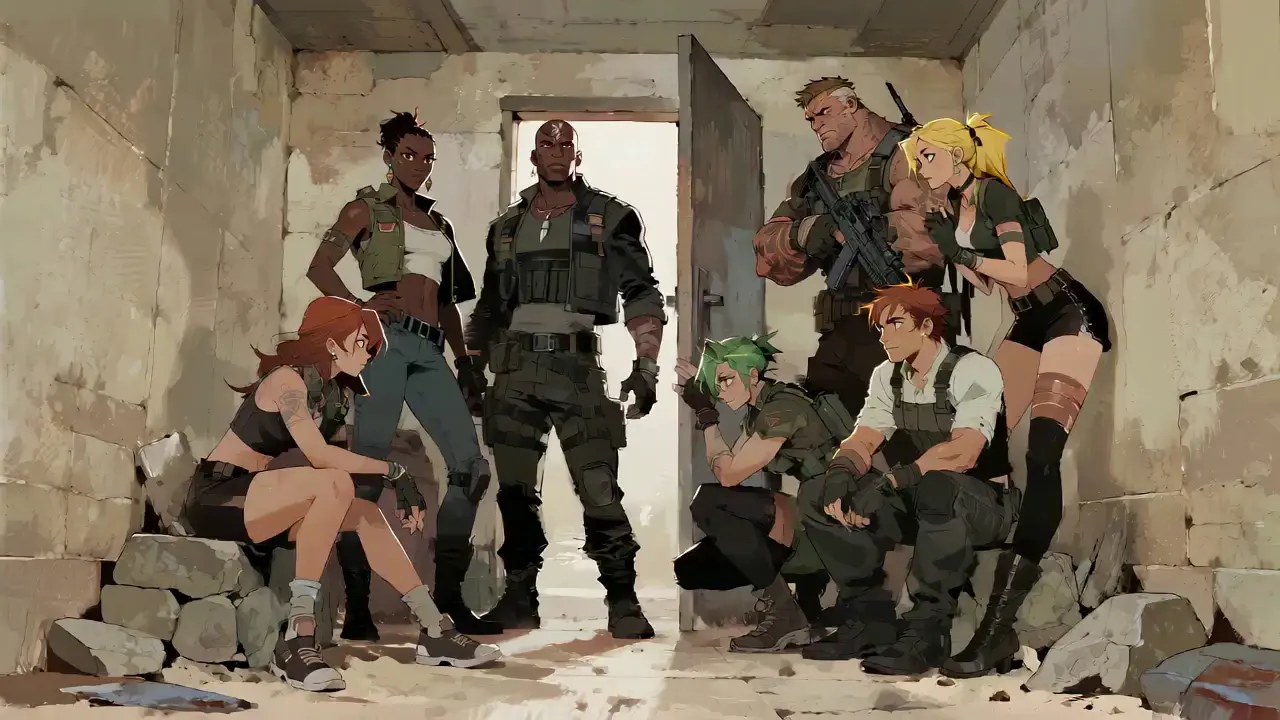
Seedance 2.0 not only generates high-quality frames but also achieves accurate sound timbre reproduction and natural sound effect matching. It supports multi-language line generation (e.g., Spanish, English), and details such as equipment collision and environmental sound effects are presented synchronously. No additional audio editing is needed—the generated video comes with an immersive audio-visual experience out of the box.
For a tactical short film, make characters deliver precise Spanish lines paired with sound effects like equipment collisions and breathing, boosting audio-visual matching by 85% to create a cinema-level auditory experience.
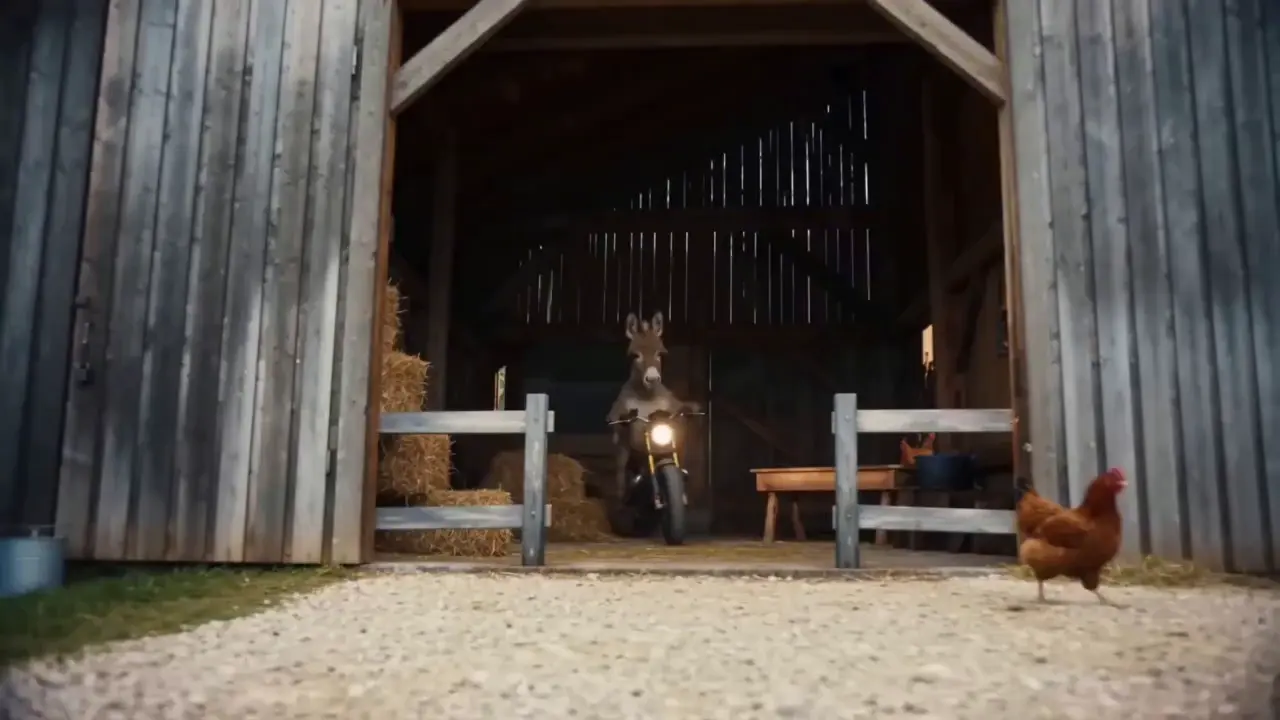
This is the standout core feature of Seedance 2.0. It not only accurately replicates movements, cinematography, special effects, and sound timbres from reference materials, but also enables smooth extension and connection of existing videos to achieve a "continue shooting" effect. Whether it’s a Hitchcock zoom from a movie or the beat-matching rhythm of a viral video, just upload the reference video and the model replicates it 1:1—no more lengthy prompts required.
If your plot short film is missing only the ending, upload the original video and write the prompt: "Extend @Video 1 by 15 seconds. Refer to the character riding a motorcycle from @Image 1 and @Image 2, and add a creative ad segment". A naturally connected ending is generated instantly, enhancing video extension naturalness by 90%.
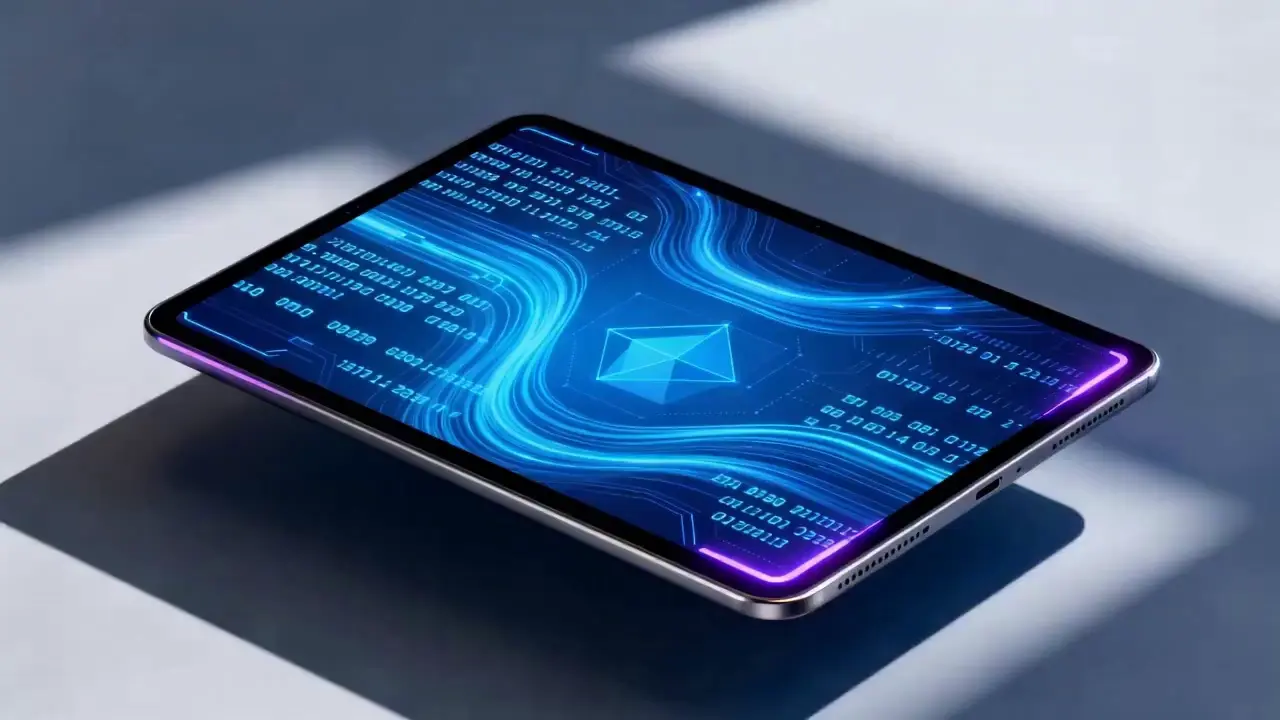
Seedance 2.0 supports mixed input of up to 9 images, 3 videos (total duration ≤15s), 3 audio files (MP3 format / total duration ≤15s) plus natural language text, with a maximum total of 12 files for mixed input. You can set the visual style with a single image, specify character movements and cinematography with a video, set the rhythmic mood with a few seconds of audio, and add details with text. It’s just like a director arranging on-set materials, ensuring every creative idea is accurately realized.
For a product promotion short film, upload real product photos + a reference advertising cinematography video + brand background music, then write the prompt: "Close-up of product details + slow lens push-in". No from-scratch editing is needed—a tailored short film is generated in 1 minute, improving creative efficiency by 80%.
Không cần thao tác phức tạp để sử dụng Seedance 2.0. Ngay cả những người mới bắt đầu chưa có kinh nghiệm cũng có thể hoàn tất quá trình tạo trong 4 bước đơn giản—tất cả các thao tác đều dựa trên web, không cần tải xuống phần mềm. Các bước chi tiết như sau:
Sau khi đăng nhập vào tài khoản của bạn, hãy tìm mục nhập Seedance 2.0 trong thanh điều hướng và nhấp để vào trang vận hành, được chia thành ba mô-đun cốt lõi: Khu vực tải lên tài liệu, Khu vực nhập liệu nhanh chóng và Khu vực cài đặt thông số. Đầu tiên hãy chọn mô hình phù hợp, sau đó chuẩn bị các vật liệu cần thiết để tạo video.
Tải lên hình ảnh, video và tài liệu âm thanh theo nhu cầu của bạn và chú ý đến giới hạn số lượng tài liệu: tối đa 9 hình ảnh, 3 video (tổng thời lượng 15 giây), 3 tệp âm thanh (định dạng MP3 / tổng thời lượng ≤15 giây) cộng với văn bản ngôn ngữ tự nhiên, với tổng số tối đa 12 tệp cho đầu vào hỗn hợp. Ưu tiên tải lên các tài liệu có tác động lớn nhất đến khung hình và nhịp điệu, chẳng hạn như video tham chiếu cốt lõi hoặc hình ảnh xác định phong cách.
Mô tả nhu cầu sáng tạo của bạn bằng ngôn ngữ tự nhiên trong hộp nhập văn bản.
Mẹo cốt lõi là gắn thẻ các đối tượng vật chất bằng @ và chỉ định rõ ràng các hướng dẫn như tham chiếu/chỉnh sửa/sử dụng làm khung đầu tiên/sử dụng làm khung cuối cùng để tránh nhầm lẫn nội dung.
✅ Ví dụ gợi ý xuất sắc: @Hình ảnh 1 làm khung đầu tiên;
tham khảo các động tác chiến đấu trong @Video 1, camera theo dõi chuyển động của nhân vật, với hậu cảnh là sân kiểu cổ xưa.
❌ Lỗi thường gặp: Không gắn thẻ tài liệu, chỉ viết: Tham khảo các động tác chiến đấu, sân kiểu cổ.
Chọn thời lượng video mong muốn (tùy chọn 4-15 giây) theo nhu cầu của bạn và nhấp vào Tạo video. Seedance 2.0 sẽ hoàn thành việc tạo sau 3-4 phút. Bạn có thể xem trước video trực tuyến ngay sau khi tạo; nếu không hài lòng, hãy sửa lại lời nhắc dựa trên tài liệu gốc và tạo lại bằng một cú nhấp chuột.
Viết lời nhắc chất lượng cao là chìa khóa giúp kết quả đầu ra của Seedance 2.0 phù hợp với mong đợi của bạn.
Sử dụng định dạng của @Material Function, ví dụ: @Image 2 làm khung cuối cùng, Tham chiếu khớp nhịp trong @Audio 1, Thay thế ký tự trong @Video 1 bằng @Image 1.
Chỉ định các loại ống kính (ví dụ: chế độ xem mắt chim/ảnh theo dõi vòng tròn/chụp một lần), chuyển động (ví dụ: Nhân vật nhảy rồi lăn với chuyển động mượt mà) và cảm xúc (ví dụ: Suy sụp và hét lên, tham khảo biểu thức trong @Video 1).
Không cần mô tả dài dòng—thể hiện nhu cầu cốt lõi bằng ngôn ngữ tự nhiên ngắn gọn. Bạn nên giữ một lời nhắc trong vòng 50 từ để hiểu mô hình chính xác hơn.
Khi kết hợp nhiều tài liệu, hãy làm rõ logic tổng hợp, ví dụ: Thêm cảnh giữa @Video 1 và @Video 2 với phong cảnh trong @Image 1 làm nội dung, đẩy ống kính chậm và tham chiếu khớp nhịp trong @Audio 1.
Không cần thành thạo phần mềm chỉnh sửa như PR và AE, cũng như không cần kiến thức về quay phim chuyên nghiệp hoặc thuật ngữ hiệu ứng đặc biệt. Chỉ cần bạn có ý tưởng sáng tạo, bạn có thể tạo ra những video chuyên nghiệp—biến những người bình thường thành đạo diễn video.
Quá trình tạo video truyền thống bao gồm nhiều bước quay, chỉnh sửa và lồng tiếng, mất hàng giờ để hoàn thành. Với Seedance 2.0, toàn bộ quá trình chỉ mất vài phút, giảm 80% chi phí tạo một video.
Sự kết hợp miễn phí của các vật liệu đa phương thức biến những ý tưởng từng không thể tưởng tượng thành hiện thực, chẳng hạn như tạo các video ngắn có tham chiếu kỹ thuật quay phim ở cấp độ phim và tạo ra các cốt truyện động từ hình ảnh tĩnh.
Chức năng sửa đổi có mục tiêu cho các video hiện có giúp loại bỏ nhu cầu làm lại nội dung để tạo thứ cấp, khiến nó trở nên lý tưởng cho những người tạo phương tiện truyền thông xã hội và nhà điều hành thương mại điện tử để nhanh chóng tạo ra nhiều phiên bản nội dung video.
Rachel Vance
Head of E-Commerce Growth
Making product promotion short films used to require model shooting + post-production editing. Now I just upload product photos + a reference advertising cinematography video, and a high-quality product short film is generated instantly. The cost of making a single video dropped from $200 to $40, and the effect is just as good as professional shooting—this is a total game-changer!
David Chen
Independent Short Film Director
I love making plot short films. The frame consistency of Seedance 2.0 absolutely amazed me—characters’ facial features remain unchanged from start to finish, and it can accurately replicate Hitchcock zooms! The view count of my plot short films has tripled directly!
Maya Al-Fayed
Viral Content Strategist
I make landscape short videos. Previously, making beat-matching videos required frame-by-frame editing, taking over 2 hours. With Seedance 2.0, I just upload landscape photos + a reference beat-matching video, and a perfect video is generated in 10 minutes—its frame rhythm is even better than my own editing! My followers all ask if I hired a professional editor!
Crevid AI is an advanced all-in-one AI video and image generation platform that helps you create stunning visual content quickly from images, text, or prompts.