Seedance2.0: 低至 $0.483/影片
Grok: 低至 $0.069/影片

Waiting for your creations!
您还在为视频创作门槛高而烦恼吗?想要製作創意短片但缺乏專業剪輯技巧?渴望複製電影級的電影攝影但不知道從哪裡開始?扩展视频剪辑时遇到脱节的镜头?作為新推出的多模態AI影片創作模式,Seedance 2.0徹底打破了傳統影片創作的界限。圖片、影片、音訊、文字四維輸入方式,無需任何專業技能,即可輕鬆創作電影級視訊作品。產品完全從使用者角度出發,將複雜的影片創作簡化為簡單的上傳素材、文字提示的過程,真正實現了所想即所得的創作體驗。
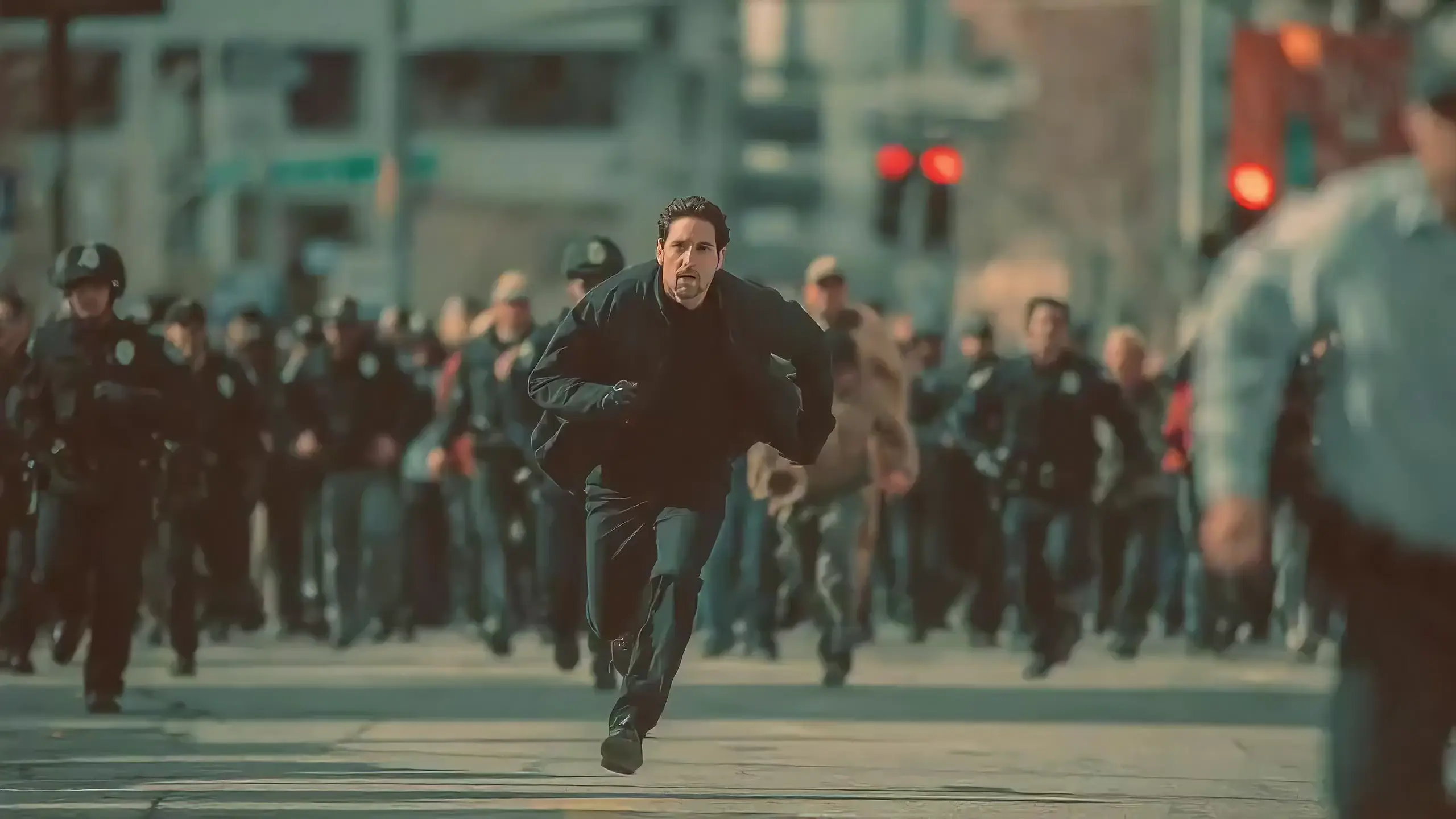
Seedance 2.0 features exclusive optimizations for image-to-video and text-to-video scenarios with its intelligent lens switching function. No professional editing knowledge or complex lens commands are needed—simply with an image sequence or text description, the model automatically matches the suitable lens switching methods. It supports a variety of transition effects such as fade in/out, pan, tilt, push, pull, and seamless scene transitions, and can adjust the switching speed based on frame content and plot rhythm, effectively boosting transition naturalness by 92%. This turns static images or text-described scenes into dynamic videos with naturally flowing camera movements, directly generating a complete video with smooth lens switching without requiring any additional description of transition details.
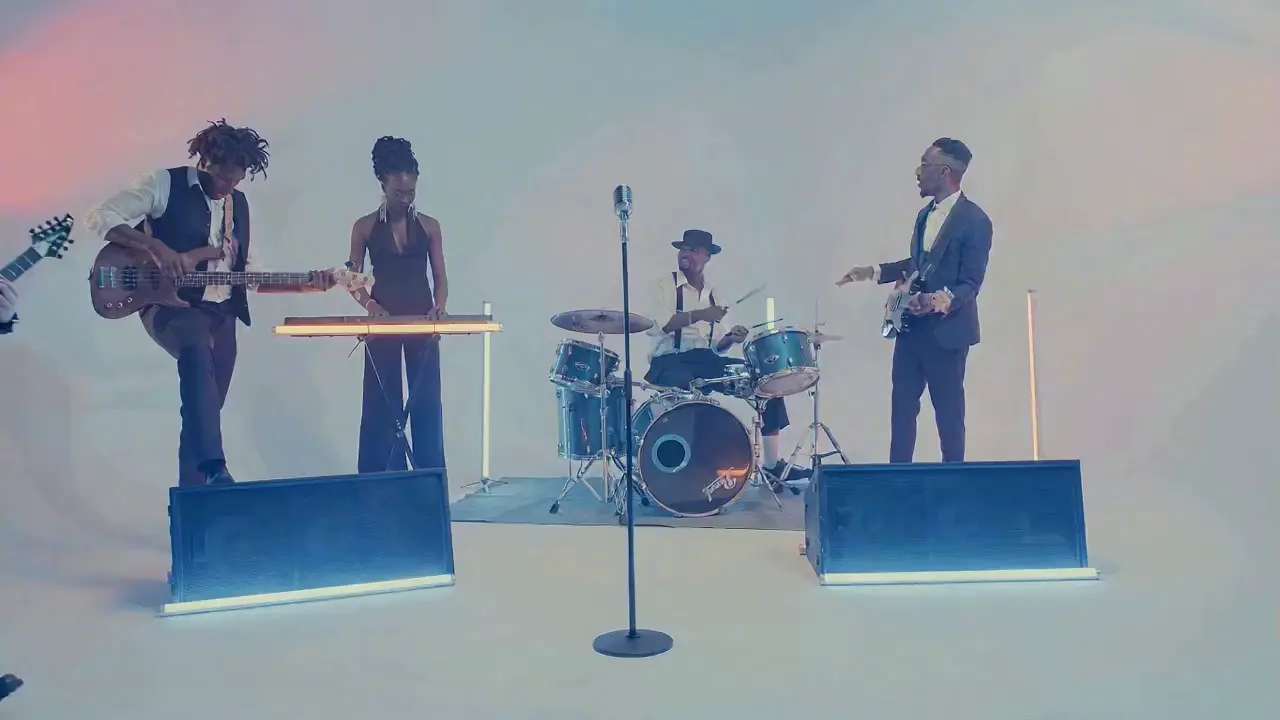
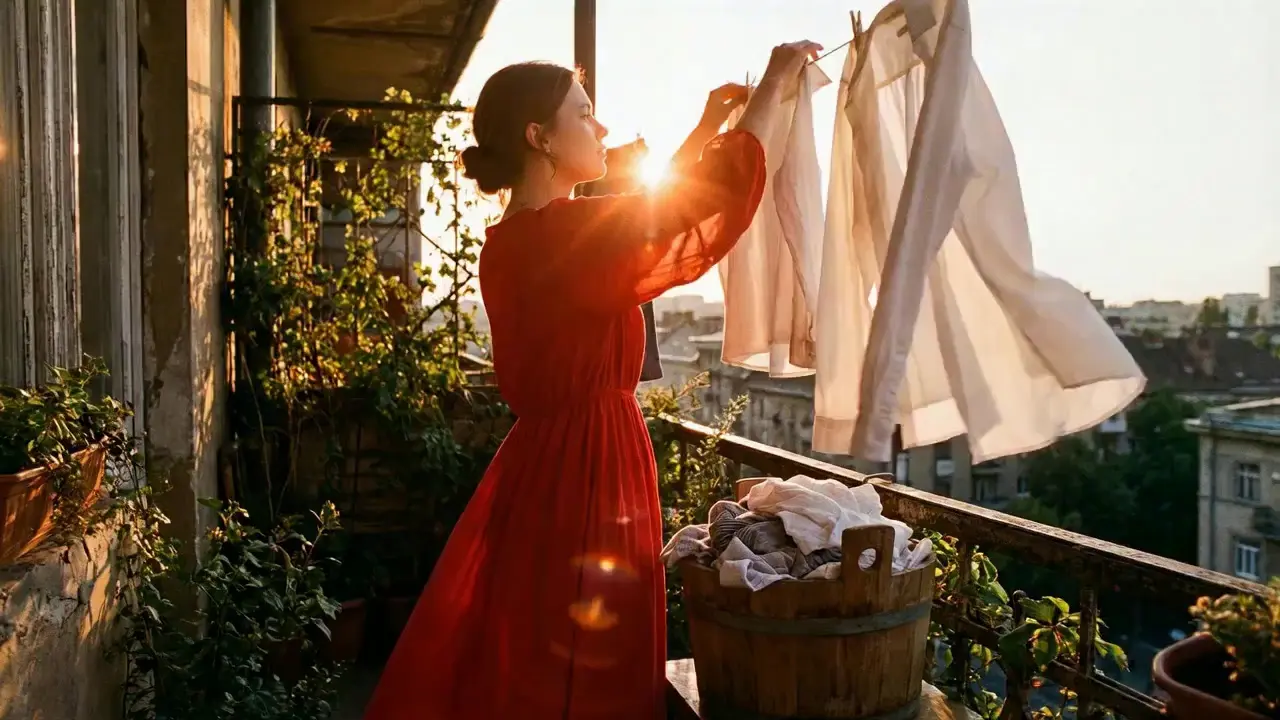
This is a practical and efficient core feature of Seedance 2.0. When you’re unsatisfied with a small detail in a generated video, there’s no need to start over from scratch—it supports targeted revisions including character replacement, clip deletion, and movement adjustment. You can modify specific parts accurately without altering the overall frame, rhythm, or style of the original video, eliminating the trouble of remaking the entire video.
If the lead singer in a band performance video doesn’t meet your expectations, upload a new image of the lead singer and write the prompt: "Replace the female lead singer in @Video 1 with the male lead singer in @Image 1, replicating all original movements exactly". A new video is generated quickly, reducing revision time by 70%.
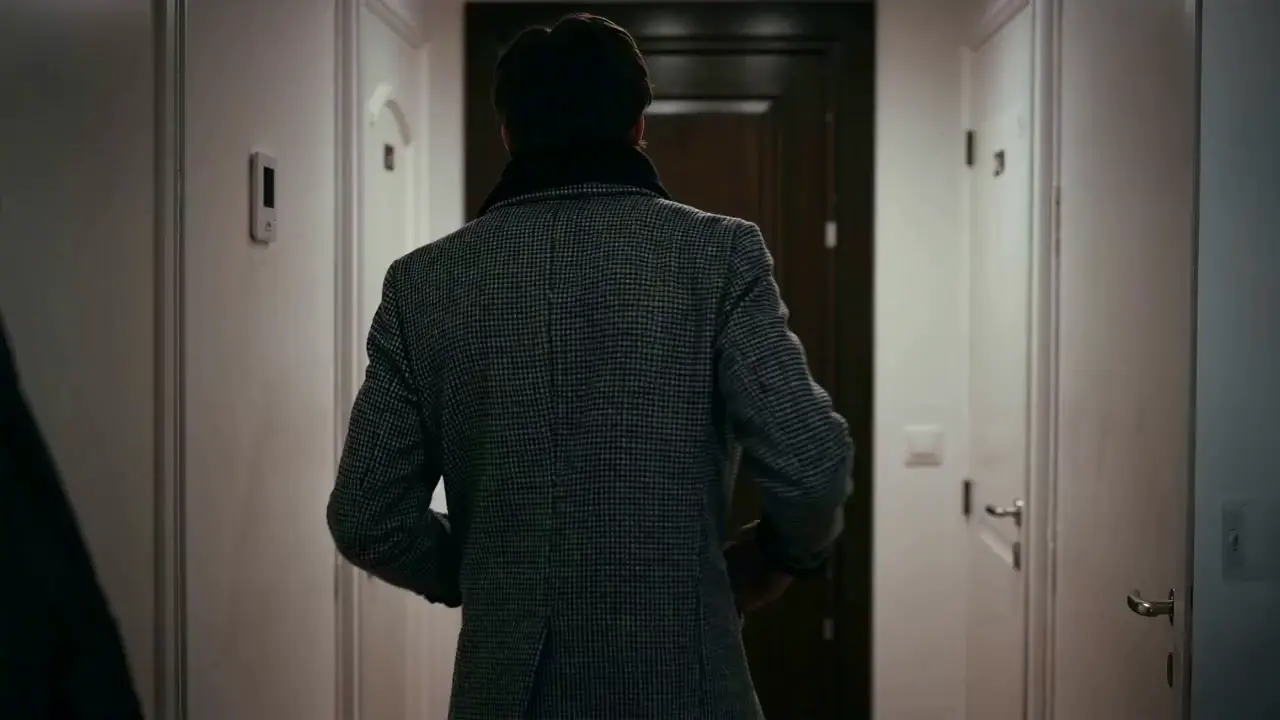
The most frustrating creative pain points—character face distortion, lost product details, abrupt scene changes, inconsistent lens styles—are completely solved in Seedance 2.0. The model maintains high consistency throughout the video, from facial features and costumes of characters to small text and prop details in the frame, greatly enhancing the video’s integrity and professionalism.
When creating a plot short video, from the opening corridor scene to the warm indoor ending, the character’s facial features and costume style remain unchanged throughout, improving frame consistency by 95% and delivering a smoother viewing experience for the audience.
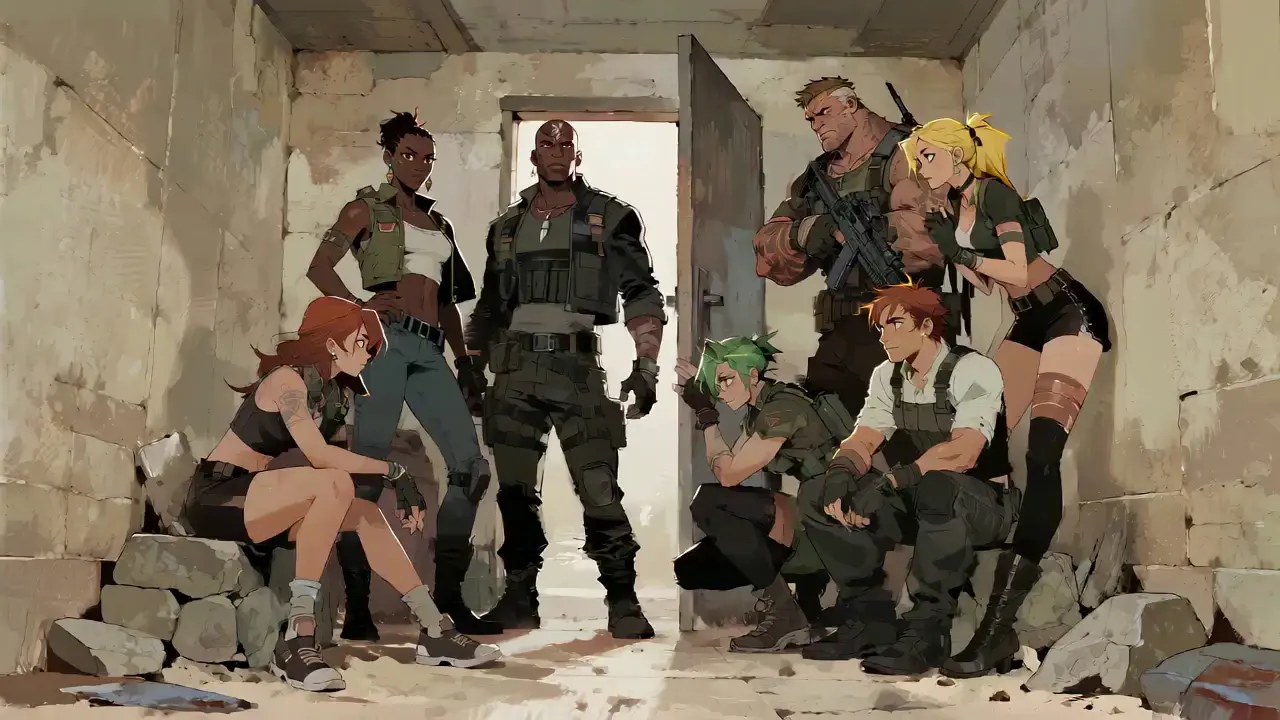
Seedance 2.0 not only generates high-quality frames but also achieves accurate sound timbre reproduction and natural sound effect matching. It supports multi-language line generation (e.g., Spanish, English), and details such as equipment collision and environmental sound effects are presented synchronously. No additional audio editing is needed—the generated video comes with an immersive audio-visual experience out of the box.
For a tactical short film, make characters deliver precise Spanish lines paired with sound effects like equipment collisions and breathing, boosting audio-visual matching by 85% to create a cinema-level auditory experience.
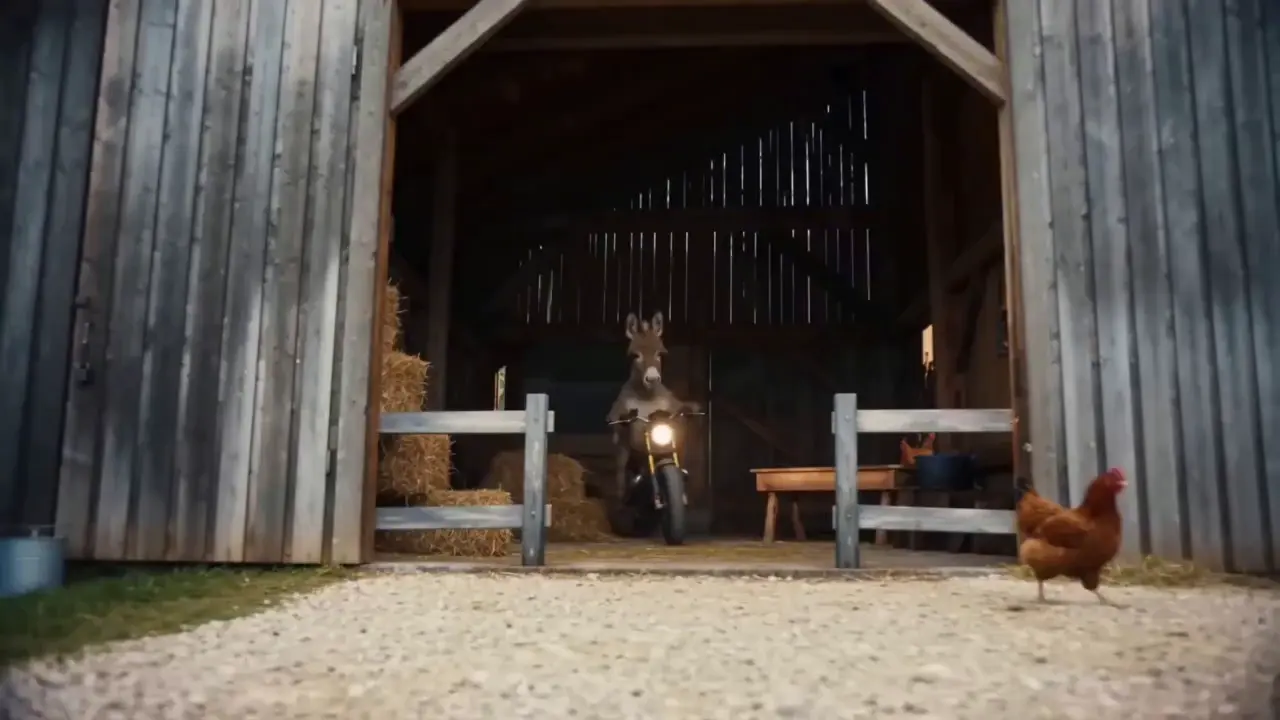
This is the standout core feature of Seedance 2.0. It not only accurately replicates movements, cinematography, special effects, and sound timbres from reference materials, but also enables smooth extension and connection of existing videos to achieve a "continue shooting" effect. Whether it’s a Hitchcock zoom from a movie or the beat-matching rhythm of a viral video, just upload the reference video and the model replicates it 1:1—no more lengthy prompts required.
If your plot short film is missing only the ending, upload the original video and write the prompt: "Extend @Video 1 by 15 seconds. Refer to the character riding a motorcycle from @Image 1 and @Image 2, and add a creative ad segment". A naturally connected ending is generated instantly, enhancing video extension naturalness by 90%.
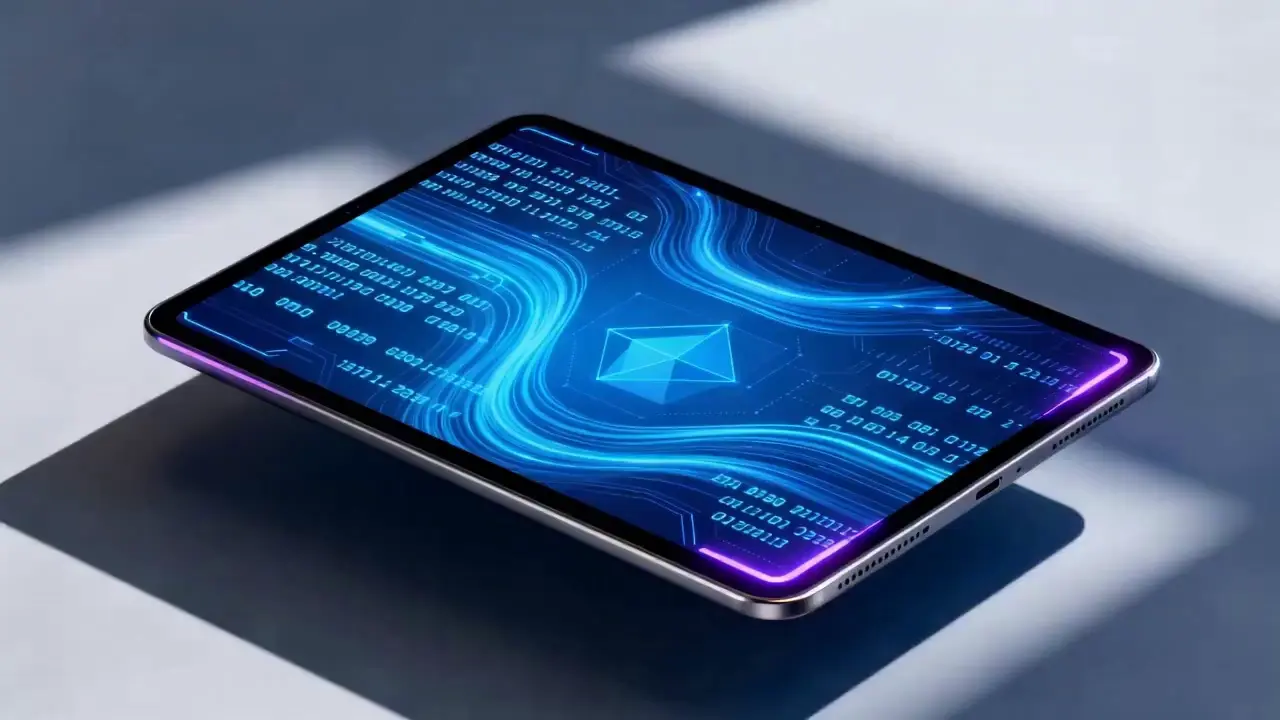
Seedance 2.0 supports mixed input of up to 9 images, 3 videos (total duration ≤15s), 3 audio files (MP3 format / total duration ≤15s) plus natural language text, with a maximum total of 12 files for mixed input. You can set the visual style with a single image, specify character movements and cinematography with a video, set the rhythmic mood with a few seconds of audio, and add details with text. It’s just like a director arranging on-set materials, ensuring every creative idea is accurately realized.
For a product promotion short film, upload real product photos + a reference advertising cinematography video + brand background music, then write the prompt: "Close-up of product details + slow lens push-in". No from-scratch editing is needed—a tailored short film is generated in 1 minute, improving creative efficiency by 80%.
使用 Seedance 2.0 不需要複雜的操作。即使是零經驗的初學者,也能透過簡單的4步驟完成創作-所有操作均基於網頁,無需下載軟體。詳細步驟如下:
登入帳號後,在導覽列中找到Seedance 2.0入口,點選進入操作頁面,頁面分為三個核心模組:素材上傳區、提示輸入區和參數設定區。首先選擇合適的模型,然後準備影片產生所需的材料。
根據需要上傳圖片、影片、音訊素材,注意素材數量限制:最多9張圖片、3個影片(總時長≤15秒)、3個音訊檔案(MP3格式/總時長≤15秒)加上自然語言文本,混合輸入最多12個檔案。優先上傳對框架和節奏影響最大的素材,例如核心參考影片或風格定義圖片。
在文字輸入框中用自然語言描述您的創意需求。核心技巧是用 @ 標記材質對象,並明確指定引用/編輯/用作第一幀/用作最後一幀等指令,以避免材質混淆。
✅優秀提示範例:@Image 1作為第一格;參考@影片1中的打鬥動作,鏡頭跟隨人物動作,以古風庭院為背景。
❌常見錯誤:沒有標示素材,只寫:參考打鬥動作,古風庭院。
根據需要選擇所需的影片時長(4-15秒可選),然後按一下「生成影片」。 Seedance 2.0 將在 3-4 分鐘內完成產生。生成影片後可直接線上預覽;如果不滿意,可以根據原始資料修改提示,並一鍵重新生成。
編寫高品質的提示是讓 Seedance 2.0 的輸出符合您的期望的關鍵。
使用@Material Function的格式,例如@Image 2作為最後一幀,引用@Audio 1中的節拍匹配,將@Video 1中的字元替換為@Image 1。
指定鏡頭類型(例如,鳥瞰圖/圓形追蹤鏡頭/一次拍攝)、動作(例如,角色跳躍然後以平滑的動作滾動)和情緒(例如,崩潰和尖叫,參考@影片1中的表達)。
不需要冗長的描述-用簡潔的自然語言表達核心需求。建議單一提示控制在50字以內,以便更準確地理解模型。
組合多種素材時,明確合成邏輯,例如在@Video 1和@Video 2之間添加一個以@Image 1中的風景為內容的場景,緩慢的鏡頭推入,並參考@Audio 1中的節拍匹配。
無需掌握PR、AE等剪輯軟體,也無需了解專業電影攝影或特效術語。只要有創意,就可以製作專業影片——讓一般人成為影片導演。
傳統的影片創作涉及拍攝、剪輯、配音等多個步驟,需要數小時才能完成。使用 Seedance 2.0,整個過程只需幾分鐘,將創建單一影片的成本降低了 80%。
多模態材料的自由組合使曾經難以想像的想法成為現實,例如製作具有電影級電影攝影參考的短視頻以及從靜態圖像生成動態情節。
針對現有影片的針對性修改功能,無需重新製作內容進行二次創作,非常適合社群媒體創作者和電商業者快速製作多個版本的影片內容。
Rachel Vance
Head of E-Commerce Growth
Making product promotion short films used to require model shooting + post-production editing. Now I just upload product photos + a reference advertising cinematography video, and a high-quality product short film is generated instantly. The cost of making a single video dropped from $200 to $40, and the effect is just as good as professional shooting—this is a total game-changer!
David Chen
Independent Short Film Director
I love making plot short films. The frame consistency of Seedance 2.0 absolutely amazed me—characters’ facial features remain unchanged from start to finish, and it can accurately replicate Hitchcock zooms! The view count of my plot short films has tripled directly!
Maya Al-Fayed
Viral Content Strategist
I make landscape short videos. Previously, making beat-matching videos required frame-by-frame editing, taking over 2 hours. With Seedance 2.0, I just upload landscape photos + a reference beat-matching video, and a perfect video is generated in 10 minutes—its frame rhythm is even better than my own editing! My followers all ask if I hired a professional editor!
Crevid AI is an advanced all-in-one AI video and image generation platform that helps you create stunning visual content quickly from images, text, or prompts.